
Cursor vs GitHub Copilot — Which Should You Use in 2026? (Honest Comparison)
I've used both tools on real projects. Cursor and GitHub Copilot solve different problems — here's how to pick the right one for your workflow.
Zeeshan Zakir
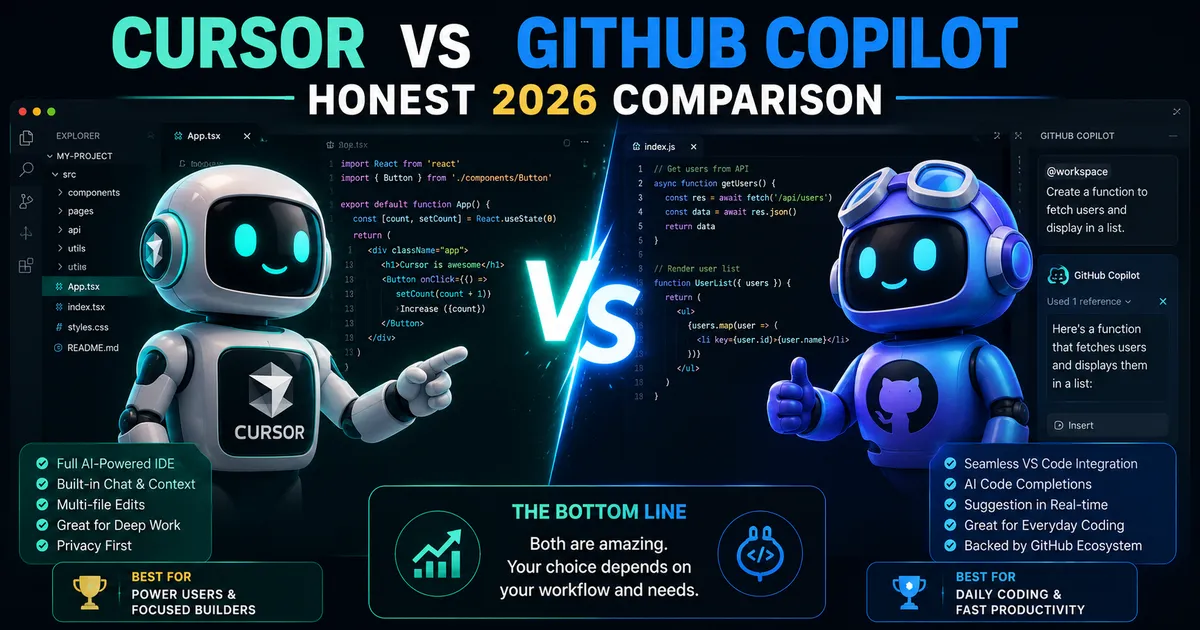
I switched between Cursor and GitHub Copilot three times in the past year before I settled on a setup that works for me. Both tools are genuinely good. Both have specific strengths that the other doesn't have. Picking based on a "which is better" headline misses the point.
But if you're choosing one — or deciding whether the paid upgrade is worth it — this breakdown will help you make the actual decision rather than just read a review.
The Core Difference
Cursor is an AI-native code editor that happens to be built on VS Code. The AI is woven into everything — autocomplete, inline editing, a chat sidebar that reads your files, and an agent mode that can edit across multiple files simultaneously.
GitHub Copilot is an AI extension that plugs into editors you already use — VS Code, JetBrains, Neovim, and others. It's primarily an autocomplete tool, though recent updates added a chat feature and workspace-aware commands.
The key distinction: Cursor is an environment built around AI. Copilot is AI added to an existing environment.
This isn't a quality judgment — it's a workflow judgment. And your preference will depend heavily on how you work.
Autocomplete Quality
Both tools are good at autocomplete. Cursor generally produces slightly more contextually aware suggestions because it indexes your entire codebase and understands relationships between files.
In practice, this matters most on larger projects. On a small project with a few files, both tools feel similar. On a larger codebase where a function in one file references types defined in another, Cursor's suggestions are more likely to be correct on the first try.
For beginners working on smaller projects, this difference is minimal.
Chat and Explanation
This is where Cursor is clearly better for beginners.
Cursor's chat sidebar can read your current file, the files you reference, and the broader codebase. When you ask "why is this component re-rendering on every keystroke?" it looks at your actual component, your state management, and the component tree to give you a specific answer.
Copilot's chat is functional but less context-aware in my experience. It answers well when you paste code directly into the chat, but the integration with your actual open files is less seamless.
If you're a beginner who frequently needs explanations, debugging help, or "how do I do X in my existing code" answers, Cursor wins this category meaningfully.
Inline Editing
Cursor has a feature where you highlight any block of code, press Cmd+K (or Ctrl+K on Windows), and type an instruction. "Add error handling to this function." "Refactor this to use async/await." "Add TypeScript types to these props." Cursor edits the highlighted code in place and shows you the diff.
This is one of the fastest interactions I've ever had with a development tool. It feels like having a senior developer edit your code on demand.
Copilot has similar functionality through its inline chat feature, but I find it slightly less fluid in practice.
Agent Mode
Cursor's agent mode is a significant differentiator. You give it a multi-step task — "add user authentication with email and password to this Next.js app" — and it reads your codebase, plans the implementation, creates files, edits existing files, and reports what it did.
I've used agent mode for adding entire features to existing projects and the results are impressive when the task is well-defined. The key qualifier is "well-defined." Vague instructions produce mixed results.
GitHub Copilot has been expanding its agentic capabilities through GitHub's broader ecosystem, but the seamless in-editor agent experience is currently a Cursor strength.
Pricing Comparison
GitHub Copilot:
- Individual: $10/month or $100/year
- Pro+: $19/month (includes higher usage limits and newer models)
- Free for students via GitHub Education
Cursor:
- Free tier: 2,000 autocomplete suggestions and 50 slow premium requests per month
- Pro: $20/month — unlimited autocomplete, 500 fast premium requests, 10 agent mode uses per day
For someone using both tools heavily, the price is essentially the same. Cursor's free tier is more generous than Copilot's for initial experimentation.
Which One Should You Use
Use Cursor if:
- You're a beginner who will benefit from the conversational AI chat
- You work on complex projects where codebase-aware context matters
- You want inline editing and agent mode as part of your workflow
- You're comfortable switching to a new editor (it's VS Code-compatible, so it's low friction)
Use GitHub Copilot if:
- You use JetBrains, Neovim, or an editor other than VS Code
- You prefer a subtle autocomplete tool that doesn't change your workflow significantly
- You're already deeply invested in the GitHub ecosystem (Actions, Codespaces, etc.)
- You work at a company that has enterprise Copilot licenses
My actual setup: I use Cursor as my primary editor. For projects where the codebase is too sensitive to send to Cursor's servers, I use VS Code with Copilot.
Most developers who try both eventually settle on Cursor for day-to-day work. The contextual awareness and the inline editing feature are genuinely hard to go back from once you've used them for a while.
Need help building this?
I offer full-stack development services for startups and product teams.
If you want a faster path from idea to shipped product, I can help with architecture, frontend systems, backend APIs, and launch-ready builds.
View ServicesShare this post
Related posts
More practical reading from the blog to keep your momentum going.

AI Memory Systems: Short-Term vs Long-Term Memory
Every API call meets a total stranger — LLMs remember nothing. How AI memory systems actually work: short-term, long-term, and forgetting.

Vector Databases Explained with Supabase pgvector
I almost paid for a dedicated vector database. Turns out Postgres does it. A practical pgvector tutorial with Supabase — setup to indexes.

How I Added AI Search to My Next.js Website
Users searched "remove account," my docs said "delete account," search returned nothing. So I added AI semantic search to my Next.js site.