I keep a spreadsheet of every AI subscription I've paid for. Looking at it now, the "cancelled" column is longer than the "active" one, and that's the most useful thing I can tell you about AI tools in 2026: the hard part isn't finding good tools, it's resisting the urge to pay for all of them.
So instead of dumping a list of fifty names on you, I'm going to organize this the way I actually think about it, by the job you're hiring the tool to do. Pick the categories you care about and ignore the rest.
Before any list, here's the filter I run everything through:
- What specific job am I hiring it for? "AI for marketing" is too vague. "Write first-draft email subject lines" is a job.
- Does it beat what I already have? Most new tools are slightly different versions of something you're already paying for.
- Will I use it weekly? If not, don't subscribe. Use the free tier or skip it.
That's it. If a tool can't clearly answer those three, it goes in the cancelled column.
Best all-purpose AI assistants
These are the do-everything chatbots, and honestly, for most people one of these plus nothing else covers 80% of needs.
- ChatGPT (OpenAI) – the broadest all-rounder, with image generation, voice, and agents built in. The safest single pick.
- Claude (Anthropic) – my choice for writing and coding; more natural long-form output.
- Gemini (Google) – unbeatable if you live in Gmail, Docs, and Drive.
All three have genuinely usable free tiers and paid plans around $20/month. Most people overpay by subscribing to more than one before they've maxed out the free versions.
- Claude for long-form drafting that needs the least editing.
- ChatGPT for versatile, fast everyday writing.
- Grammarly for catching errors and tone issues; I keep it running in the background everywhere.
I draft in Claude, polish tone in Grammarly, and that combination has replaced about three tools I used to pay for.
The coding space exploded, and it's where AI delivers some of its clearest value.
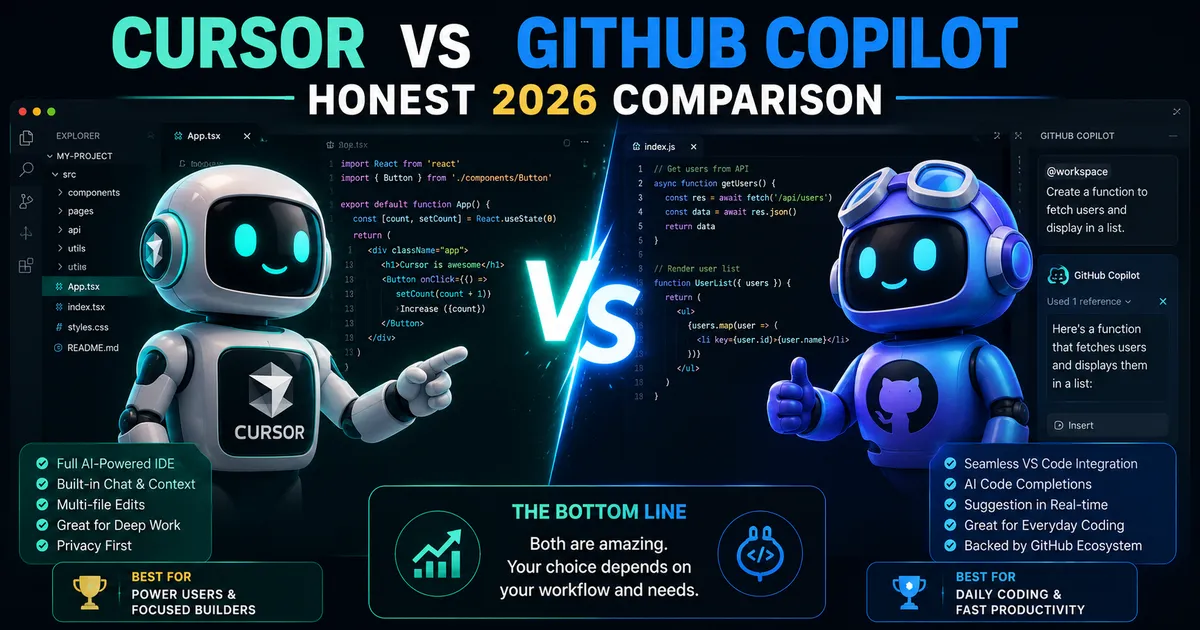
- Cursor – an AI-first editor for serious, multi-file projects.
- Claude Code – excellent terminal-based building and refactoring.
- GitHub Copilot – the practical pick if you already live in VS Code and GitHub.
If you're a developer, try Cursor and Copilot on your real codebase for a week each; the right one is the one that fits your existing habits.
- Midjourney – still the leader for artistic quality and style.
- Adobe Firefly – the commercial-safe choice, trained on licensed content, with clear IP terms and Photoshop integration.
- Canva Magic Studio – the easiest for non-designers making social and marketing graphics.
For client work where licensing matters, I lean on Firefly. For pure visual ideation, Midjourney.
- Runway – strong, controllable AI video with a real editing toolkit.
- Google Veo – impressive text-to-video quality.
- Synthesia – the go-to for business videos and avatar presenters from a script.
AI video improves monthly but hasn't replaced real production yet. It's brilliant for concepts, drafts, and explainer content; less so for polished final cuts.
- Perplexity – built around cited, structured answers, which saves real verification time.
- NotebookLM – answers questions using your own uploaded documents, which is its killer feature.
- The deep-research modes inside ChatGPT, Claude, and Gemini for longer reports.
When I need to trust the answer, I want sources, and Perplexity's citations are why it stays in my stack.
- NotebookLM again, for turning your notes and files into something you can interrogate.
- ElevenLabs for realistic text-to-speech and voice work.
- Your existing suite's built-in AI (Microsoft 365 Copilot, Google's Gemini in Workspace) often beats adding a separate tool.
Quick comparison
| Job | Top pick | Also great | Rough price |
|---|
| All-purpose | ChatGPT | Claude, Gemini | Free / ~$20 mo |
| Writing | Claude | ChatGPT, Grammarly | Free / ~$20 mo |
| Coding | Cursor | Claude Code, Copilot | ~$10–20 mo |
| Images | Midjourney | Firefly, Canva | ~$10+ mo |
| Video | Runway | Veo, Synthesia | Varies |
| Research | Perplexity | NotebookLM | Free / ~$20 mo |
Prices and model versions change constantly; check current plans before subscribing.
Common mistakes people make
- Subscribing before exhausting the free tier. Most free tiers are good enough to decide.
- Collecting tools instead of using them. A drawer full of subscriptions you don't open is just a recurring charge.
- Picking by hype, not by job. The viral tool of the month is rarely the one that survives in your workflow.
- Forgetting licensing. For commercial images, "looks great" isn't enough; you need clear usage rights (this is where Firefly earns its keep).
- Never cancelling. Audit your subscriptions quarterly. I find at least one I forgot about every time.
Expert tips
- Start with one all-purpose assistant and only add specialized tools when you hit a real wall.
- Match the tool to the job, not the brand. Route writing to one, research to another.
- Re-evaluate every quarter. The landscape shifts fast; today's best can slip in months.
- Use free tiers as your testing ground before committing money.
- Verify anything important. Every tool here is confident and occasionally wrong.