
How to Build a REST API with Node.js — Complete Beginner Guide
Building a REST API was the step that unlocked everything else for me. Here's exactly how to build one from scratch with Node.js, Express, and MongoDB.
Zeeshan Zakir
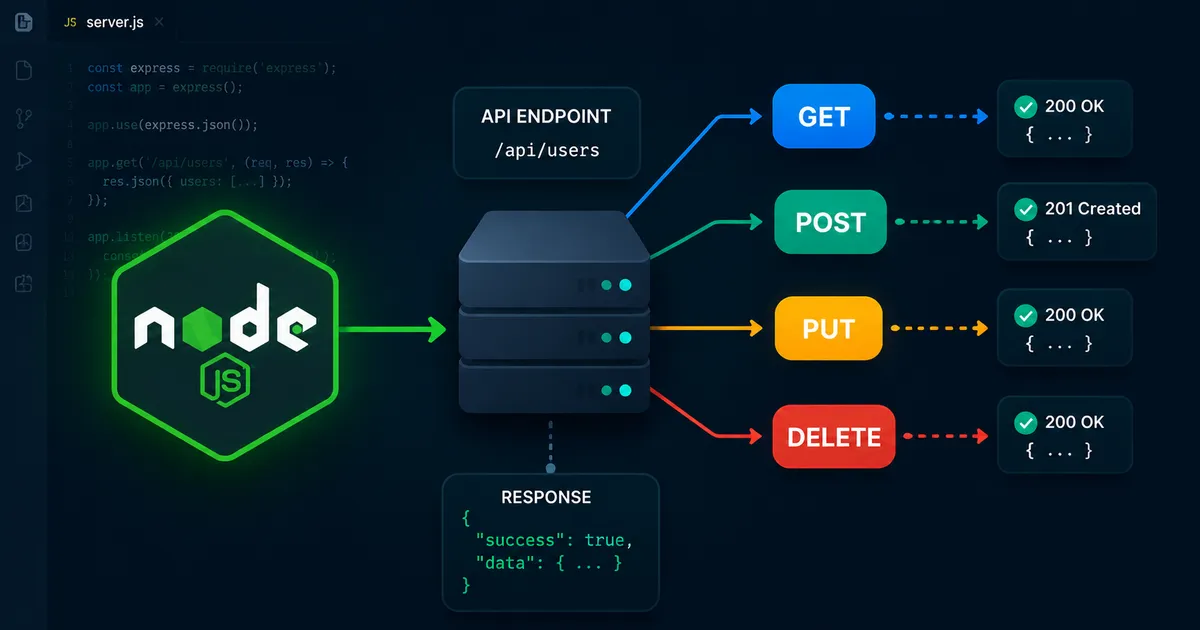
When I was first learning backend development, the term "REST API" was one of those things I nodded along to without fully understanding. I knew APIs existed. I knew fetch() called them from the frontend. I had no idea what happened on the other side.
Then I built my first one. And the entire concept of how web applications work clicked into place in a way that reading about it never had.
A REST API is just a server that listens for HTTP requests and sends back data. That's the whole thing. The jargon makes it sound more complex than it is. Once you build one, you understand not just APIs but also why authentication works the way it does, how databases connect to frontends, and how the web actually functions.
Let me walk you through building one from scratch.
What We're Building
A simple task management API. It will let you create tasks, read them, update them, and delete them. Four operations, four endpoints, one database collection. Simple enough to understand completely, substantial enough to represent how real APIs work.
By the end you'll have an API that:
GET /tasks— returns all tasksPOST /tasks— creates a new taskPUT /tasks/:id— updates a taskDELETE /tasks/:id— deletes a task
Setting Up Your Project
First, make sure Node.js is installed. Open your terminal and run:
node --versionIf you see a version number, you're good. If not, download Node from nodejs.org.
Create a new folder and initialize your project:
mkdir task-api
cd task-api
npm init -y
Install the packages you'll need:
npm install express mongoose dotenv cors
npm install -D nodemon
Here's what each does. Express is the web framework that handles routing and HTTP. Mongoose is the library for connecting to MongoDB. Dotenv loads environment variables from a .env file. Cors allows your API to be called from a different origin (like a frontend app). Nodemon restarts your server automatically when you save a file during development.
Update your package.json scripts section:
"scripts": {
  "dev": "nodemon index.js",
  "start": "node index.js"
}
Creating the Server
Create index.js at the root of your project:
const express = require('express')
const mongoose = require('mongoose')
const cors = require('cors')
require('dotenv').config()

const app = express()

// Middleware
app.use(cors())
app.use(express.json())

// Connect to MongoDB
mongoose.connect(process.env.MONGODB_URI)
  .then(() => console.log('Connected to MongoDB'))
  .catch((err) => console.error('MongoDB connection error:', err))

// Routes
app.use('/tasks', require('./routes/tasks'))

// Start server
const PORT = process.env.PORT || 3000
app.listen(PORT, () => {
  console.log(`Server running on port ${PORT}`)
})
Create a .env file:
MONGODB_URI=mongodb+srv://yourusername:yourpassword@cluster.mongodb.net/taskapi
PORT=3000
The Task Model
Create a models folder, then models/Task.js:
const mongoose = require('mongoose')

const taskSchema = new mongoose.Schema({
  title: {
    type: String,
    required: true,
    trim: true
  },
  description: {
    type: String,
    trim: true
  },
  completed: {
    type: Boolean,
    default: false
  }
}, {
  timestamps: true
})

module.exports = mongoose.model('Task', taskSchema)
The schema defines what a task looks like. title is required. description is optional. completed defaults to false. The timestamps: true option automatically adds createdAt and updatedAt fields.
The Routes
Create a routes folder, then routes/tasks.js:
const express = require('express')
const router = express.Router()
const Task = require('../models/Task')

// GET all tasks
router.get('/', async (req, res) => {
  try {
    const tasks = await Task.find().sort({ createdAt: -1 })
    res.json(tasks)
  } catch (error) {
    res.status(500).json({ message: error.message })
  }
})

// POST create a task
router.post('/', async (req, res) => {
  const task = new Task({
    title: req.body.title,
    description: req.body.description
  })
  try {
    const newTask = await task.save()
    res.status(201).json(newTask)
  } catch (error) {
    res.status(400).json({ message: error.message })
  }
})

// PUT update a task
router.put('/:id', async (req, res) => {
  try {
    const task = await Task.findByIdAndUpdate(
      req.params.id,
      req.body,
      { new: true, runValidators: true }
    )
    if (!task) return res.status(404).json({ message: 'Task not found' })
    res.json(task)
  } catch (error) {
    res.status(400).json({ message: error.message })
  }
})

// DELETE a task
router.delete('/:id', async (req, res) => {
  try {
    const task = await Task.findByIdAndDelete(req.params.id)
    if (!task) return res.status(404).json({ message: 'Task not found' })
    res.json({ message: 'Task deleted' })
  } catch (error) {
    res.status(500).json({ message: error.message })
  }
})

module.exports = router
Testing Your API
Run the development server:
npm run devYou should see "Connected to MongoDB" and "Server running on port 3000" in your terminal.
Now test the endpoints. Use Postman or the free Thunder Client VS Code extension.
Create a task:
- Method: POST
- URL: http://localhost:3000/tasks
- Body (JSON):
{ "title": "My first task", "description": "Testing the API" }
Get all tasks:
- Method: GET
- URL: http://localhost:3000/tasks
If you see your task returned as JSON, your API works.
Common Mistakes Beginners Make
The most common issue is forgetting express.json() middleware and wondering why req.body is undefined. The middleware that parses JSON must come before your routes.
The second common issue is not handling async errors properly. Every async route handler should have a try/catch block. Without it, an unhandled promise rejection will crash your server.
The third is connecting to MongoDB without checking the connection string. Make sure your IP address is whitelisted in MongoDB Atlas if you're getting connection refused errors.
What to Build Next
With this foundation you can add authentication, more complex data relationships, query parameters for filtering and pagination, and input validation middleware. Each of those is a natural extension of what you built here. The structure of the codebase scales cleanly — add more model files, add more route files, register them in index.js.
This task API is simple by design. But the patterns you used here — model, route, async error handling, environment variables — are exactly the same patterns used in production APIs handling millions of requests.
Need help building this?
I offer full-stack development services for startups and product teams.
If you want a faster path from idea to shipped product, I can help with architecture, frontend systems, backend APIs, and launch-ready builds.
View ServicesShare this post
Related posts
More practical reading from the blog to keep your momentum going.
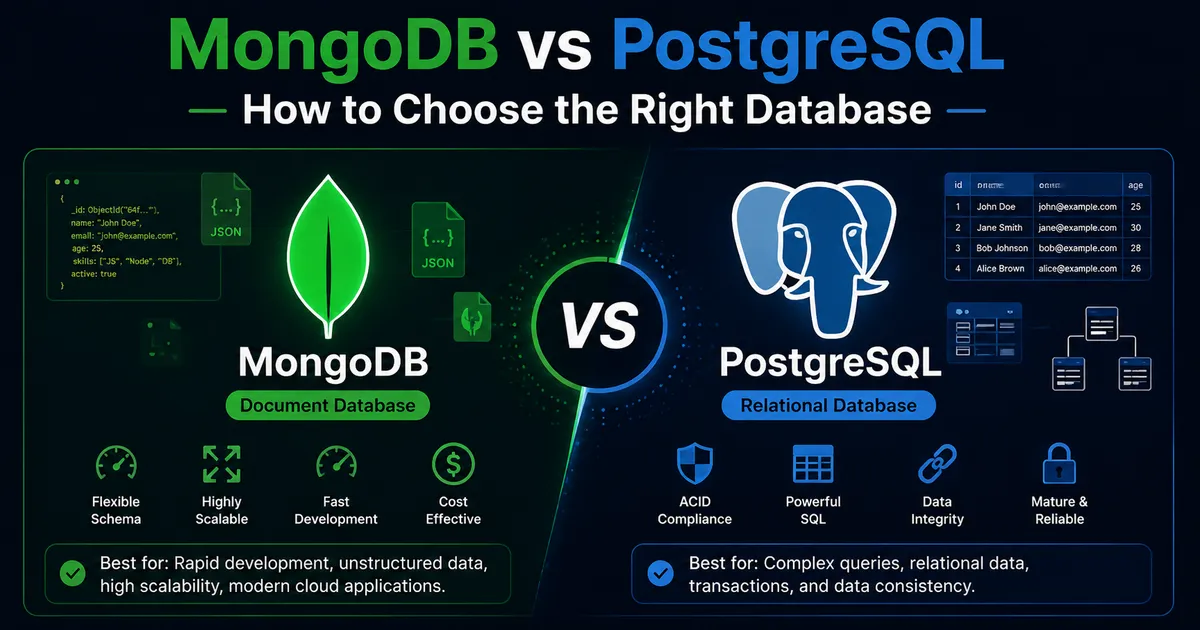
MongoDB vs PostgreSQL — Which Database Should You Use? (2026 Guide)
I've used both databases in production projects with real users. Here's when each one makes sense — and the mistakes I've made choosing wrong.
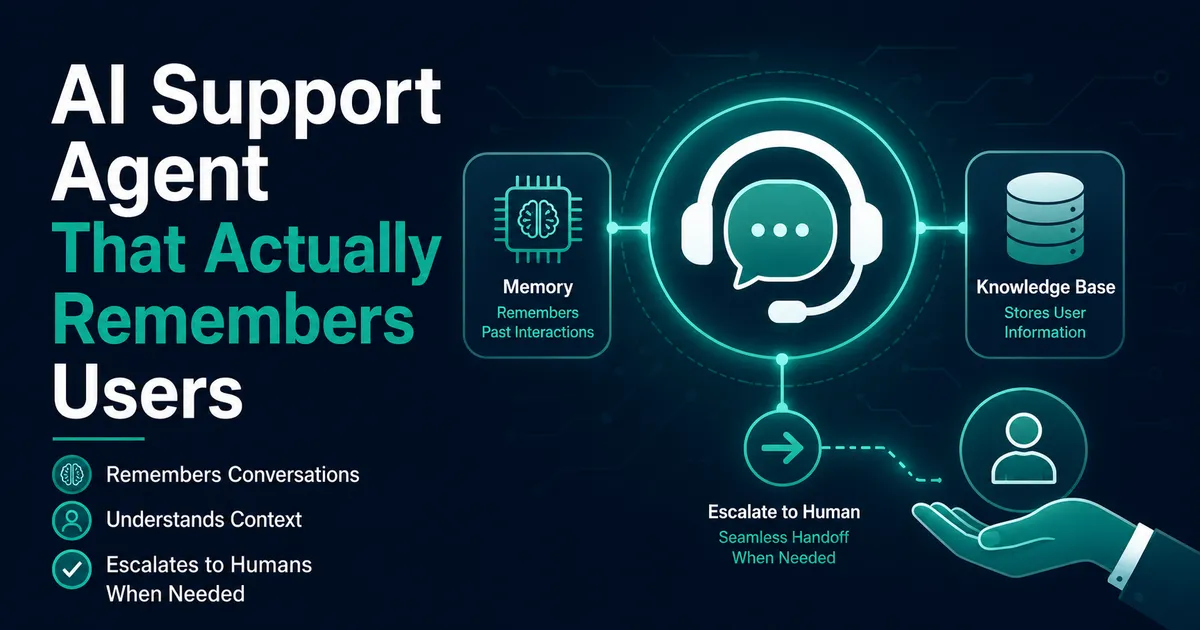
Building an AI Customer Support Agent with Memory
I built an AI customer support agent that remembers users — short-term history, long-term facts, and knowing when to hand off to a human.
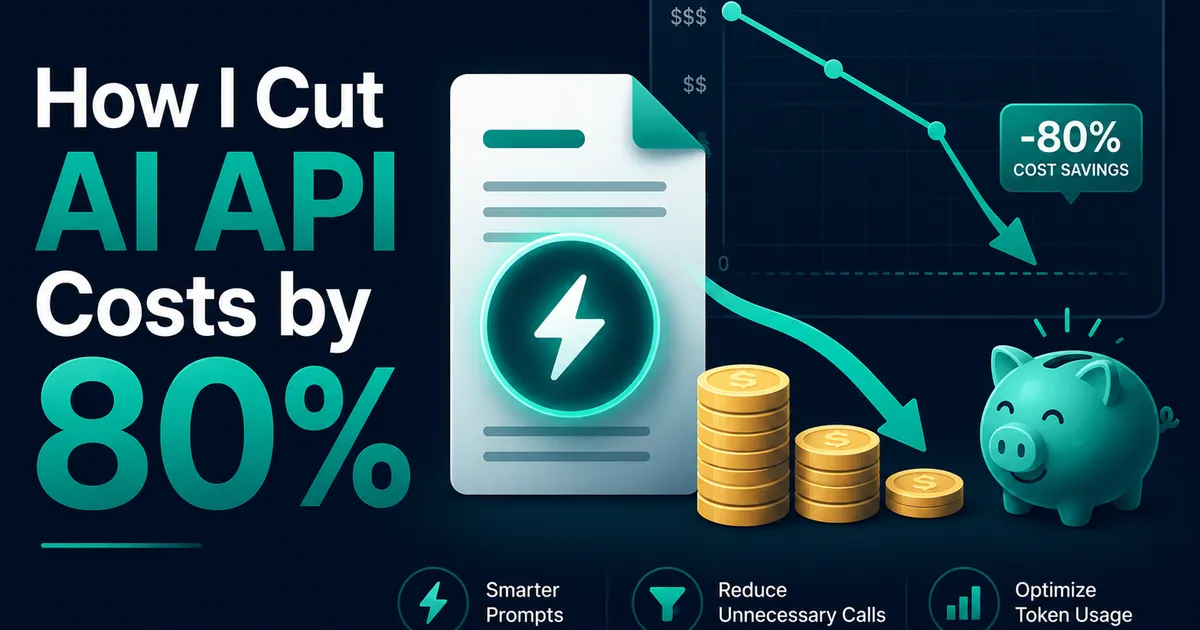
How I Reduced AI API Costs by 80% Using Prompt Caching
My AI API bill was growing faster than my users. Prompt caching cut input costs by ~80% — here's the exact restructure that did it.