
The AI Productivity Guide I Wish I'd Had: Real Workflows, Not Just App Lists
Most "AI productivity" advice is just a list of apps. This is the opposite: the actual workflows, habits, and prompts that save me hours every week, and the shiny traps that quietly waste time.
Zeeshan Zakir
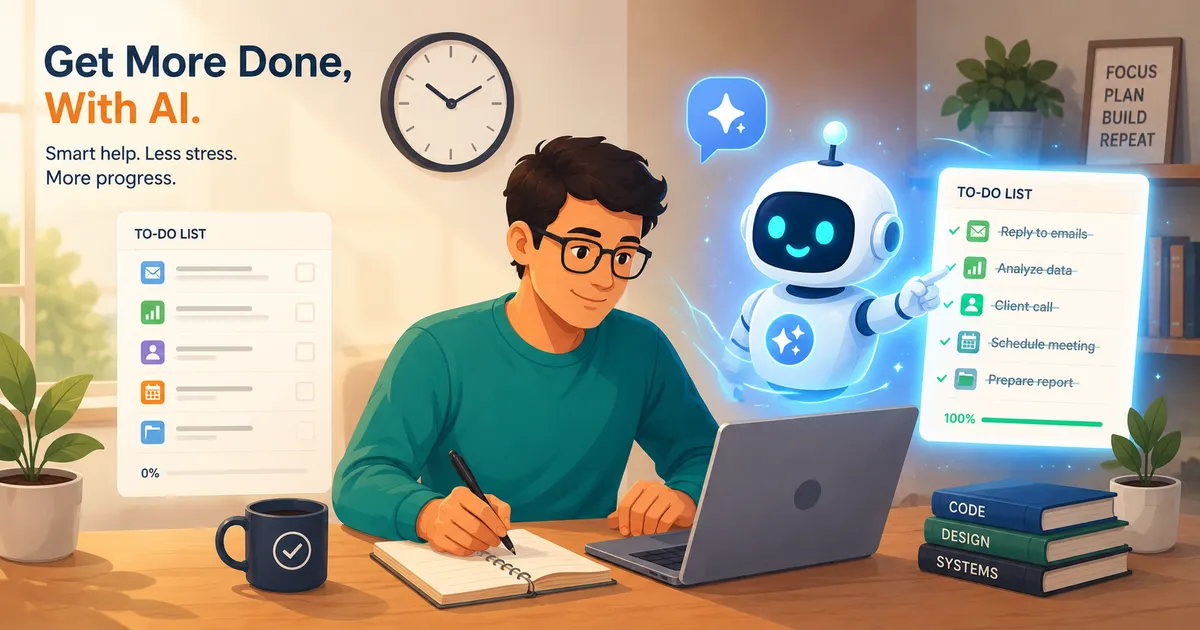
For about a month after I got serious about AI tools, I was less productive. I'd lost time picking tools, tweaking prompts, and admiring clever outputs I never actually used. The tools weren't the problem. My approach was. Once I fixed that, AI started genuinely giving me back hours, and the fix had almost nothing to do with which apps I used.
So this isn't another list of apps. It's how to actually get time back.
What "AI productivity" really means
AI productivity isn't about using more AI. It's about offloading the specific tasks that drain your time and attention so you can spend yours on the work that needs a human. The goal is fewer hours on busywork, not more time spent fiddling with AI.
If a tool isn't clearly saving you time, it's a hobby, not a productivity tool.
The mindset shift that actually matters
The single biggest change for me was treating AI as a first-draft machine and a thinking partner, not an answer machine. AI is fastest and most reliable when it's:
- Getting you from a blank page to a rough draft you can edit.
- Reorganizing or summarizing information you already have.
- Helping you think through something by talking it out.
It's slowest and most dangerous when you treat its output as final truth. The productive move is: let it do the first 80%, you do the judgment.
Real workflows that save me hours
Here are the ones that earn their place every week:
1. The inbox triage. I paste long email threads and ask for a two-line summary plus suggested next action. Decisions that took ten minutes of re-reading now take one.
2. The first-draft anything. Reports, proposals, posts, replies, I never start from blank. I describe what I need, get a draft, and edit. Editing is far faster than creating.
3. The meeting-notes-to-actions pipeline. Drop in messy notes, get a clean list of decisions and to-dos. This alone saves me a chunk of every week.
4. The research compressor. Instead of reading ten articles, I use a research tool with citations to get a summarized answer, then verify the few facts that matter.
5. The "explain this to me" habit. Confusing contract clause, technical doc, unfamiliar topic? A plain-English explanation in seconds beats twenty minutes of confused reading.
6. The decision rubber-duck. When stuck, I talk through options with AI. It doesn't decide for me, but articulating the problem out loud usually surfaces the answer.
Notice that none of these are exotic. They're small, repeated tasks, and small-times-frequent is where the real time savings hide.
How to write prompts that don't waste your time
You don't need to be a "prompt engineer." You need three habits:
- Give context. Tell it who you are, who it's for, and what good looks like.
- Be specific about the output. "Three options, under 50 words each, casual tone" beats "write something."
- Iterate, don't restart. "Make it shorter and less formal" is faster than rewriting your whole prompt.
That's genuinely most of it. Clear instructions beat clever tricks almost every time.
A simple daily AI routine
If you want a starting structure:
- Morning: Summarize overnight emails and messages; pull out what actually needs you.
- Before deep work: Use AI to outline or draft the thing you're avoiding, so you start from momentum, not a blank page.
- During the day: Offload quick research, explanations, and rewrites as they come up.
- End of day: Turn messy notes into tomorrow's clean task list.
You don't need all of it. Even one of these, done consistently, adds up.
Common mistakes people make
- Tool-hopping. Constantly switching apps means you never get fast at any of them. Pick one, get good.
- Over-prompting. Spending fifteen minutes perfecting a prompt to save five. Good enough is good enough.
- Treating output as final. Verify anything that matters; AI is confidently wrong often enough to burn you.
- Automating things you do once a year. Only systematize what's frequent and repetitive.
- Admiring instead of using. A clever AI output you never act on saved you nothing.
- Outsourcing thinking entirely. Use it to think faster, not to stop thinking.
Expert tips
- Track where your time actually goes for a week, then point AI at the biggest repetitive drain. Don't guess.
- Build templates for your common prompts so you're not rewriting them daily.
- Keep a human checkpoint on anything important, sent, published, or decided.
- Master one assistant deeply before adding more tools.
- Measure in hours saved, not tools owned. That's the only score that counts.
Need help building this?
I offer full-stack development services for startups and product teams.
If you want a faster path from idea to shipped product, I can help with architecture, frontend systems, backend APIs, and launch-ready builds.
View ServicesShare this post
Related posts
More practical reading from the blog to keep your momentum going.
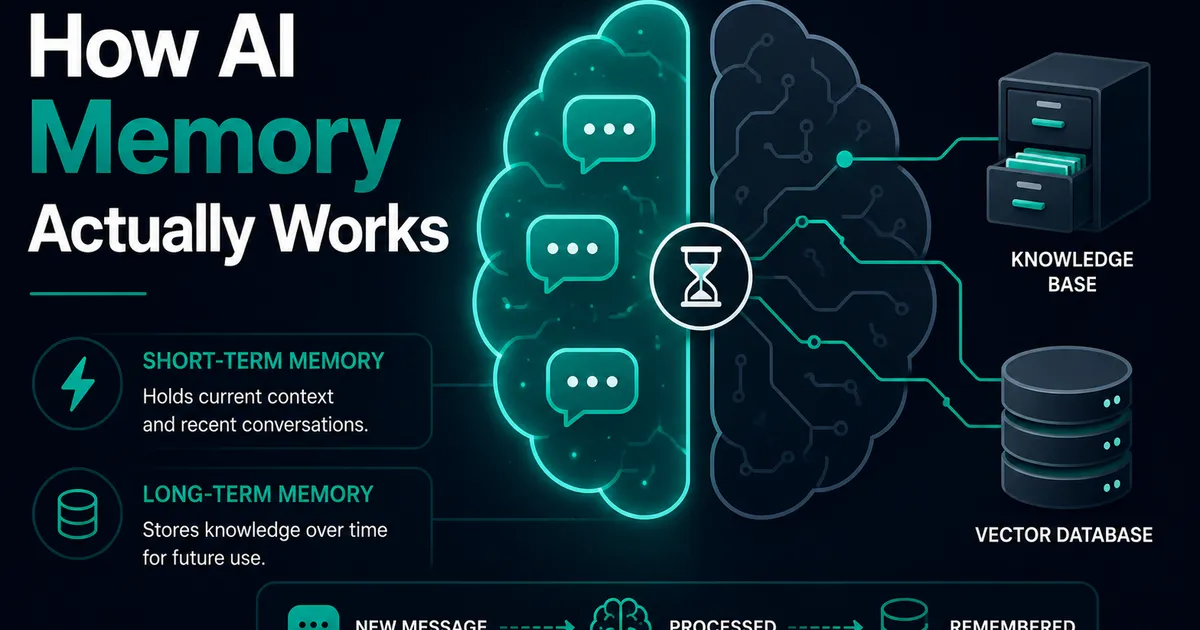
AI Memory Systems: Short-Term vs Long-Term Memory
Every API call meets a total stranger — LLMs remember nothing. How AI memory systems actually work: short-term, long-term, and forgetting.

Vector Databases Explained with Supabase pgvector
I almost paid for a dedicated vector database. Turns out Postgres does it. A practical pgvector tutorial with Supabase — setup to indexes.
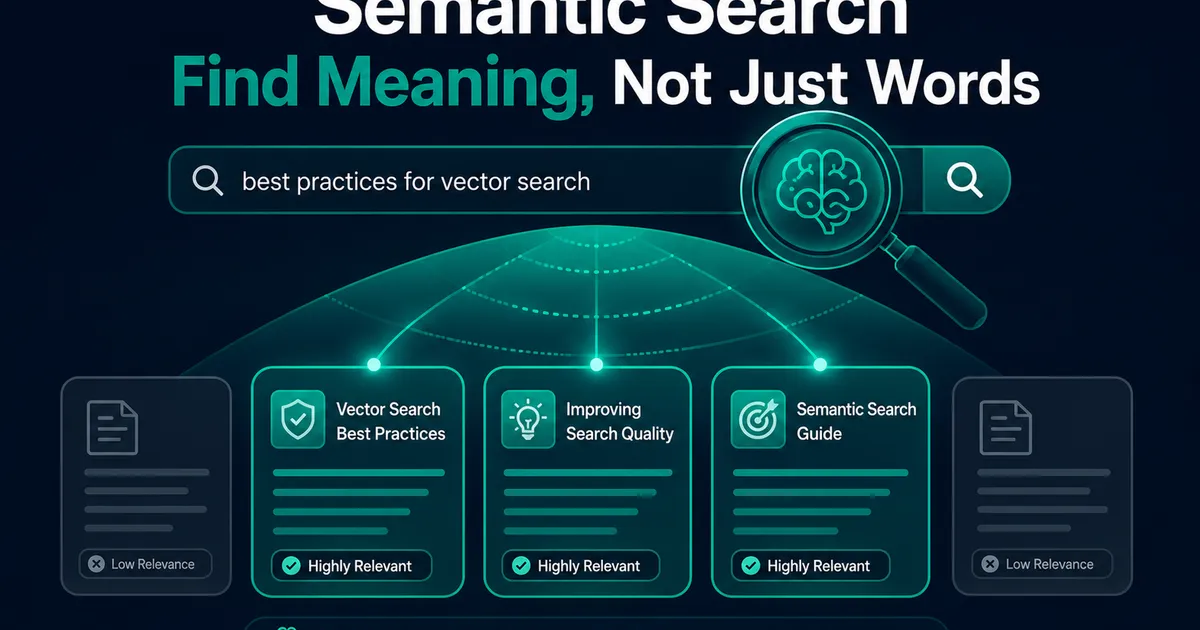
How I Added AI Search to My Next.js Website
Users searched "remove account," my docs said "delete account," search returned nothing. So I added AI semantic search to my Next.js site.