
What Is an API? The Waiter Analogy That Finally Made It Click for Me
APIs run almost everything you do online, but the explanations are usually awful. Here's the simple analogy that finally made it click for me, plus how APIs work and real examples you already use.
Zeeshan Zakir
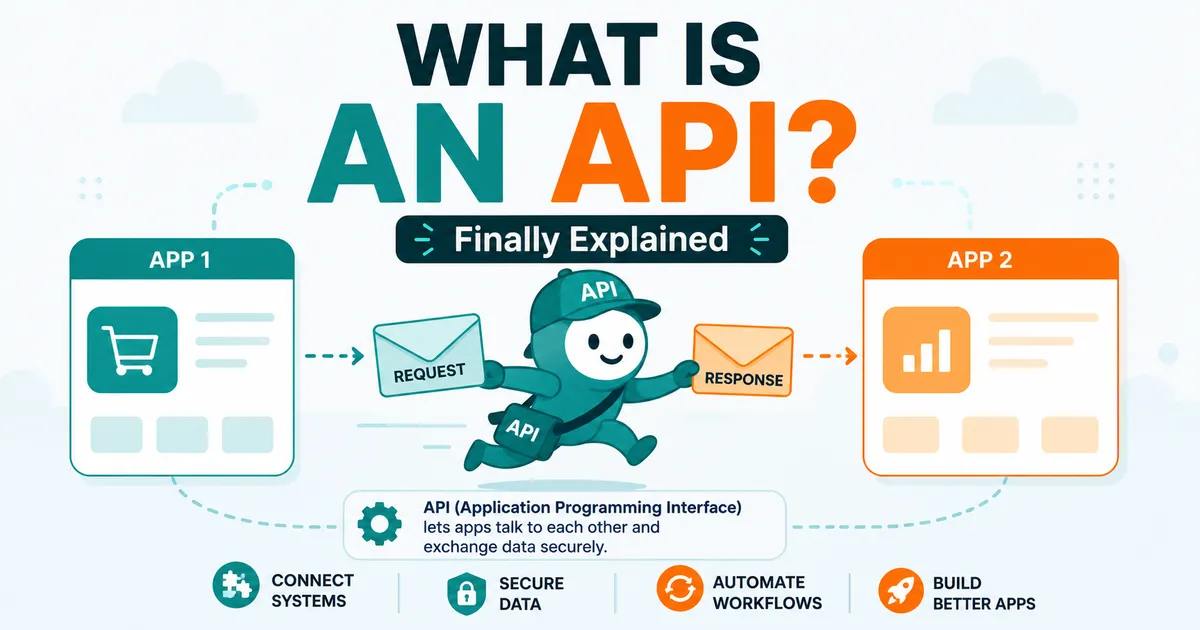
I spent way too long pretending I understood what an API was. People said "we'll just use their API" and I'd nod, picturing some vague technical fog. Then someone gave me the waiter analogy, and suddenly the thing that runs most of the internet made complete sense. So I'm going to hand you that same analogy, because once it clicks, you'll start noticing APIs everywhere.
What is an API?
API stands for Application Programming Interface. Stripped of jargon, it's a way for two pieces of software to talk to each other, a set of rules that lets one app request something from another and get a response back.
That's the whole concept: an API is a messenger that lets apps communicate without needing to know how each other works internally.
The waiter analogy
Here's the version that made it click:
Imagine you're at a restaurant. You don't walk into the kitchen and cook your own food. You tell the waiter what you want. The waiter takes your order to the kitchen, the kitchen prepares it, and the waiter brings it back to you.
In that picture:
- You are one app (say, a weather app on your phone).
- The kitchen is another system (a giant weather database).
- The waiter is the API.
You don't need to know how the kitchen works, what equipment it uses, or how the food is made. You just need to know what you can order (the menu) and how to ask. The API is the waiter and the menu combined: it tells you what you can request and delivers the response.
How do APIs work?
Step by step, here's what happens when apps talk through an API:
- A request is sent. Your app asks the API for something specific, "give me today's weather for Karachi."
- The API passes it along. It carries that request to the system that has the data or capability.
- The system does the work. It looks up the weather, processes the request.
- A response comes back. The API delivers the answer to your app in a structured format the app can read.
- Your app uses it. It displays the weather to you.
All of this happens in a fraction of a second, constantly, behind almost everything you do online.
Real examples you use every day
You're surrounded by APIs whether you notice them or not:
- "Log in with Google" buttons use Google's API to verify who you are without that app ever seeing your password.
- Weather apps pull data from a weather service's API.
- Booking a flight on a comparison site uses airline APIs to fetch real-time prices.
- Online checkout uses a payment provider's API (like Stripe or PayPal) to process your card securely.
- Embedded Google Maps on a business website come through the Maps API.
- AI features in apps often call an AI provider's API (like OpenAI's or Anthropic's) behind the scenes.
Every one of those is one app politely asking another for something through a waiter.
Why APIs matter
APIs are the reason modern software is built so fast and works so well together:
- They let apps work together. Your favorite tools "integrate" because of APIs.
- They save enormous time. Instead of building a payment system from scratch, you use Stripe's API. Instead of building maps, you use Google's.
- They power entire businesses. Companies like Stripe and Twilio exist almost entirely as APIs other companies build on.
- They keep things secure. APIs let apps share specific things (like login verification) without exposing everything (like your actual password).
- They make AI usable. Most AI in the apps you use arrives through an API call to a model provider.
A quick word on types
You'll bump into a few terms:
- REST API – by far the most common style; simple, web-based, what most apps use.
- Public APIs – open for outside developers to use (often with a key and usage limits).
- Private APIs – internal, used within a single company's systems.
- API key – a kind of password that identifies who's making the request and often limits how much they can use.
You don't need to master these to understand APIs. Just know that "REST API" is the everyday workhorse and an "API key" is your ID badge for using one.
Common mistakes beginners make
- Thinking an API is a physical thing or a single product. It's a set of rules for communication, not an app you download.
- Sharing or exposing API keys. Keys are like passwords. Posting one publicly (even in code on GitHub) can let strangers run up your bill.
- Ignoring rate limits. APIs cap how many requests you can make. Hammer one and you'll get cut off.
- Not reading the documentation. The "menu" (the docs) tells you exactly what you can order and how. Skipping it causes most beginner pain.
- Forgetting that APIs can change. When a provider updates their API, things built on the old version can break.
Expert tips
- Treat API keys like passwords. Never put them in public code; use environment variables or secret managers.
- Always check the documentation first. It's the menu, and it answers most of your questions.
- Respect rate limits and handle errors gracefully. Assume requests will sometimes fail and plan for it.
- Start by consuming a free, friendly API (a weather or jokes API) to learn the request-response rhythm.
- Cache responses when you can, so you're not making the same request repeatedly and burning through limits.
Need help building this?
I offer full-stack development services for startups and product teams.
If you want a faster path from idea to shipped product, I can help with architecture, frontend systems, backend APIs, and launch-ready builds.
View ServicesShare this post
Related posts
More practical reading from the blog to keep your momentum going.

Can AI Replace Programmers? An Honest Answer From Someone Who Codes With AI Every Day
Will AI replace programmers? The honest answer isn't yes or no. After coding with AI daily, here's what it genuinely does, what it can't, and how the job is actually changing.
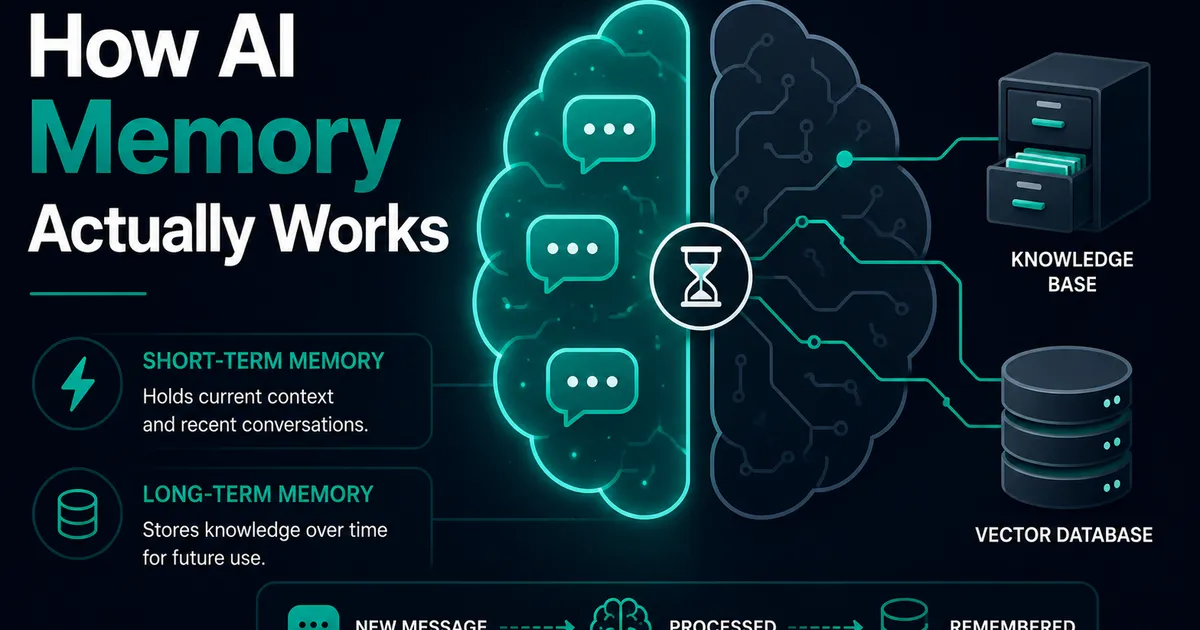
AI Memory Systems: Short-Term vs Long-Term Memory
Every API call meets a total stranger — LLMs remember nothing. How AI memory systems actually work: short-term, long-term, and forgetting.
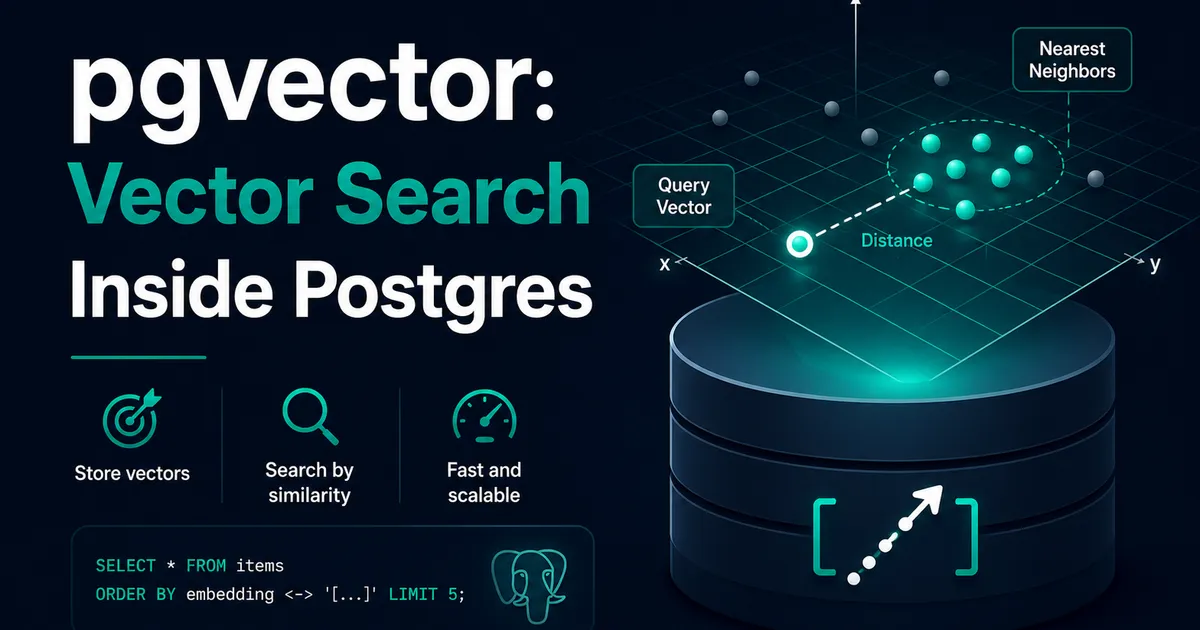
Vector Databases Explained with Supabase pgvector
I almost paid for a dedicated vector database. Turns out Postgres does it. A practical pgvector tutorial with Supabase — setup to indexes.