
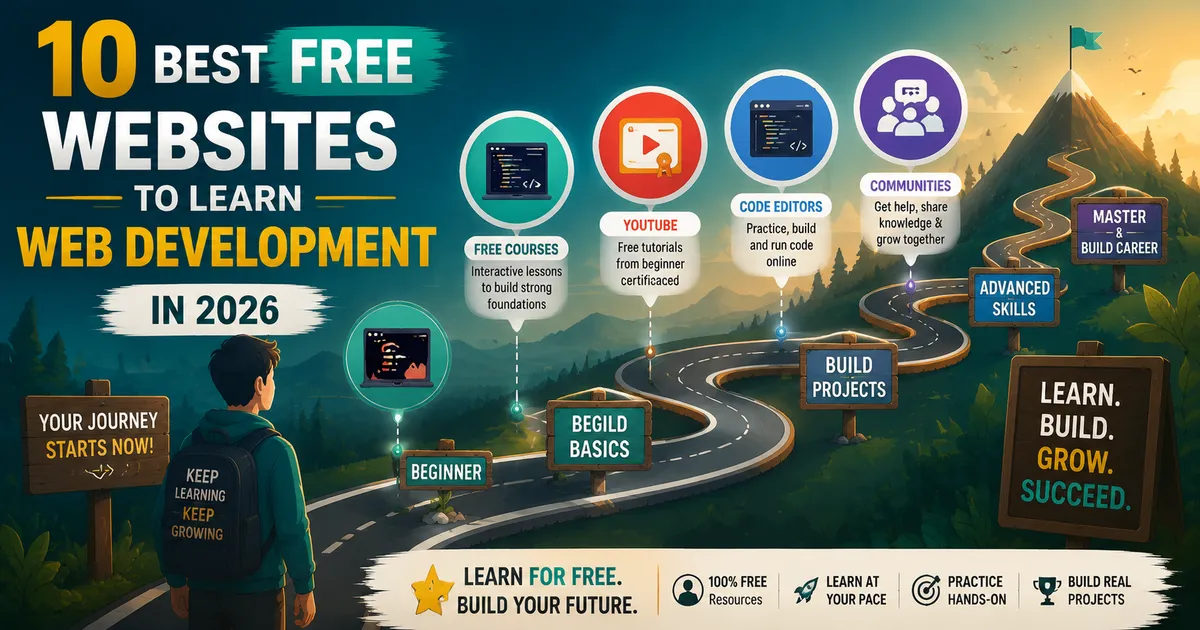
Best Free Websites to Learn Web Development in 2026 (Ranked by a Working Developer)
I learned web development using only free resources. Six years and a full developer career later, here are the platforms that actually worked — ranked honestly.
Zeeshan Zakir
When my younger cousin told me she wanted to learn web development, her first question was which $10,000 bootcamp she should attend. I told her to give me three weeks and a laptop first.
In those three weeks she built her first webpage, styled it with CSS, added JavaScript interactivity, and understood the basic structure of how web applications work. She did it using entirely free resources that I directed her to.
She eventually did invest in a few paid courses to go deeper in specific areas. But the foundation came from free platforms, and that foundation was solid.
I'm six years into a professional development career. I still use some of these free resources regularly. Here's an honest ranking of what actually works, and why.
freeCodeCamp — Best for Structured Beginners
freeCodeCamp at freecodecamp.org is the most comprehensive free curriculum I know of for absolute beginners. It offers hundreds of hours of structured, project-based learning across web development fundamentals, JavaScript algorithms, front-end libraries, back-end development, and data structures.
The certifications are legitimate learning achievements — each one requires completing real projects, not just watching videos. The Responsive Web Design and JavaScript Algorithms certifications alone represent approximately 300 hours of practical learning.
What makes it particularly good for beginners is the browser-based coding environment. You don't need to install anything to start. Open the website and start writing code immediately.
The limitation is that freeCodeCamp is structured as a linear curriculum. If you want to jump around or go deep on a specific topic faster, the format becomes restrictive. It's a starting point, not a complete education.
The Odin Project — Best for Serious Learners
The Odin Project at theodinproject.com is the free resource I recommend most to developers who are serious about learning properly rather than just following along.
Unlike video-based courses, The Odin Project is a curated reading and project curriculum. It points you to the best free resources for each topic, gives you context for why each concept matters, and then assigns real projects that require you to apply what you learned without step-by-step guidance.
The last part is important. Being told to "build a calculator" without showing you how to do it step by step is frustrating and exactly how real development works. The Odin Project trains you to problem-solve independently, which is the most important skill in professional development.
The Full Stack JavaScript path covers HTML and CSS, JavaScript, React, Node.js, databases, and computer science foundations. It's comprehensive and takes serious students 12–18 months to complete fully.
javascript.info — Best JavaScript Reference
javascript.info is the best free JavaScript learning resource in existence, in my opinion. It covers JavaScript from absolute fundamentals to advanced topics with clear explanations, practical examples, and exercises at the end of each section.
I have been using javascript.info as a reference for six years. When I need to verify how prototypal inheritance works, understand the event loop properly, or remember the difference between null and undefined, I go here first.
The three main sections cover the JavaScript language core, browser APIs and DOM manipulation, and advanced topics. Work through the first section in order. Use the rest as reference.
MDN Web Docs — The Official Reference
MDN (developer.mozilla.org) is the official documentation for HTML, CSS, and JavaScript maintained by Mozilla. It's not a course or tutorial series — it's the authoritative reference for everything related to web standards.
When you're wondering what a CSS property does, how a JavaScript method works, or what HTML attributes are available on a specific element, MDN is the answer. Bookmarking it is not optional once you're doing real development.
The Learning Area section of MDN (accessible from the main navigation) also has beginner-to-intermediate tutorials that are clearly written and regularly updated.
Kevin Powell's YouTube Channel — Best for CSS
If you want to actually understand CSS layout — not just copy-paste it, but understand why flexbox and grid work the way they do — Kevin Powell's YouTube channel is the resource. Kevin is a CSS specialist who explains concepts clearly, without rushing, with real code examples.
His series on flexbox, grid, and responsive design are free, thorough, and genuinely teach you to think in CSS rather than just memorize rules.
Traversy Media — Best for Project Tutorials
Traversy Media on YouTube is Brad Traversy's channel with hundreds of web development tutorial videos covering everything from HTML basics to building full-stack applications with various frameworks.
The value is in the project-based format. Watching Brad build a real thing from scratch teaches you not just the syntax but the workflow — how to structure a project, what order to build things, how to debug when something doesn't work.
Scrimba — Best Interactive Learning
Scrimba.com is an interactive coding platform where you write code directly inside the tutorial video. The instructor's coding environment is live and editable — you can pause, edit their code, see what changes, and continue.
This format makes learning significantly more active than passive video watching. The free tier covers a lot of useful content, and the React beginners course specifically is one of the best free React introductions available.
The Official Documentation of Every Framework
This sounds obvious but is underrated: Next.js docs, React docs, Vue docs, the Node.js docs — all are free, all are comprehensive, and all were written by the people who built the tools.
Too many beginners skip official documentation in favor of YouTube tutorials. The tutorials are great for getting started quickly. But the documentation is where you develop real depth of understanding. When a YouTube tutorial covers 60% of what you need for a real feature and the documentation covers 100%, the habit of reading documentation pays off consistently.
What to Do With This List
Don't try to use all of these simultaneously. Pick one learning resource and follow it until you've built something real with what it taught you. The paralysis of choosing between resources is responsible for more people not learning to code than the difficulty of the material itself.
My recommended sequence: Start with freeCodeCamp for HTML and CSS. Switch to javascript.info for JavaScript fundamentals. Move to The Odin Project for the structured project-based path through the rest of the curriculum.
Everything else on this list becomes more useful once you have that foundation.
Need help building this?
I offer full-stack development services for startups and product teams.
If you want a faster path from idea to shipped product, I can help with architecture, frontend systems, backend APIs, and launch-ready builds.
View ServicesShare this post
Related posts
More practical reading from the blog to keep your momentum going.
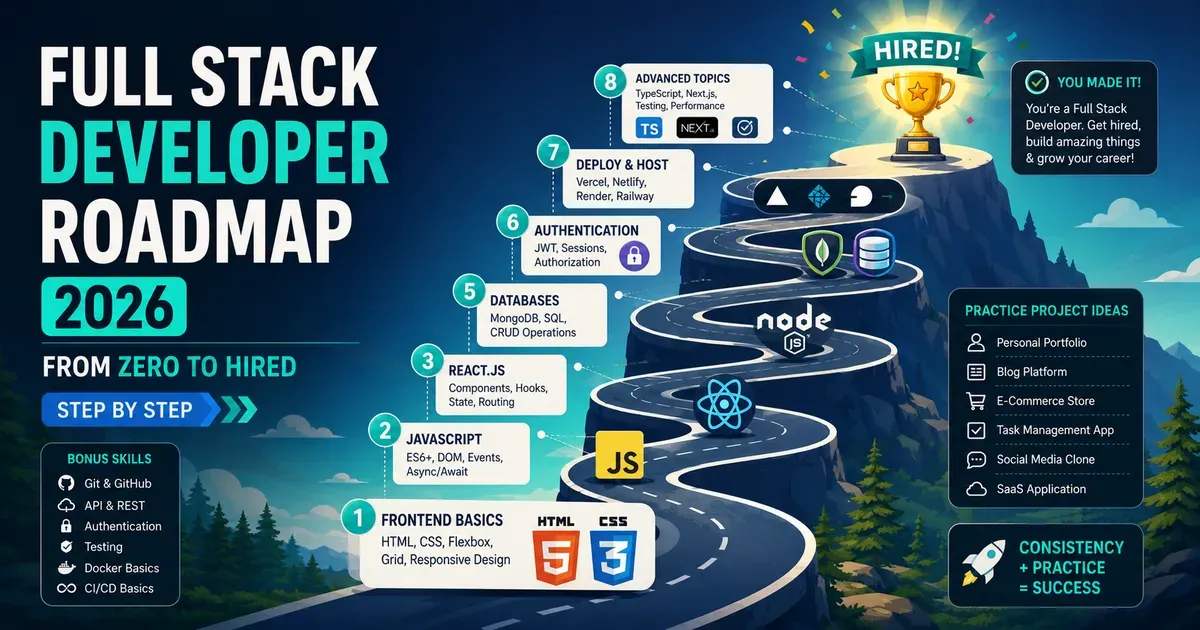
Full Stack Developer Roadmap 2026 — From Zero to Hired (Step by Step)
There's too much noise about what you need to learn to become a developer. This is the clear, focused roadmap that actually gets people hired in 2026.
How to Learn Web Development for Free in 2026 (The Honest Guide)
I learned web development without spending a dollar on courses. Here's exactly how I did it, what free resources actually work, and the mistakes that slowed me down.
Common Vercel Deployment Errors and Their Solutions
The build works locally and fails on Vercel — we've all been there. Ten deployment errors I've hit and the exact fix for each one.