
How to Learn Web Development for Free in 2026 (The Honest Guide)
I learned web development without spending a dollar on courses. Here's exactly how I did it, what free resources actually work, and the mistakes that slowed me down.
Zeeshan Zakir
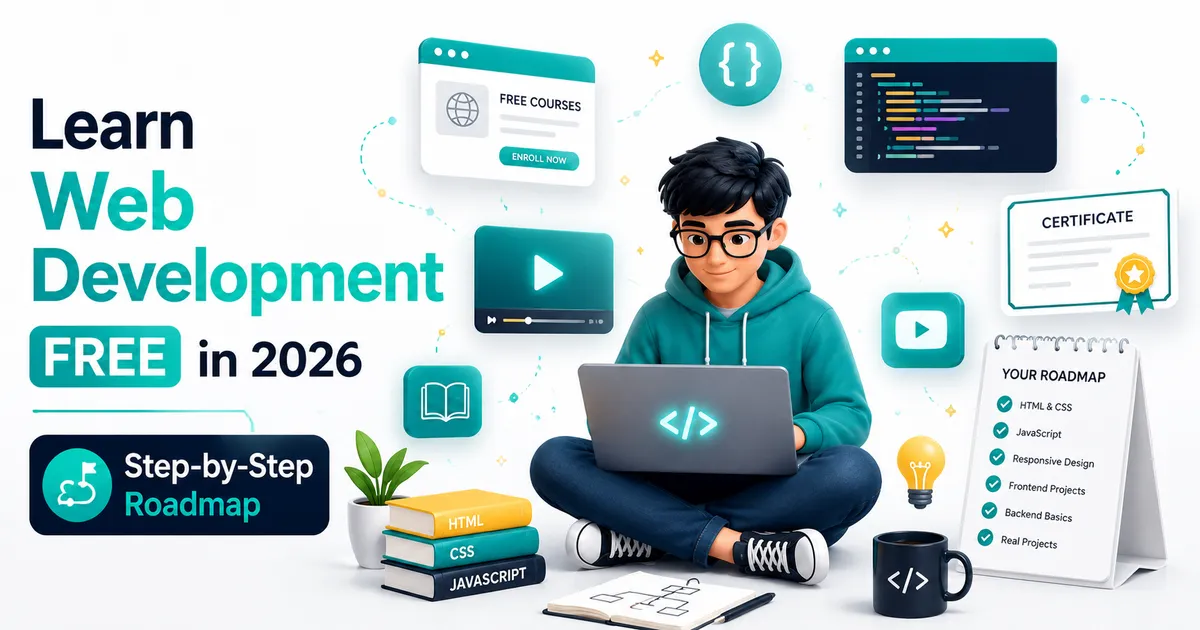
When I started learning web development, I almost spent $14,000 on a coding bootcamp. I filled out the application, got accepted, and had the payment page open. Then I closed it and decided to try the free route first.
That was one of the better decisions I've made.
Eighteen months later I landed my first paid client, built a portfolio of real projects, and had a skill set I could actually use. I spent zero dollars on courses. I did spend a lot of time — and I made plenty of mistakes that slowed me down unnecessarily.
This is what I actually used, what worked, and what you can skip.
The Honest Reality About Free Learning
I'm going to be straight with you about something most "free resources" articles won't say.
Free resources can teach you everything a paid bootcamp teaches. The content quality is not the problem. The problem is that free learning requires more self-direction and discipline than a structured program with deadlines and instructors holding you accountable.
If you're the kind of person who can self-direct — who can sit down without external pressure and make progress on something hard — the free route works brilliantly. If you need structure, deadlines, and accountability to stay consistent, a structured program (not necessarily a $14,000 bootcamp) might be worth paying for.
Be honest with yourself about which one you are. That honestly will save you months.
Step One: HTML and CSS First — No Exceptions
Before you touch JavaScript, Python, React, or anything else, you need to understand how web pages are built. HTML and CSS are that foundation.
freeCodeCamp.org has a Responsive Web Design certification that covers HTML and CSS in depth. It's project-based and completely free. I spent about three weeks on this before moving on and it gave me a solid mental model for how browsers render content.
The Odin Project (theodinproject.com) is the best free structured web development curriculum I know of. It reads like a college course — assignments, projects, explanations, community. The HTML Foundations path takes about 40 hours and sets you up correctly.
Don't rush this part. Beginners who skip HTML and CSS fundamentals to get to React quickly end up confused and frustrated later. The two weeks you spend on fundamentals buy you months of clarity later.
Step Two: JavaScript — The Language That Runs the Web
JavaScript is where most beginners spend the most time, because JavaScript is genuinely large and occasionally bizarre.
javascript.info is the best free JavaScript reference on the internet. The writing is clear, the examples are practical, and it covers everything from absolute basics to advanced concepts like closures, promises, and modules. I still use it as a reference.
Eloquent JavaScript by Marijn Haverbeke is a free book available at eloquentjavascript.net. It's denser than a video course but it builds genuine understanding rather than just pattern recognition.
For video learners, Traversy Media on YouTube is excellent. Brad's JavaScript crash courses are beginner-friendly, practical, and kept up to date.
The trap most beginners fall into here is "tutorial purgatory" — watching course after course without building anything. After every tutorial or course section, stop and build something. A small project, a simple tool, anything. That practice is where the learning actually happens.
Step Three: Pick a Framework — React or Vue
Once you have a foundation in JavaScript, you'll want to learn a frontend framework. React is the most in-demand for jobs and freelancing. Vue is a gentler learning curve.
For React: The official React documentation (react.dev) was completely rewritten and is now genuinely beginner-friendly. Start there before any course.
Scrimba has a free interactive React course where you code directly in the browser. It's one of the most effective free React resources available.
For Vue: The official Vue documentation (vuejs.org) is similarly excellent. The tutorial section walks you through building a small app step by step.
Pick one. Learn it properly. Don't try to learn both at the same time.
Step Four: Git and GitHub — Non-Negotiable
I see many beginners learning for months without ever learning Git, and it always catches them out eventually.
Git is the version control system that every professional developer uses. GitHub is where you store your code, show your work to employers and clients, and collaborate with others.
The official Git documentation has a free book called Pro Git. The first three chapters cover everything you need to get started.
GitHub's own YouTube channel has beginner tutorials on setting up and using GitHub.
More importantly: put every project you build on GitHub. Even the bad ones. Even the practice exercises. Your GitHub profile is your portfolio as a self-taught developer.
Step Five: Build Projects — Real Ones
This is the step most free resources gloss over, but it's the most important.
A portfolio of real projects matters more than any certificate. When I landed my first client, they never asked about my education. They looked at my GitHub, saw that I had built working things, and asked if I could build something similar for them.
Project ideas that actually demonstrate skill:
- A personal blog with a working CMS (this is what you're reading on right now — this blog runs on Next.js and MDX)
- A weather app that fetches real API data
- A task management tool with user authentication
- A simple e-commerce storefront
These aren't tutorial projects. They're real problems solved with real code. The messiness of building them teaches you more than any polished course.
The YouTube Channels That Are Actually Worth Your Time
Fireship — Fast-paced, modern, excellent for understanding new technologies quickly. The "X in 100 seconds" videos are great for mental models.
Kevin Powell — The best CSS teacher on YouTube. If you want to actually understand CSS layout rather than just copy-paste it, watch Kevin.
Web Dev Simplified — Clear explanations of JavaScript and React concepts that confuse beginners.
Theo (t3.gg) — Opinionated but genuinely useful if you're learning the modern full-stack React ecosystem.
What You Can Realistically Expect
Learning web development to a job-ready or freelance-ready level takes most people 12-18 months of consistent effort. Consistent means most days, not every once in a while.
Month 1-3: HTML, CSS, basic JavaScript. Your projects look rough but work. Month 3-6: JavaScript deepens. You add a framework. Projects start looking more professional. Month 6-12: You build full-stack projects. You understand databases, APIs, and deployment. Month 12-18: You refine your skills, build a portfolio, and start applying or pitching.
That timeline assumes consistent practice. People who learn faster usually aren't smarter — they just practice more consistently and build more projects.
Need help building this?
I offer full-stack development services for startups and product teams.
If you want a faster path from idea to shipped product, I can help with architecture, frontend systems, backend APIs, and launch-ready builds.
View ServicesShare this post
Related posts
More practical reading from the blog to keep your momentum going.
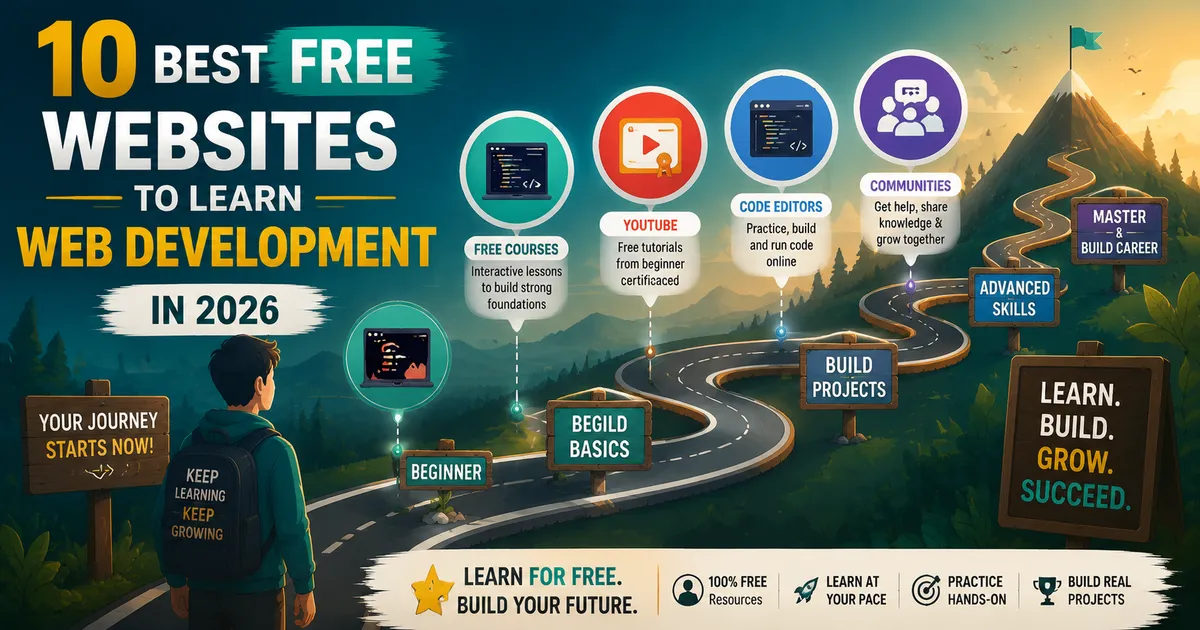
Best Free Websites to Learn Web Development in 2026 (Ranked by a Working Developer)
I learned web development using only free resources. Six years and a full developer career later, here are the platforms that actually worked — ranked honestly.
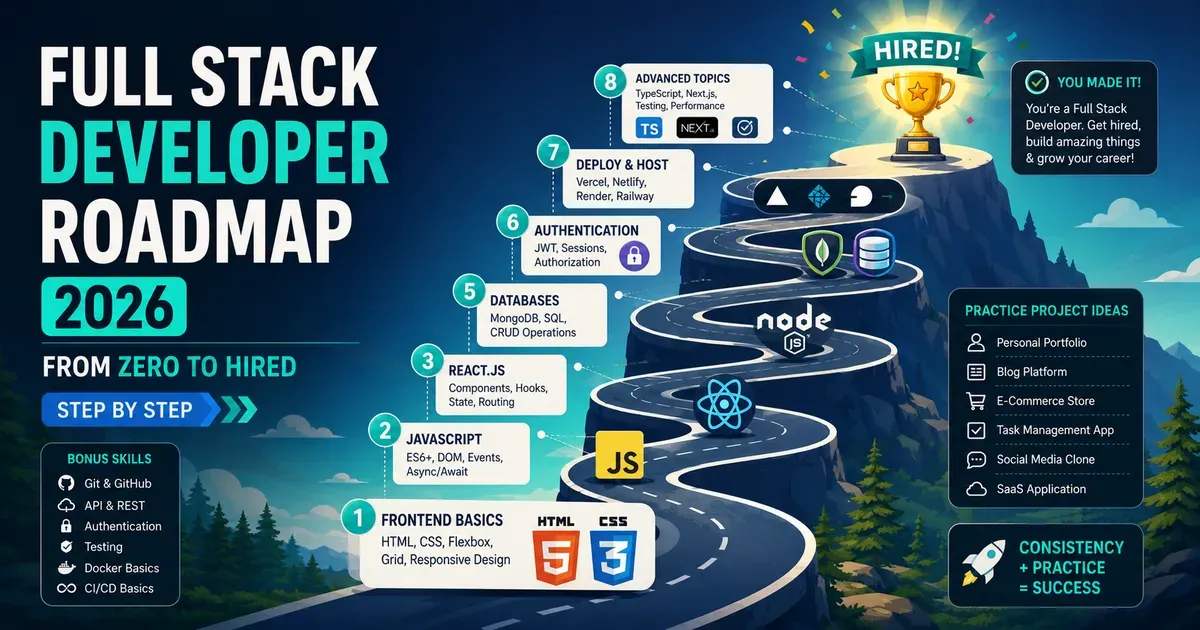
Full Stack Developer Roadmap 2026 — From Zero to Hired (Step by Step)
There's too much noise about what you need to learn to become a developer. This is the clear, focused roadmap that actually gets people hired in 2026.
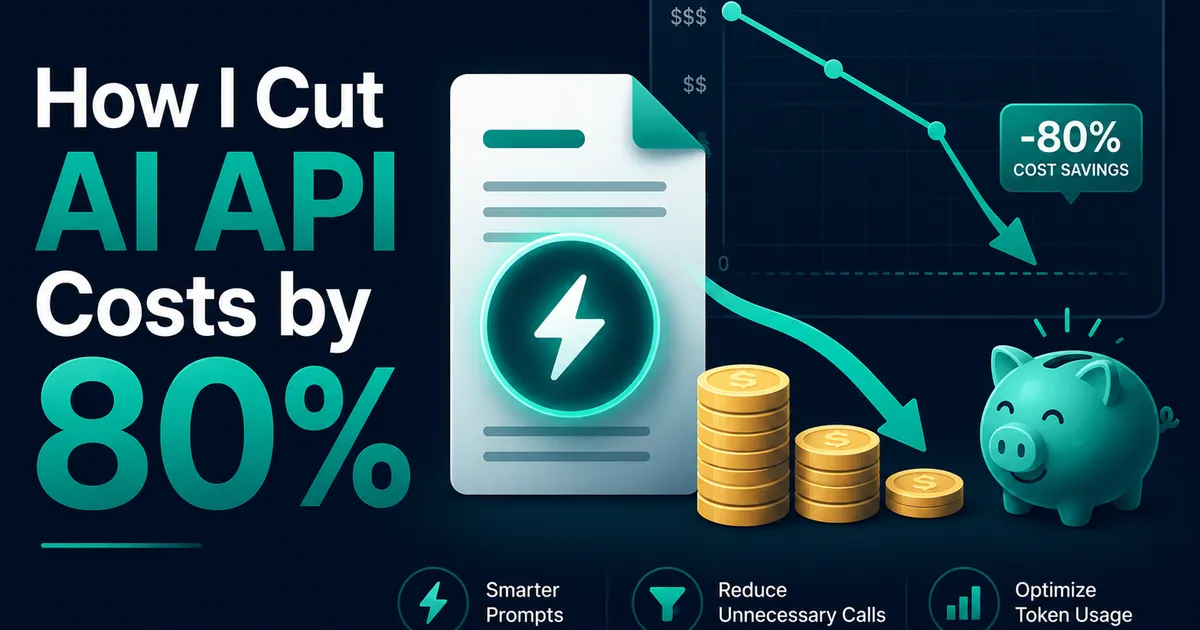
How I Reduced AI API Costs by 80% Using Prompt Caching
My AI API bill was growing faster than my users. Prompt caching cut input costs by ~80% — here's the exact restructure that did it.