
Full Stack Developer Roadmap 2026 — From Zero to Hired (Step by Step)
There's too much noise about what you need to learn to become a developer. This is the clear, focused roadmap that actually gets people hired in 2026.
Zeeshan Zakir
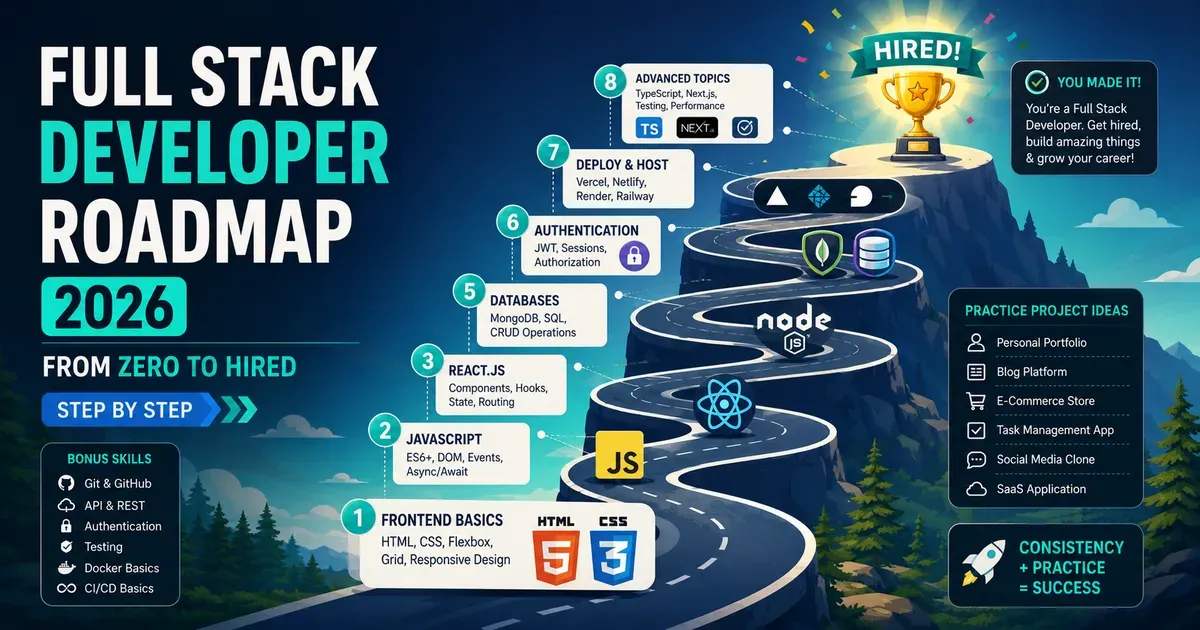
When I started learning web development, I made a mistake that cost me about three months of wasted effort. I tried to learn everything at once.
I was simultaneously watching a React course, reading JavaScript documentation, following a CSS tutorial, and attempting to understand what Docker was. Every new YouTube video convinced me I needed to learn something else before I was ready to build anything real.
The roadmap I'm about to share isn't the largest possible list of things a developer could know. It's the minimum viable path from zero to employable — the specific sequence that gives you the right foundation for each next step.
Phase 1: The Absolute Foundation (Months 1–2)
HTML — Learn This First, No Exceptions
HTML is not programming. It's markup — a way of describing the structure of a webpage using elements like headings, paragraphs, images, and links. You can learn enough HTML to build pages in a weekend.
What you need to know: semantic HTML elements, forms and inputs, tables, linking between pages, embedding images and media. That's it for this phase.
Resource: freeCodeCamp Responsive Web Design certification
CSS — How Pages Look
CSS controls how HTML elements appear — colors, fonts, spacing, layout, animations. This takes longer than HTML because the layout system has genuine depth.
Focus areas for this phase: box model, flexbox, grid, responsive design with media queries, and basic typography. Skip CSS animations and advanced effects for now.
The mistake most beginners make here is learning enough CSS to get something working and then moving on before developing real intuition for layout. Spend time here. It pays dividends for every project forever.
Resource: Kevin Powell on YouTube. The best CSS teacher available.
Basic JavaScript — The Logic Layer
JavaScript is where you start programming. It controls behavior — what happens when you click a button, how data is validated, how content changes without reloading the page.
First JavaScript concepts to learn: variables, data types, functions, conditionals, loops, arrays, objects, DOM manipulation, and events. These are the concepts that appear in 80% of the JavaScript you'll write early on.
Resource: javascript.info — work through the first three sections
At the end of Phase 1 you should be able to: build a multi-page website from scratch, style it responsively, and add simple JavaScript interactions.
Phase 2: Building Real Things (Months 3–5)
Git and GitHub — Start Here
Before you learn anything else in Phase 2, learn Git. It's the version control system every developer uses. Every project from this point forward should be tracked with Git and stored on GitHub.
You need to know: git init, git add, git commit, git push, branches, and pull requests. One afternoon of learning. Non-negotiable.
JavaScript Deeper
Before learning a framework, deepen your JavaScript foundation. Topics to add: array methods (map, filter, reduce), promises and async/await, fetch API, modules, error handling, and local storage.
These concepts appear constantly in React and Node.js code. Learning them in plain JavaScript first makes the framework code much easier to understand.
React — The Frontend Framework
React is the most widely used frontend framework and the most in-demand skill for frontend developer jobs. Learn it properly before exploring others.
Core React concepts: components, props, state with useState, side effects with useEffect, event handling, conditional rendering, lists and keys, and basic routing with React Router.
Resource: The official React documentation at react.dev is excellent. Work through the full tutorial.
At the end of Phase 2 you should be able to: build multi-component React applications with state management and client-side routing.
Phase 3: The Backend (Months 6–8)
Node.js and Express
Node.js lets JavaScript run on a server. Express is the framework that makes building web APIs with Node.js straightforward.
Learn: creating an HTTP server, routing, middleware, handling POST data, reading URL parameters, and sending JSON responses. These concepts form the backbone of every backend API.
Databases
You need to understand how to store and retrieve persistent data.
For beginners, MongoDB with Mongoose is a gentle starting point — documents feel similar to JavaScript objects, so the mental model is natural if you've been writing JavaScript.
Learn: connecting to a database, defining schemas, CRUD operations (Create, Read, Update, Delete), and basic query patterns.
Alternatively, PostgreSQL with an ORM like Prisma is a strong choice — relational databases teach you more structured data thinking and are highly valuable in the job market.
Authentication
Every real application needs user accounts. Learn how authentication works: password hashing with bcrypt, JSON Web Tokens (JWT) or session-based auth, protecting routes, and basic OAuth with a provider like Google.
At the end of Phase 3 you should be able to: build a full-stack application with a Node.js API, database storage, and user authentication.
Phase 4: Modern Stack and Deployment (Months 9–12)
Next.js
Once you understand React and basic backend concepts, Next.js is the natural next step. It combines frontend and backend in one framework, handles routing, server-side rendering, and static generation out of the box.
Learn: the App Router, Server Components vs Client Components, data fetching patterns, API routes, and deployment to Vercel.
TypeScript
TypeScript adds static typing to JavaScript. It catches errors before you run the code, makes large codebases easier to navigate, and is expected in most professional React and Node.js environments.
You don't need TypeScript mastery to get your first job. You need enough fluency that TypeScript code doesn't look foreign.
Deployment
Learn how to deploy a real application that other people can access. Vercel for Next.js projects is the simplest story — connect GitHub, configure environment variables, done.
Also learn: environment variables, basic security practices, and how to read deployment logs when something goes wrong.
Phase 5: Getting Hired (Month 12+)
Portfolio Projects
Build two or three substantial projects and deploy them publicly. Not tutorial projects — real things that solve real problems.
Ideas: a SaaS MVP, a tool that solves a problem you personally have, a content platform, a booking system for a local business.
GitHub Profile
Make your GitHub profile tell your story. Pin your best projects. Write README files that explain what each project does, why you built it, and how to run it. Contribution activity matters to hiring managers.
Job Applications or Freelancing
For jobs: focus your applications on junior full-stack or junior frontend roles. Customize your resume for each application. Apply consistently — treat it like a part-time job.
For freelancing: start with warm outreach to your existing network. Your first two clients will almost certainly come from someone who already knows and trusts you.
Need help building this?
I offer full-stack development services for startups and product teams.
If you want a faster path from idea to shipped product, I can help with architecture, frontend systems, backend APIs, and launch-ready builds.
View ServicesShare this post
Related posts
More practical reading from the blog to keep your momentum going.
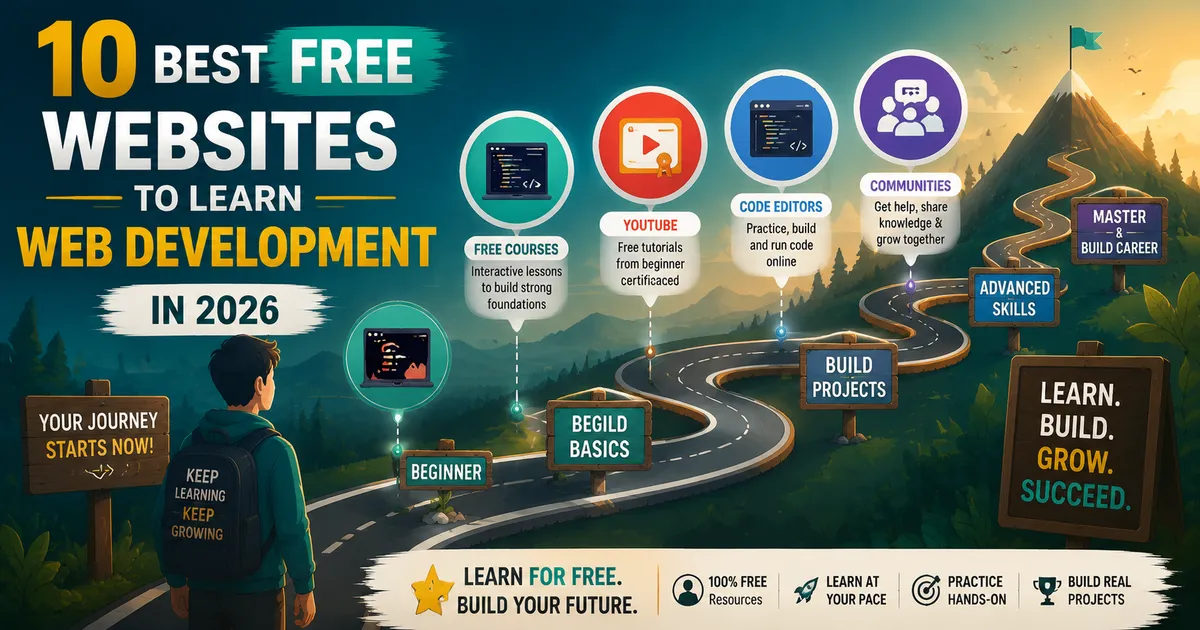
Best Free Websites to Learn Web Development in 2026 (Ranked by a Working Developer)
I learned web development using only free resources. Six years and a full developer career later, here are the platforms that actually worked — ranked honestly.
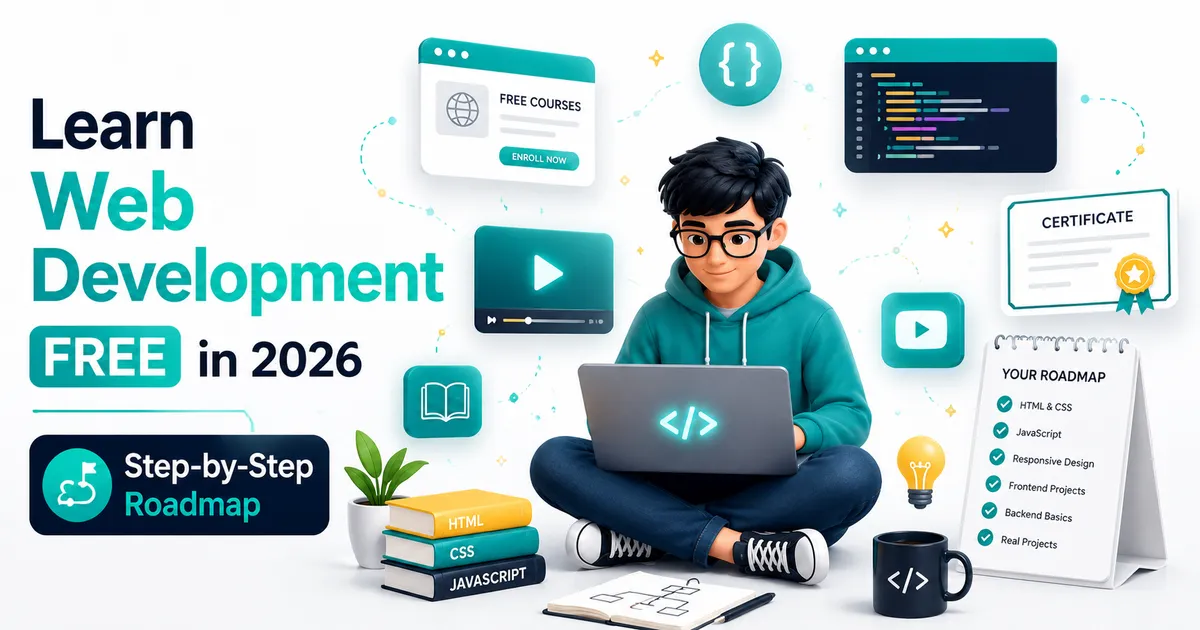
How to Learn Web Development for Free in 2026 (The Honest Guide)
I learned web development without spending a dollar on courses. Here's exactly how I did it, what free resources actually work, and the mistakes that slowed me down.
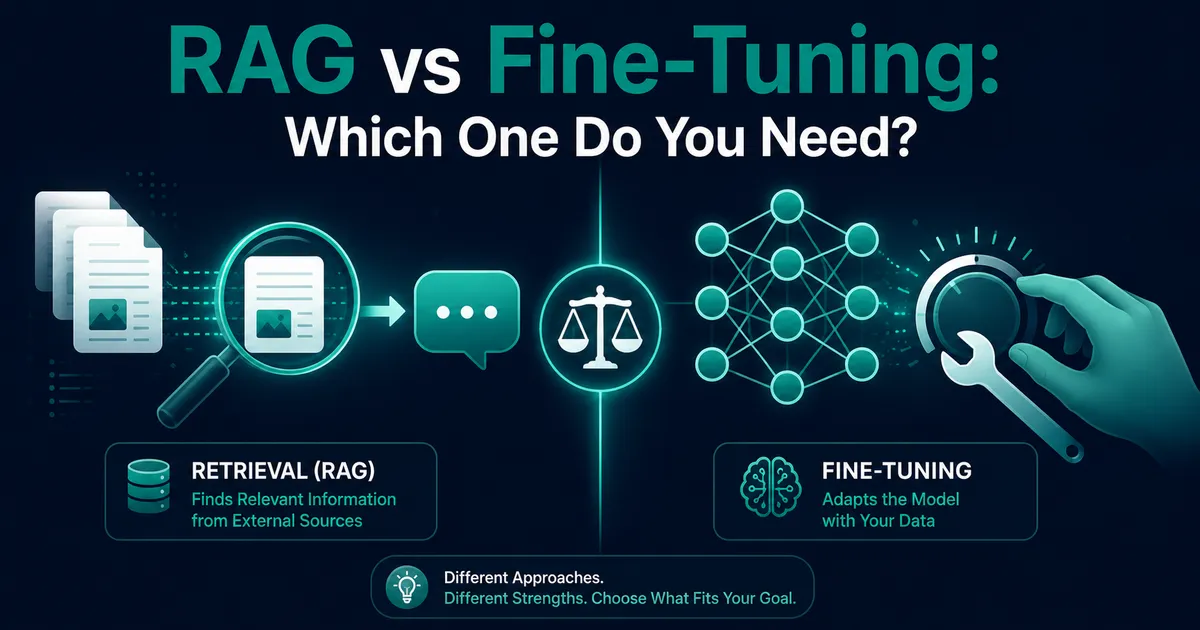
RAG vs Fine-Tuning: Which One Should You Choose?
Everyone says "train the AI on our docs." I tested RAG vs fine-tuning on a real project — here's which one to choose and when.