
Best Tools to Build a SaaS Product in 2026 (The Stack I Actually Use)
Having built several SaaS products, I've finally settled on a stack of tools that allows me to move quickly, cheaply, and sustainably. Here's the list of everything I would use if I was just starting.
Zeeshan Zakir
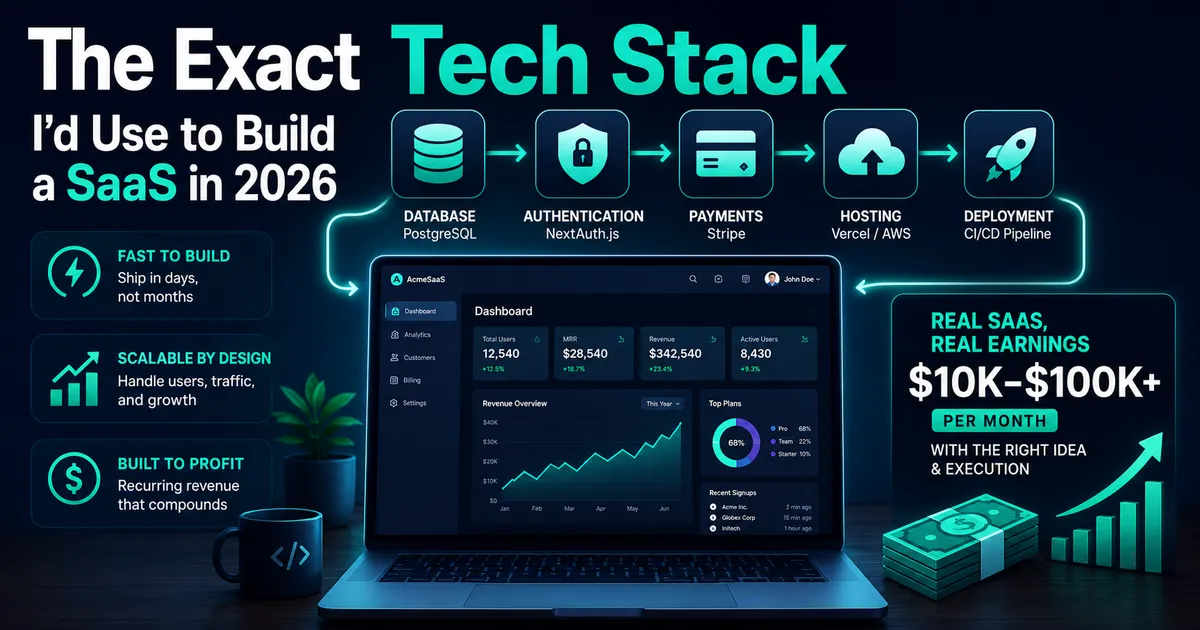
I once launched a SaaS product that took four months of work to launch. But half of this time wasn't spent building anything – it was spent researching, selecting, integrating, and troubleshooting the various tools I wanted to use.
A subsequent SaaS took only three weeks to launch. This wasn't because I worked harder in these three weeks, but rather because I had made all of the tool selection decisions earlier on.
Choosing the right tools upfront is one of the most impactful decisions you can make when building a SaaS product. Good tools will vanish from view and allow you to concentrate on the important bits. Bad tools are like having a full-time employee.
Below are the exact tools I would choose today if I was just beginning a new SaaS product.
Frontend – Next.js
There's not much to be said for a JavaScript developer here. Next.js 15 is currently the best framework to build SaaS applications. It provides the routing layer, server-side rendering, API routes, static generation – all wrapped into one. The developer experience at Vercel (makers of Next.js) is amazing.
The new App Router in Next.js 15 shines specifically for SaaS as it makes it super easy to have different layouts (navigation, styles, etc.) for marketing pages, user account pages, and admin console thanks to the powerful layout system.
Authentication – Clerk or NextAuth
Authentication is another one of those features that is often thought of as a triviality when, in fact, a lot of care is needed when implementing this functionality from scratch. Password hashing, session management, email verification, password reset workflows, social logins, token expiration handling – there's a lot of moving parts.
At the moment, I'm using Clerk (hosted authentication service with ready-made React components) on new projects. I add a <SignIn /> component to my application, and it magically starts working with social logins, magic links, multi-factor authentication, user management, and the whole nine yards. Free up to 10,000 MAUs.
The free alternative is NextAuth v5 (renamed to Auth.js). While it does take some effort to implement, you retain complete control over your authentication stack. It's a great choice for projects that require a lot of customization or would outgrow Clerk's pricing in time.
Database – Supabase or MongoDB Atlas
This choice comes down to the nature of your product.
In case your product has primarily relational data (users, organizations, subscription, records, relationships), go with Supabase, a hosted PostgreSQL database with an awesome dashboard, row-level security, generous free tier, real-time subscriptions, and an easy-to-use JavaScript SDK.
Otherwise, if your product is designed around flexible document-style data, use MongoDB Atlas. It provides an excellent free M0 cluster.
Again, the choice is based on your specific product.
Payments – Stripe
Stripe is the default choice for payments for a reason. The developer experience is excellent. The Stripe dashboard is one of the most useful tools for tracking your payments and managing subscribers. Their JavaScript SDK seamlessly integrates with Next.js.
For subscription billing, you should check out Stripe Billing. Create the Products and Prices in your Stripe dashboard, use Stripe Checkout for collecting payment details, and use webhooks to manage your subscriptions (created, updated, canceled).
Remember that Stripe has 2.9% + $0.30 fee on each transaction. This is the industry standard. For regions where Stripe is unavailable, Paddle is a solid alternative that supports global tax jurisdictions.
Email – Resend
Email functionality in a SaaS covers both transactional emails (e.g., onboarding welcome message, password reset, receipts) and marketing emails (announcements, newsletters, re-engagement emails).
My tool of choice here is Resend. It offers a straightforward API, React Email library for creating email templates (with JSX), and excellent deliverability. There is a generous free tier that allows 3,000 emails per month.
After growing beyond the initial free tier, I use ConvertKit (aka Kit) or Loops for marketing email.
Hosting – Vercel
When building a Next.js SaaS, Vercel is a natural choice. Connect your GitHub repo to Vercel, set up env variables, and your app will automatically deploy with each commit to the main branch. Preview deployments for each PR. Global CDN. Functions for API.
There's the Hobby plan for development and small SaaS applications ($0). When you start growing, consider the Pro plan for just $20/month (increased function execution time, bandwidth, and team collaboration features).
Use Railway as your complementary server-side host if you need background jobs, cron jobs, or heavy lifting outside Vercel's serverless function scope.
Real-Time Features – Pusher or Supabase Realtime
If you are building a feature with live updating (notifications, live editor, live analytics dashboard), then you need a WebSocket solution.
If you are using Supabase for your database, then the easiest option is to integrate its built-in real-time database.
Otherwise, Pusher is a decent hosted alternative if you need a more customizable WebSocket.
File Storage – Cloudflare R2 or AWS S3
Any SaaS product that deals with file uploads (avatars, documents, exports, images) needs a reliable object storage service to back itself.
Currently, my favorite cloud storage solution is Cloudflare R2. It has no egress costs (AWS charges you every time you download something from its S3 bucket), while R2 holds the same files for less money. On top of that, the SDK is fully compatible with AWS SDK, making integration easy.
The Stack Summary
If I was going to start a new SaaS today:
Framework: Next.js (latest) Authentication: Clerk or NextAuth (free tier) Database: Supabase or MongoDB Atlas (both free) Payments: Stripe Email: Resend Hosting: Vercel File Storage: Cloudflare R2
With this stack, you can move all the way from concept to production-ready SaaS taking payments, storing customer files, sending emails, doing everything – and all that without a single line of infrastructure code. Most of the above have generous free tiers.
This list of tools allows you to minimize time spent worrying about infrastructure and optimize it for the creation of the core value of your product.
Need help building this?
I offer full-stack development services for startups and product teams.
If you want a faster path from idea to shipped product, I can help with architecture, frontend systems, backend APIs, and launch-ready builds.
View ServicesShare this post
Related posts
More practical reading from the blog to keep your momentum going.
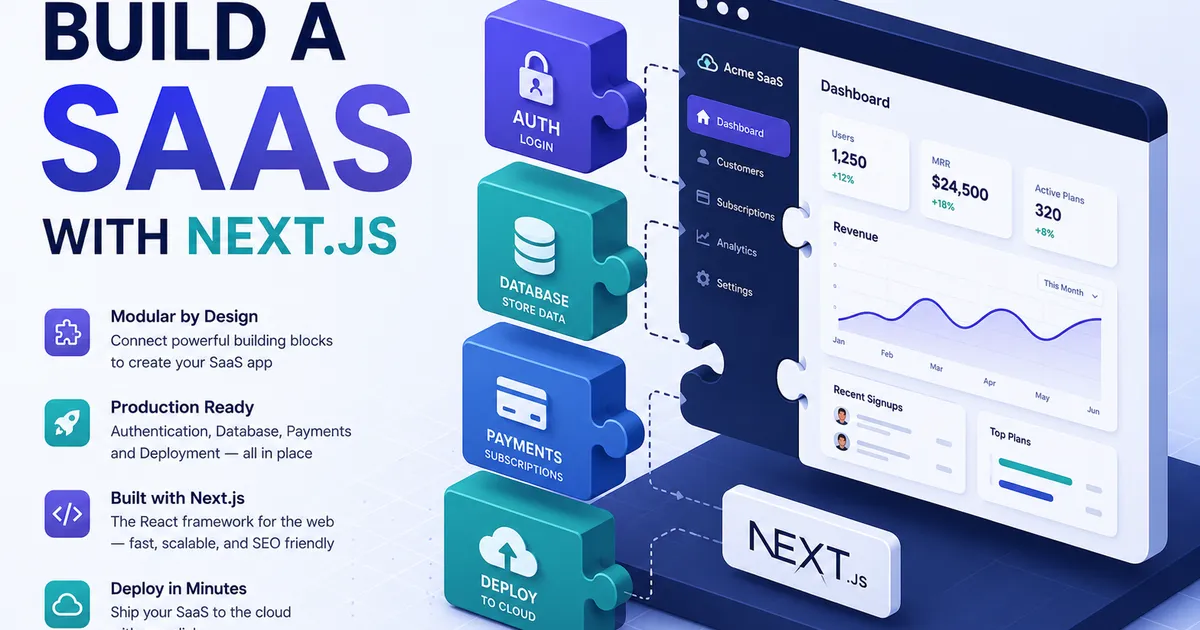
How to Build a SaaS Product with Next.js in 2026 (Step-by-Step)
Most "build a SaaS" tutorials either hand-wave the hard parts or drown you in setup. This is the middle path: the exact, sensible stack for shipping a Next.js SaaS in 2026 — auth, data, billing, and deploy — without over-engineering it.
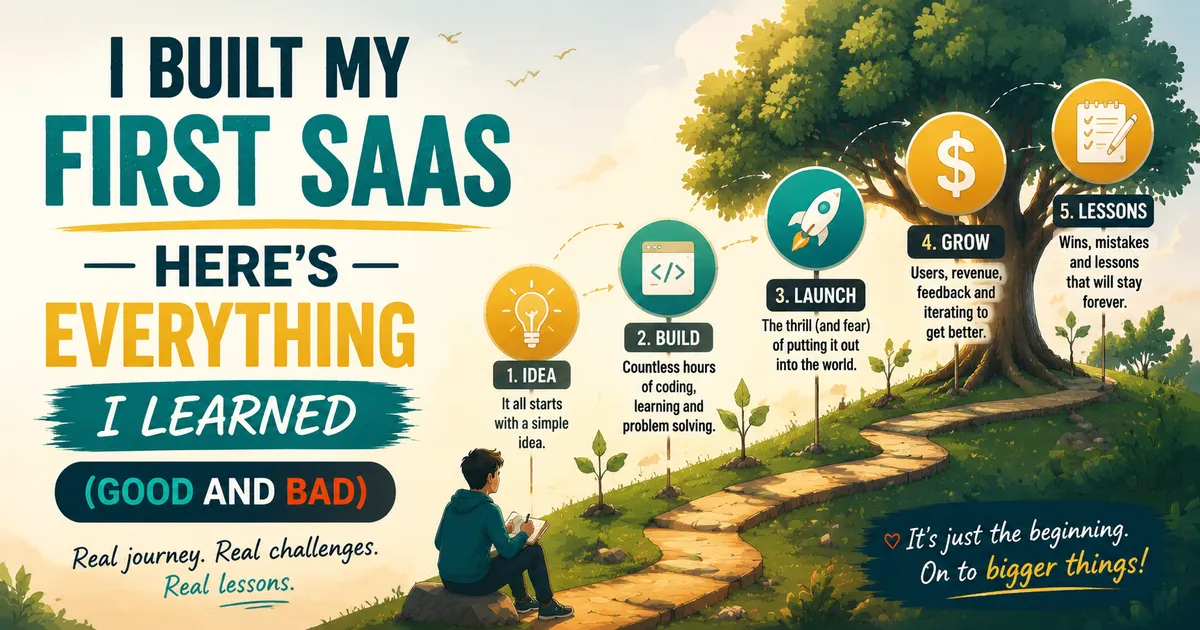
How I Built My First SaaS Project — Lessons, Mistakes, and What I'd Do Differently
Building a SaaS was the most educational project I've taken on as a developer. Here's what nobody tells you before you start — the technical decisions, the mistakes, and the parts that actually worked.
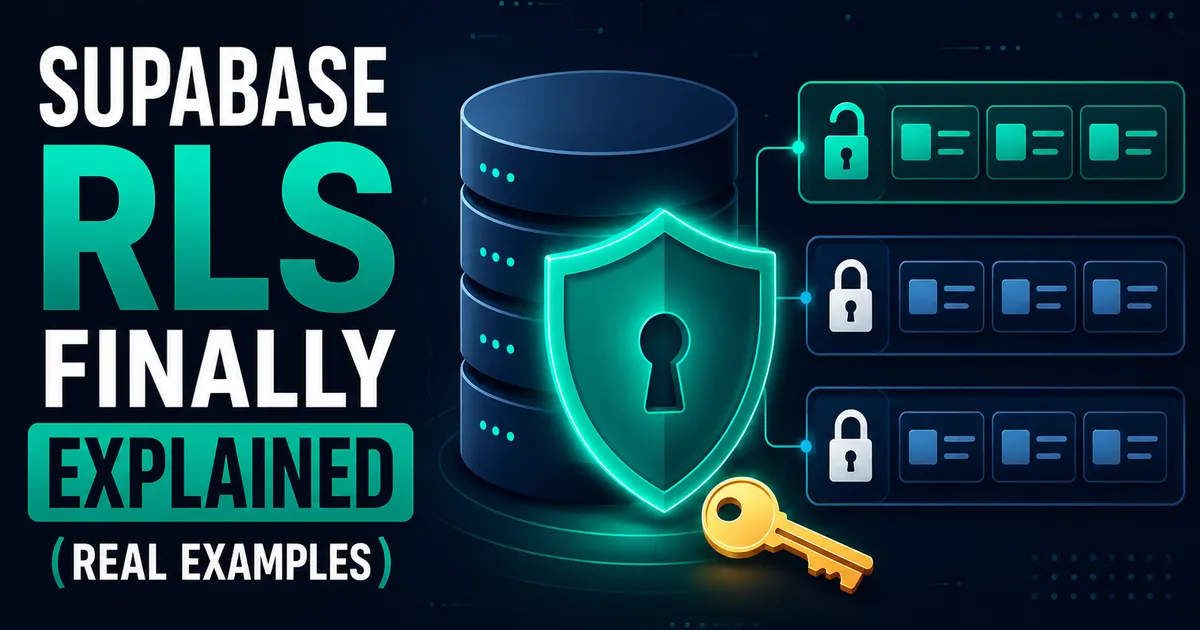
Supabase Row Level Security Explained with Real Examples (Copy These Policies)
Row Level Security finally clicked for me after one scary near-miss. Real policies you can copy — todos, blogs, teams, and admin roles.