
Supabase Row Level Security Explained with Real Examples (Copy These Policies)
Row Level Security finally clicked for me after one scary near-miss. Real policies you can copy — todos, blogs, teams, and admin roles.
Zeeshan Zakir
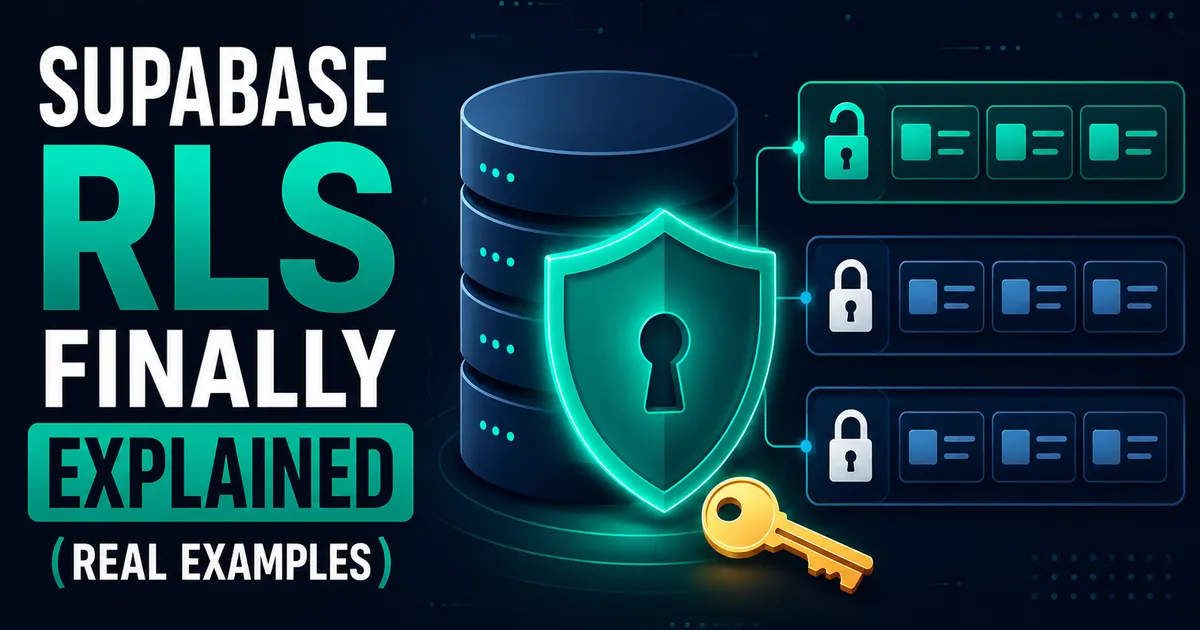
Early in my Supabase days, I did a test that made my stomach drop. I opened my deployed app, opened the browser console, grabbed the Supabase client, and ran a query for a todo list that belonged to a different test account.
It returned the data.
Nothing was "hacked." The app's UI never showed other people's todos. But the API was happy to hand them to anyone who asked directly, because I had written my security in JavaScript — where user_id = currentUser.id in my queries — and JavaScript queries are just polite suggestions. Anyone can write their own.
That's the day Row Level Security stopped being an optional chapter in the docs for me.
The mental model that makes RLS click
Here it is: an RLS policy is a WHERE clause that the database itself glues onto every query, and nobody can remove it.
Your Supabase anon key ships to the browser. That's by design — it's not a secret, it's an identifier. Which means anyone can send any query they like to your database. RLS is the layer that decides, per row, what each authenticated (or anonymous) person is actually allowed to touch. The security lives in Postgres, below your app code, where console tricks can't reach it.
Turn it on per table:
alter table todos enable row level security;Important: the moment you enable it with no policies, the table locks completely — the anon and authenticated roles can't do anything. Policies then selectively open doors.
Example 1: Personal data (the todo pattern)
The most common case — every user sees and manages only their own rows:
create policy "read own todos"
on todos for select
using (auth.uid() = user_id);

create policy "insert own todos"
on todos for insert
with check (auth.uid() = user_id);

create policy "update own todos"
on todos for update
using (auth.uid() = user_id);

create policy "delete own todos"
on todos for delete
using (auth.uid() = user_id);
The difference that confused me for weeks: using filters rows that already exist; with check validates rows being written. Select and delete need using. Insert needs with check. Update ideally gets both — which rows you may touch, and what you may turn them into. Forgetting with check on insert is how apps end up with users creating rows on other people's behalf.
Example 2: Public content, private control (the blog pattern)
Published posts visible to everyone — including logged-out visitors — while only authors touch their own:
create policy "anyone reads published posts"
on posts for select
to anon, authenticated
using (published = true);

create policy "authors read own drafts"
on posts for select
to authenticated
using (auth.uid() = author_id);

create policy "authors manage own posts"
on posts for all
to authenticated
using (auth.uid() = author_id)
with check (auth.uid() = author_id);
Policies are OR-ed together: a row is visible if any select policy passes. So authors see their drafts plus everything published, visitors see only published. This composability is where RLS gets elegant.
Example 3: Team access (and the trap inside it)
Multi-tenant apps — users belong to teams, teams own data:
create policy "team members read projects"
on projects for select
using (
  team_id in (
    select team_id from team_members
    where user_id = auth.uid()
  )
);
This works. But the moment you write a similar policy on the team_members table itself, you hit the famous "infinite recursion detected in policy" error — the policy queries the table it protects. The fix is a security definer function that performs the membership lookup with RLS bypassed for that one internal check (I covered the full fix in my production errors article). Every multi-tenant Supabase project meets this error exactly once.
Example 4: The admin override
Admins need to see everything. I keep an is_admin flag on profiles and wrap the check in a function:
create or replace function is_admin()
returns boolean as $$
  select coalesce(
    (select is_admin from profiles where id = auth.uid()),
    false
  );
$$ language sql security definer;

create policy "admins read all orders"
on orders for select
using (is_admin());
Because policies OR together, adding this beside the "own rows" policy gives admins full visibility without touching the user-facing rules. One warning from experience: never let users update their own is_admin column — your profiles update policy needs a with check that excludes it, or a trigger guarding it.
Testing policies without losing your mind
For quick checks, impersonation in SQL works:
set local role authenticated;
set local request.jwt.claims to '{"sub":"<some-user-uuid>"}';
select * from todos; -- returns only that user's rows
And my console test from the intro is now a permanent habit: after setting up policies, I deliberately try to fetch another user's data from the browser. Two minutes, and it has caught a missing policy more than once. The Supabase dashboard's policy templates are also better than people give them credit for — I usually start from one and adjust.
Two things that bite everyone
The service role key bypasses RLS entirely. That's its job — server-side admin tasks. It must never, ever appear in client code. If you've ever pasted it anywhere near a NEXT_PUBLIC_ variable, rotate it today.
Performance. Policies run on every row access. Two habits keep them fast: index every column your policies filter on (user_id, team_id), and wrap auth calls in a subselect — (select auth.uid()) = user_id — so Postgres evaluates it once per query instead of once per row. On a table with a few hundred thousand rows, that one change took a dashboard query of mine from seconds to milliseconds.
Where I've landed
RLS felt like bureaucracy until that console test. Now it's the first thing I set up on any new table, before writing a single line of app code against it. App-level checks are for user experience; RLS is for security. The database is the only place where "users can only see their own data" is a fact instead of a hope.
Need help building this?
I offer full-stack development services for startups and product teams.
If you want a faster path from idea to shipped product, I can help with architecture, frontend systems, backend APIs, and launch-ready builds.
View ServicesShare this post
Related posts
More practical reading from the blog to keep your momentum going.
How I Sync Supabase Data with Google Sheets Automatically
My client didn't want a dashboard, he wanted Google Sheets. Here's the free setup I use to sync Supabase data to Sheets automatically.
10 Supabase Errors I Faced in Production (And Their Fixes)
Ten real Supabase errors from my production apps — RLS violations, JWT expiry, connection limits — with the exact fixes that worked.
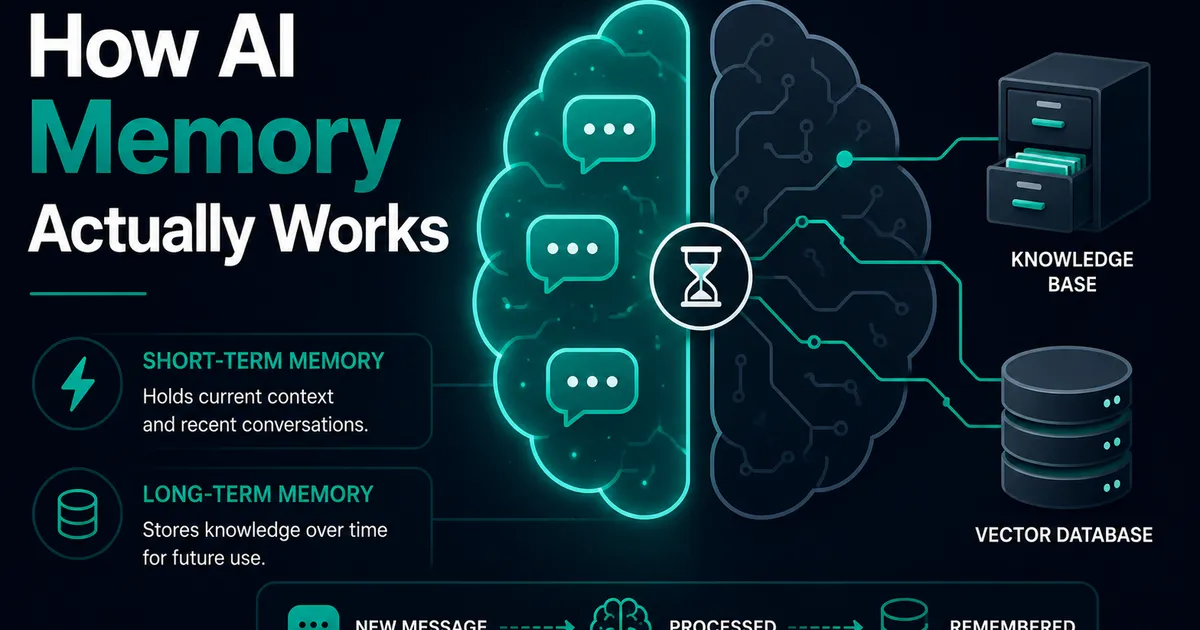
AI Memory Systems: Short-Term vs Long-Term Memory
Every API call meets a total stranger — LLMs remember nothing. How AI memory systems actually work: short-term, long-term, and forgetting.