
How to Build a SaaS Product with Next.js in 2026 (Step-by-Step)
Most "build a SaaS" tutorials either hand-wave the hard parts or drown you in setup. This is the middle path: the exact, sensible stack for shipping a Next.js SaaS in 2026 — auth, data, billing, and deploy — without over-engineering it.
Zeeshan Zakir
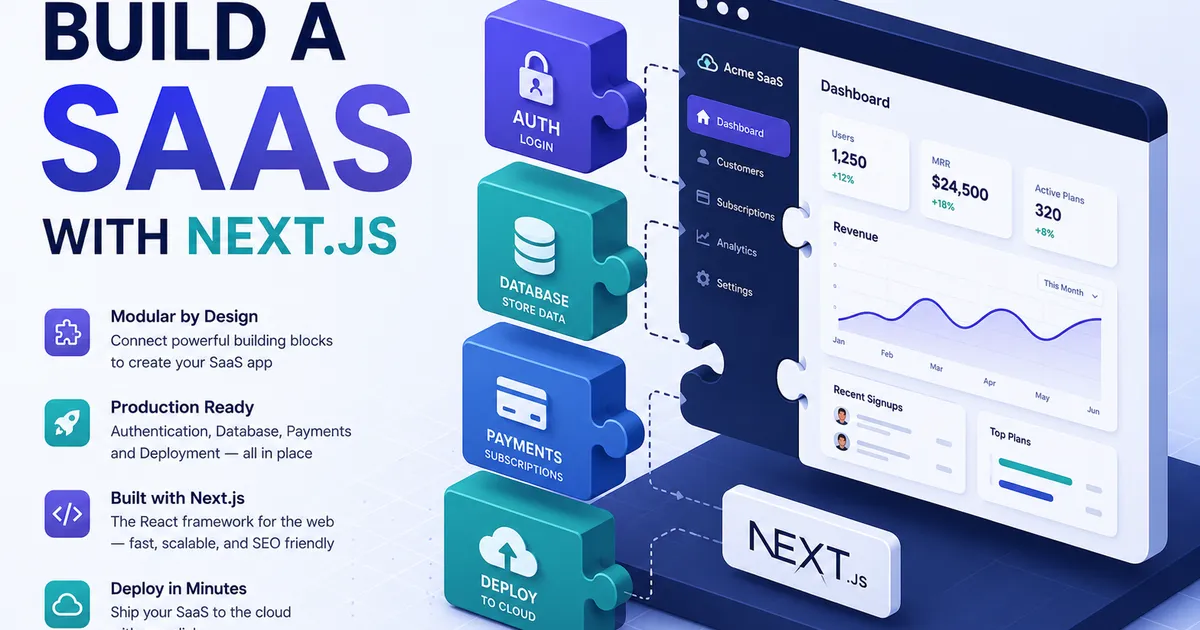
How to Build a SaaS Product with Next.js in 2026 (Step-by-Step)
There are two kinds of "build a SaaS" tutorials, and both fail you. The first waves its hands at the hard parts — "add authentication here" — and leaves you stranded. The second buries you in a hundred setup choices before you write a single line of product code. This guide is the middle path: a clear, opinionated stack that lets you ship a real Next.js SaaS in 2026 without over-engineering.
We will not build every feature line by line — that is a course, not an article. Instead you will get the map: the decisions that matter, the tools that fit together cleanly, and the order to build in so you actually finish. (If you are still deciding whether Next.js is right for this, start with React vs Next.js.)
Why Next.js is a strong SaaS foundation
A SaaS needs a marketing site, an authenticated app, a backend, and billing — often in one project. Next.js handles this unusually well. The current line, Next.js 16, gives you server-rendered marketing pages for SEO, an app directory for your authenticated dashboard, Server Actions and API routes for backend logic, and one deploy target for the whole thing. You are not stitching a frontend and a separate backend together; it is one coherent codebase.
The 2026 SaaS stack at a glance
| Layer | Recommended choice | Why |
|---|---|---|
| Framework | Next.js 16 (App Router) | SEO pages + app + backend in one |
| Language | TypeScript | Safety across a growing codebase |
| Styling | Tailwind CSS v4 | Fast, consistent UI |
| Database | PostgreSQL (or MongoDB) | Structured, relational SaaS data |
| ORM | Prisma or Drizzle | Type-safe database access |
| Auth | A dedicated auth library/service | Do not roll your own |
| Payments | Stripe | The standard for subscriptions |
| Hosting | Vercel (or a Node host) | Zero-config Next.js deploys |
Each row is a sensible default, not the only option. The goal is a stack whose pieces are designed to work together.
Step 1: Scaffold the project
Start a fresh Next.js 16 project with the App Router, TypeScript, and Tailwind enabled from the first prompt. This gives you a typed, styled foundation with Turbopack (the default bundler in Next.js 16) handling fast rebuilds. Set up a clean folder structure early: a route group for marketing pages, another for the authenticated app, and a shared components folder.
Step 2: Design your data model
Before writing features, sketch your core entities. Almost every SaaS has users, some notion of an organization or account, a subscription, and then the domain-specific data your product is actually about. Choose your database based on the shape of that data — PostgreSQL is the strong default for structured, relational SaaS data (see MongoDB vs PostgreSQL). Use a type-safe ORM like Prisma or Drizzle so your database and your TypeScript code stay in sync.
Step 3: Add authentication
This is the step people try to build themselves and regret. Do not roll your own authentication. Sessions, password hashing, OAuth, password resets, and email verification are security-critical and full of edge cases. Use a well-maintained auth library or hosted auth service. Get sign-up, log-in, and protected routes working so that your dashboard is genuinely gated before you build any features behind it.
Step 4: Build the core product
Now — and only now — build the thing your SaaS actually does. Keep the first version deliberately small. One core workflow that delivers real value beats ten half-finished features. Use Server Actions or API routes for your backend logic, and lean on TypeScript to keep the growing codebase honest. Resist the urge to add settings pages, team management, and admin panels before the core loop even works.
Step 5: Add billing with Stripe
A SaaS is a business, so it needs to take money. Stripe is the standard. You will define your pricing plans, let users subscribe, and — crucially — listen to Stripe webhooks so your app knows when a subscription starts, renews, or cancels. The webhook is the part beginners forget: without it, your app has no reliable idea who is actually paying. Gate premium features behind the user's current subscription status.
Step 6: Deploy
Push to a Git repository and connect it to Vercel (or any Node-capable host). Vercel deploys Next.js with essentially zero configuration, gives you preview URLs for every branch, and handles the build. Set your environment variables — database URL, auth secrets, Stripe keys — in the hosting dashboard, never in your code. Then ship.
Common mistakes that sink SaaS projects
- Rolling your own auth. The single most common self-inflicted wound. Use a proven solution.
- Over-engineering before launch. Multi-tenant architecture, role systems, and admin dashboards can wait. Ship the core loop first.
- Forgetting Stripe webhooks. Without them, your subscription state drifts out of sync with reality.
- Committing secrets. API keys in your repo are a security incident waiting to happen. Use environment variables.
- Building in silence for months. Get something in front of real users early. Feedback beats guessing.
Expert tips
- Start with a starter kit if you want speed. A good Next.js SaaS boilerplate wires up auth, billing, and structure so you can jump straight to your product. Just understand what it is doing.
- Keep marketing and app cleanly separated using route groups, so your public SEO pages and your gated dashboard do not tangle.
- Instrument early. Add basic analytics and error tracking from day one so you learn what users actually do.
- Charge sooner than feels comfortable. Free users give you praise; paying users give you a business.
Need help building this?
I offer full-stack development services for startups and product teams.
If you want a faster path from idea to shipped product, I can help with architecture, frontend systems, backend APIs, and launch-ready builds.
View ServicesShare this post
Related posts
More practical reading from the blog to keep your momentum going.
How I Built My First SaaS Project — Lessons, Mistakes, and What I'd Do Differently
Building a SaaS was the most educational project I've taken on as a developer. Here's what nobody tells you before you start — the technical decisions, the mistakes, and the parts that actually worked.
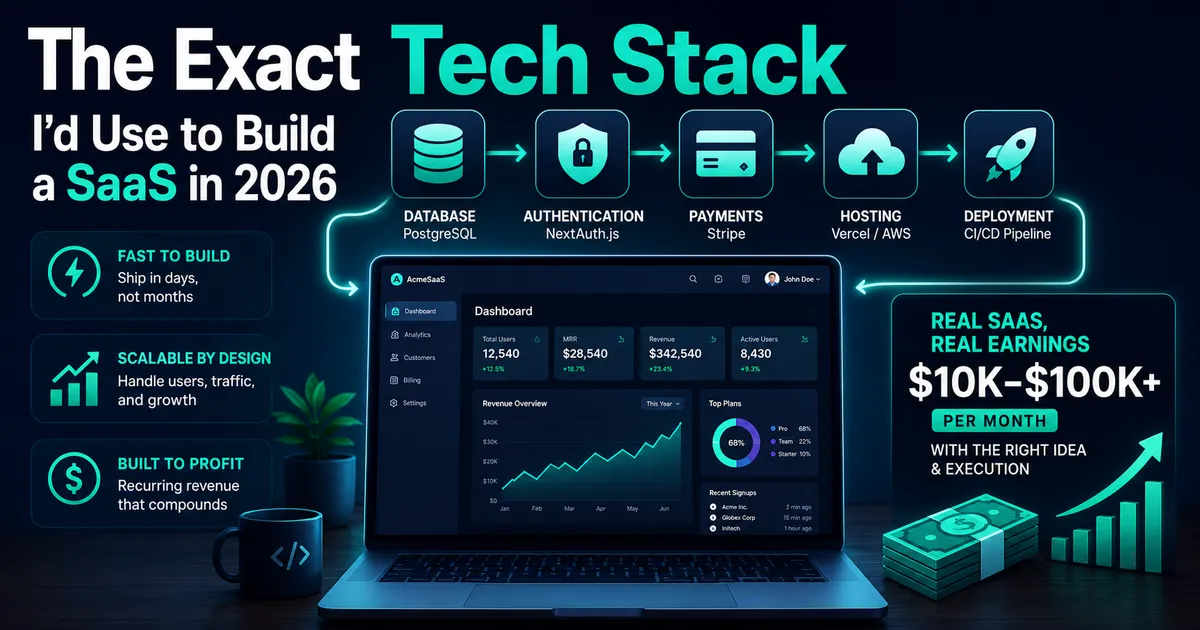
Best Tools to Build a SaaS Product in 2026 (The Stack I Actually Use)
Having built several SaaS products, I've finally settled on a stack of tools that allows me to move quickly, cheaply, and sustainably. Here's the list of everything I would use if I was just starting.
Supabase Row Level Security Explained with Real Examples (Copy These Policies)
Row Level Security finally clicked for me after one scary near-miss. Real policies you can copy — todos, blogs, teams, and admin roles.