
Building AI Workflows with n8n and OpenAI
I wired n8n and OpenAI into a support-inbox triage workflow that runs while I sleep — full build, self-hosting, and the infinite email loop.
Zeeshan Zakir
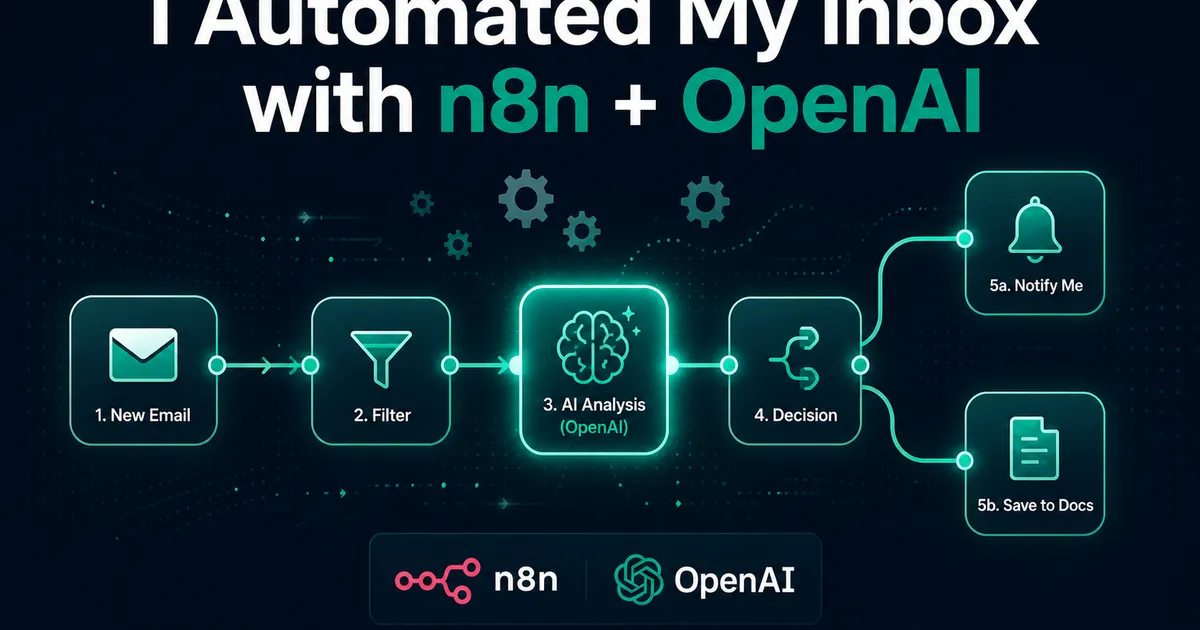
I came back from a weekend offline to forty-seven unread support emails. Sorting them took ninety minutes, and the sorting itself required no intelligence I couldn't describe in one sentence: billing questions to the billing folder and flag anything angry, technical stuff gets a first-response draft, spam dies. Ninety minutes of being a human IF statement.
That Monday I finally tried n8n, and by Wednesday the inbox was triaging itself. This is the full build — the n8n OpenAI workflow, the five-dollar self-hosting setup, and the mistake that caused the workflow to email me two hundred times in one afternoon.
What n8n actually is
n8n is a workflow automation tool — think Zapier, but with three differences that mattered to me. It's node-based on a visual canvas, so a workflow reads like a flowchart: trigger node → processing nodes → action nodes, with data flowing left to right. It's source-available and self-hostable, meaning the free version runs on your own server with unlimited executions — no per-task pricing anxiety. And it doesn't hide complexity from developers: when the visual nodes aren't enough, a Code node accepts real JavaScript, and an HTTP node calls any API on earth.
Self-hosting is genuinely one command on any small VPS:
docker run -d --name n8n -p 5678:5678 -v n8n_data:/root/.n8n n8nio/n8nMine lives on the cheapest droplet tier next to two other services. Total infrastructure cost: about what a coffee costs, monthly. (Their cloud version exists if a server isn't your thing — it just wasn't for me.)
The workflow, node by node
Here's the shape of the triage system:
IMAP Trigger (new email)
   → OpenAI node (classify with structured output)
      → Switch node (route by category)
          → billing  → label + Slack alert if urgent
          → technical → OpenAI node (draft reply) → save to Drafts
          → spam     → archive
   → Google Sheets node (log everything)
The trigger: n8n's IMAP node watches the support inbox and fires per new email, handing the workflow the sender, subject, and body.
The brain: an OpenAI node classifies each message. The critical detail — and the mistake I made first — is not asking for JSON politely in the prompt. My early version got back markdown-fenced JSON that broke the next node in ways that only showed up on weird emails. The fix is the same one from my structured outputs guide: a strict schema, so the classification arrives as guaranteed-parseable data:
{
  "category": "billing | technical | spam | other",
  "urgency": "low | medium | high",
  "sentiment": "calm | frustrated | angry",
  "summary": "one sentence"
}
With gpt-4o-mini doing the classifying, each email costs a fraction of a cent. The whole month of triage costs less than the stamp on one physical letter.
The routing: a Switch node reads category and sends each email down its branch. Angry-or-urgent messages additionally trip a Slack notification — the one category where I want to be interrupted.
The drafts: for technical questions, a second OpenAI call writes a first-response draft using my docs as context, and n8n saves it to the Drafts folder — it does not send. Every morning I open Drafts, read each one against the original email, edit or approve, and hit send myself. This human-in-the-loop step is not me being timid; a support reply sent under my name, unread by me, is a reputation lottery I decline to play. The AI does the ninety minutes of typing; I keep the two minutes of judgment.
The infinite loop story
Now the confession. Version one included a "notify myself" step that emailed a summary of each processed message... to an address that landed in the same inbox the IMAP trigger was watching. New email → workflow runs → sends summary email → new email → workflow runs. I was away from my desk for the afternoon; the loop was not. Two hundred and some emails later, each one a diligent summary of the previous summary, I learned n8n's most important safety lesson.
Fixes, in order of importance: the trigger now filters out my own sending address; notifications go to Slack instead of email (never feed a trigger its own output channel); and the workflow has n8n's error workflow configured, so failures ping me instead of dying silently — or looping loudly.
The n8n habits that make workflows debuggable
Three features turned my building experience from frustrating to pleasant once I found them. Pin data: click any node and pin a real execution's data to it, so while editing downstream nodes you're testing against a real email instead of re-triggering the whole chain. Execution logs: every run is stored with each node's exact input and output — when classification goes weird, I can see precisely what the model received and returned. One workflow, one job: my instinct to build a mega-workflow doing everything produced an undebuggable octopus; splitting into small single-purpose workflows that call each other made each piece testable alone.
Where n8n fits (and where it doesn't)
A month in, my honest placement: n8n is superb as glue between services — inbox to AI to Slack to Sheets, the connective tissue no one wants to write and host as custom code. My support agent is still real code inside my product, where I need testing, versioning, and fine control. The triage workflow is plumbing around the product, and plumbing is exactly what visual automation is for. The boundary I use: if it's core product behavior, it's code; if it's "when X happens somewhere, do Y somewhere else," it's a workflow.
Forty-seven emails started this. The inbox now sorts itself, drafts wait for me like a considerate assistant, and the only emails the system sends me are the ones I actually asked for. Monday-me would like a word with whoever waited this long to build it.
Need help building this?
I offer full-stack development services for startups and product teams.
If you want a faster path from idea to shipped product, I can help with architecture, frontend systems, backend APIs, and launch-ready builds.
View ServicesShare this post
Related posts
More practical reading from the blog to keep your momentum going.
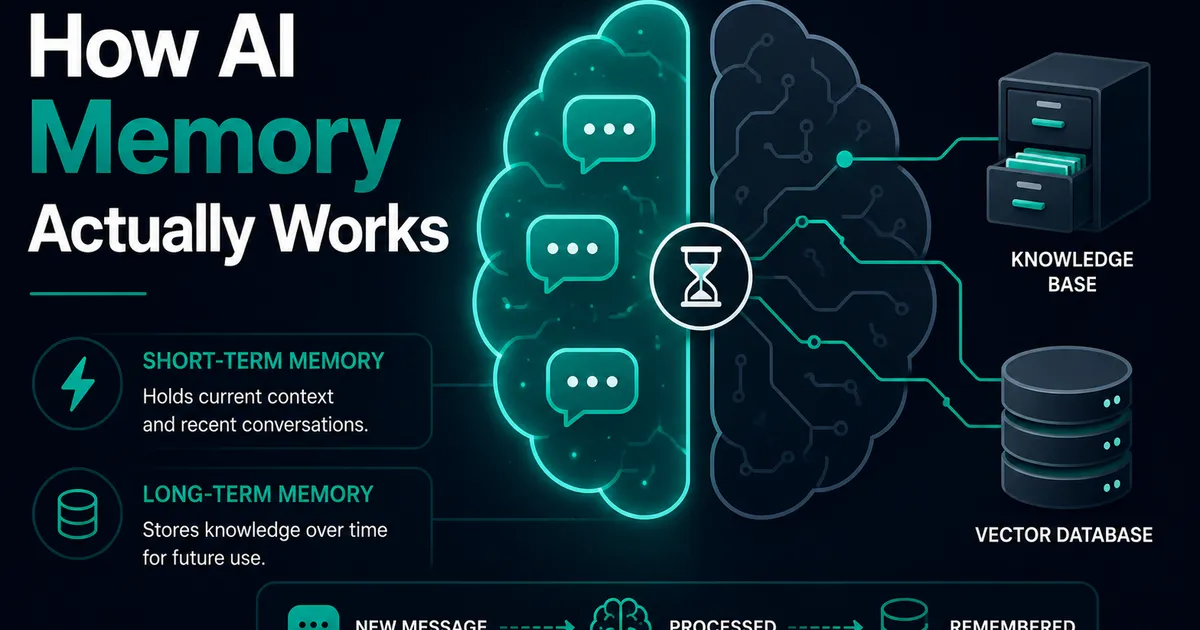
AI Memory Systems: Short-Term vs Long-Term Memory
Every API call meets a total stranger — LLMs remember nothing. How AI memory systems actually work: short-term, long-term, and forgetting.
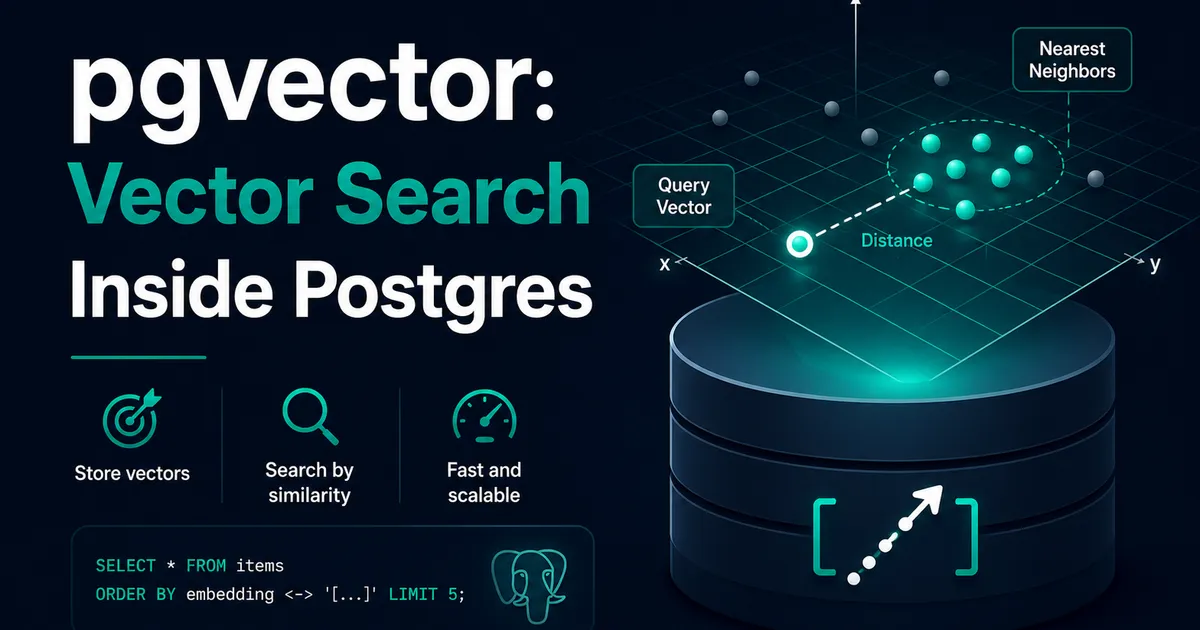
Vector Databases Explained with Supabase pgvector
I almost paid for a dedicated vector database. Turns out Postgres does it. A practical pgvector tutorial with Supabase — setup to indexes.
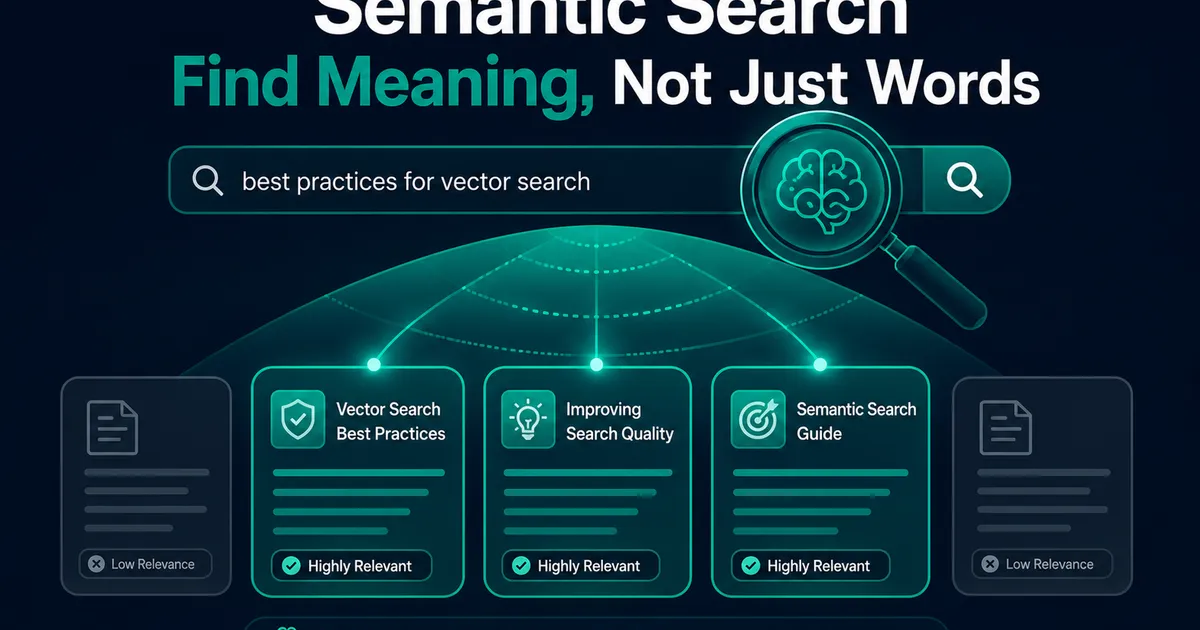
How I Added AI Search to My Next.js Website
Users searched "remove account," my docs said "delete account," search returned nothing. So I added AI semantic search to my Next.js site.