
How I Built My First AI Agent Using OpenAI Responses API
I built a working AI agent on the OpenAI Responses API for my inventory app. The agent loop, tool calls, and the mistakes — full tutorial.
Zeeshan Zakir
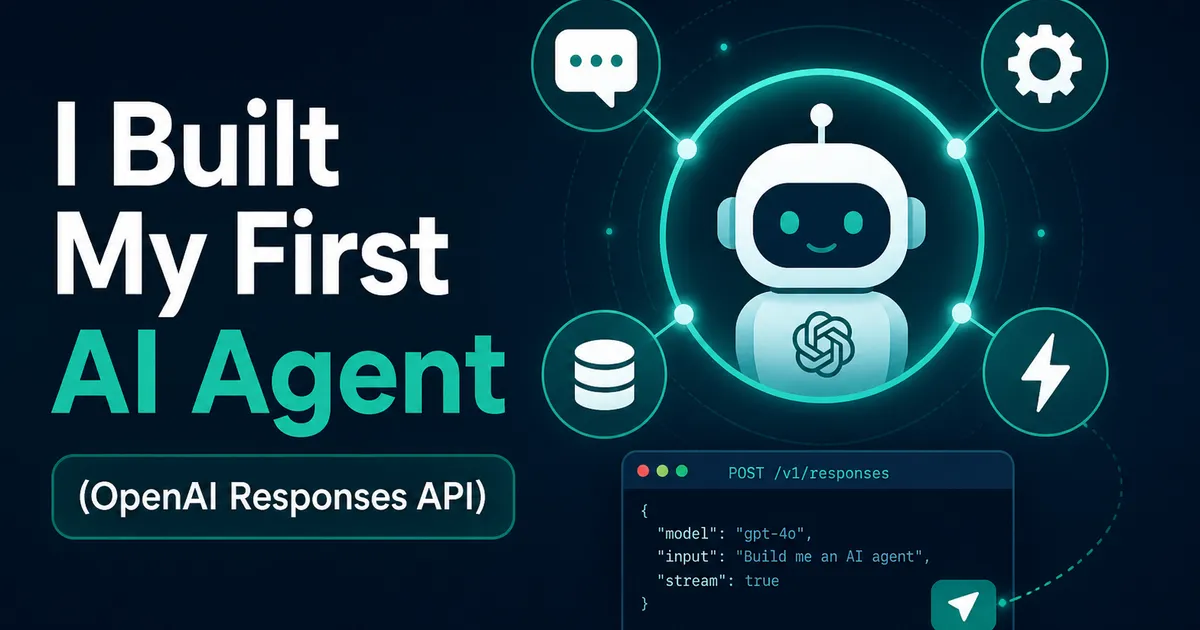
A few months after I shipped the inventory management system, the client sent me a message that changed my roadmap: "The dashboard is great, but can I just ask it things? Like, how many drills are left?"
He didn't want more screens. He wanted a conversation. That request became my first real AI agent, built on the OpenAI Responses API, and this is the full tutorial version of what I learned — including the mistake that quietly burned through API credits one evening.
Why the Responses API and not Chat Completions
I'd used Chat Completions before, and it works, but you end up hand-rolling everything around it: storing message history, replaying it on every turn, wiring your own tool-call bookkeeping. The Responses API is OpenAI's newer primitive that folds a lot of that in — conversation state via previous_response_id, cleaner tool-call outputs, and built-in tools like web search if you want them.
For an agent — something that decides, acts, checks results, and answers — that structure matters. My whole "backend" for this feature is one API route and one loop.
The smallest possible start
Before tools, just a talking endpoint:
import OpenAI from 'openai';
const client = new OpenAI();

const response = await client.responses.create({
  model: 'gpt-4o-mini',
  instructions:
    'You are the inventory assistant for a hardware shop. Be brief and factual.',
  input: 'Hi, what can you do?',
});

console.log(response.output_text);
instructions is the system-prompt equivalent; output_text is the convenience getter so you're not digging through the output array for simple cases. This alone is a chatbot. It is not yet an agent, because it can't do anything — ask it about stock and it will politely invent a number, which is worse than useless.
Giving it hands: function tools
The agent gets exactly two tools to start — look up a product, and get its stock level:
const tools = [
  {
    type: 'function',
    name: 'find_product',
    description:
      'Search products by name. Returns matching products with their SKUs. Always use this first if the user gives a product name instead of a SKU.',
    parameters: {
      type: 'object',
      properties: { query: { type: 'string' } },
      required: ['query'],
    },
  },
  {
    type: 'function',
    name: 'get_stock_level',
    description: 'Get current stock quantity for an exact SKU.',
    parameters: {
      type: 'object',
      properties: { sku: { type: 'string' } },
      required: ['sku'],
    },
  },
];
Notice the find_product description practically bosses the model around — "always use this first." That sentence exists because version one had only get_stock_level, and the model, when given a product name, would confidently guess a SKU. Tool descriptions aren't documentation for humans; they're behavioral instructions for the model. Writing them like that fixed more bugs than any code change.
The agent loop — where it actually becomes an agent
Here's the core. The model may respond with function calls instead of text; you execute them, hand the results back, and let it continue. Repeat until it produces a final answer:
async function runAgent(userMessage: string, prevId?: string) {
  let response = await client.responses.create({
    model: 'gpt-4o-mini',
    instructions: SYSTEM_INSTRUCTIONS,
    input: userMessage,
    tools,
    previous_response_id: prevId,
  });

  for (let i = 0; i < 5; i++) {
    const calls = response.output.filter(
      (item) => item.type === 'function_call'
    );
    if (calls.length === 0) break; // model gave a final answer

    const outputs = await Promise.all(
      calls.map(async (call) => ({
        type: 'function_call_output' as const,
        call_id: call.call_id,
        output: JSON.stringify(
          await executeTool(call.name, JSON.parse(call.arguments))
        ),
      }))
    );

    response = await client.responses.create({
      model: 'gpt-4o-mini',
      input: outputs,
      previous_response_id: response.id,
      tools,
    });
  }

  return response;
}
Three details earned their place in that code through pain:
The call_id matters. Each function call has an id, and your result must reference it. Mismatch them and the model gets confused about which result answers which call.
previous_response_id carries the conversation. No manual history array. Each turn points at the previous response and the API remembers the thread — including tool results. My client's follow-up questions ("and the smaller one?") just work.
The loop cap of 5 is not decoration. My first version used while (true). One evening a tool started erroring, the model kept retrying with slight variations, and I found out the next morning via the usage dashboard. A hard iteration limit plus surfacing tool errors as text the model can read ("Error: database timeout — tell the user to try later") turned infinite retries into graceful apologies.
Wiring it into Next.js
The whole thing lives in one route handler: verify the user with Supabase auth, run the agent, store response.id against the conversation so the next message can pass it as previous_response_id. The executeTool function is just a switch statement calling the same Supabase queries my dashboard already uses — with the same row level security, which means the agent literally cannot read data the logged-in user couldn't see anyway. Reusing existing, already-secured functions instead of writing new "AI endpoints" was the best architectural decision in the project.
What I'd tell past me
Start with two tools, not ten — every tool you add dilutes the model's judgment about which to use. Log every tool call with its arguments during development; watching the transcript teaches you what the model misunderstands. And test with sloppy input early: "how many of those blue ones r left" is what real users type, and it's exactly the input that exposed my missing search tool.
The client's verdict, two weeks in: he stopped opening the dashboard for quick checks entirely. He just asks. Watching someone chat with a database you built — and get correct answers pulled live from Postgres — is the closest thing to magic this job has offered me, and it's about 150 lines of code.
Need help building this?
I offer full-stack development services for startups and product teams.
If you want a faster path from idea to shipped product, I can help with architecture, frontend systems, backend APIs, and launch-ready builds.
View ServicesShare this post
Related posts
More practical reading from the blog to keep your momentum going.
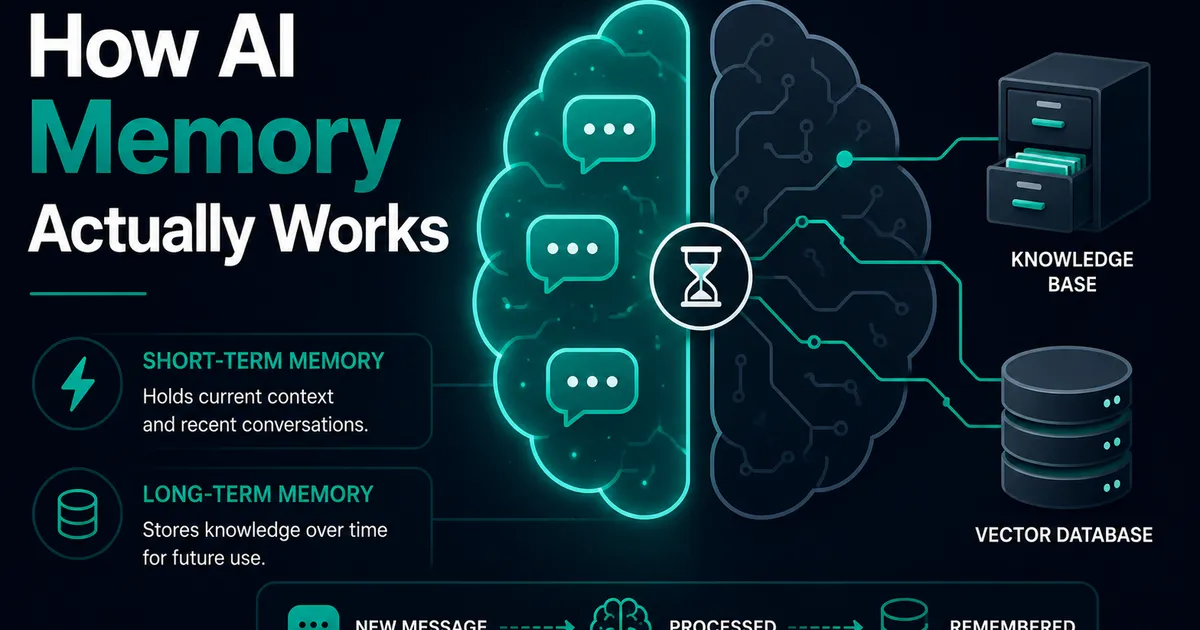
AI Memory Systems: Short-Term vs Long-Term Memory
Every API call meets a total stranger — LLMs remember nothing. How AI memory systems actually work: short-term, long-term, and forgetting.
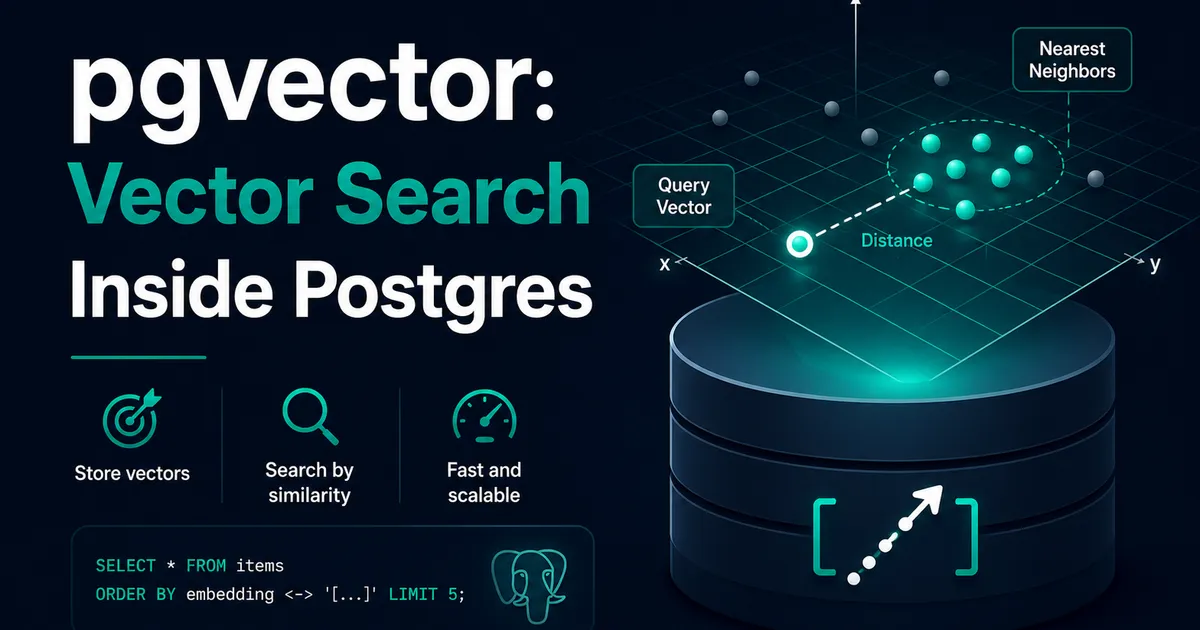
Vector Databases Explained with Supabase pgvector
I almost paid for a dedicated vector database. Turns out Postgres does it. A practical pgvector tutorial with Supabase — setup to indexes.
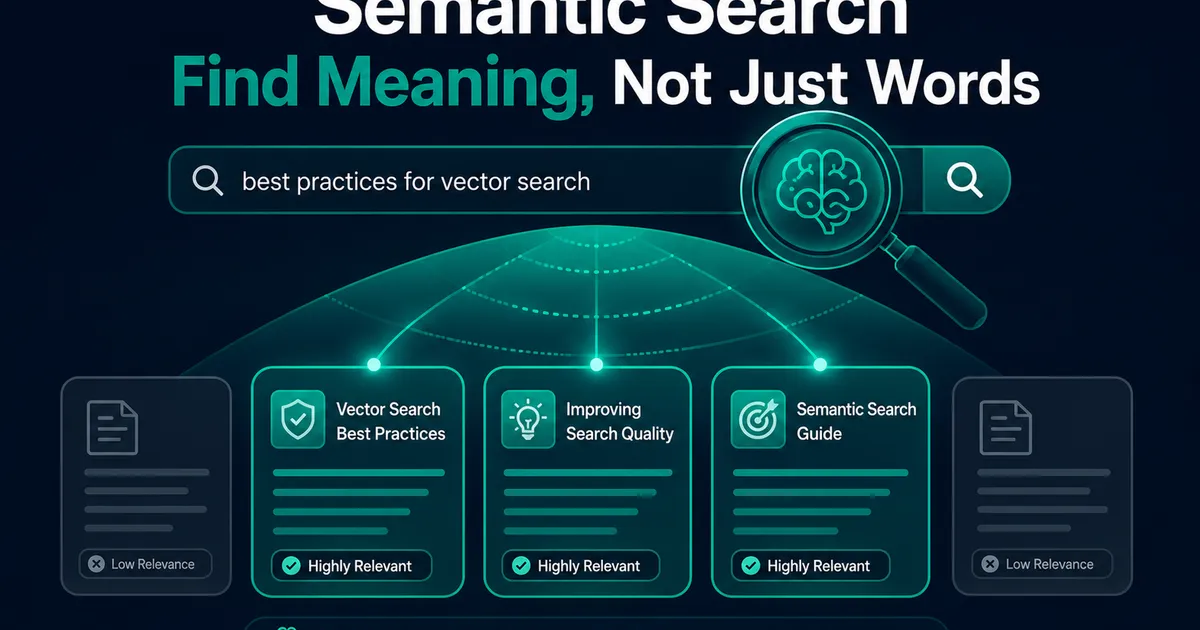
How I Added AI Search to My Next.js Website
Users searched "remove account," my docs said "delete account," search returned nothing. So I added AI semantic search to my Next.js site.