
What Is n8n? The Automation Tool I Wish I'd Found Before My Zapier Bill Blew Up
A while back I was manually copying leads from a Google Sheet into an email tool, one row at a time, three times a day. It was the kind of task that takes ten minutes but eats your whole afternoon because you keep putting it off. I finally got sick of it and signed up for Zapier. Great — problem solved. Until the free tier ran out, my "zaps" started failing quietly, and the bill for doing anything remotely complex made me wince.
Zeeshan Zakir
That's the exact moment a friend messaged me two words: "try n8n."
I ignored it for about a month. Then I gave in. And honestly, it changed how I think about the boring parts of running anything online. So let me save you that month.
So what actually is n8n?
n8n (you say it "n-eight-n," it stands for "nodes to nodes") is a workflow automation tool. In plain words: it connects your apps and lets them talk to each other automatically, so you stop being the human copy-paste machine in the middle.
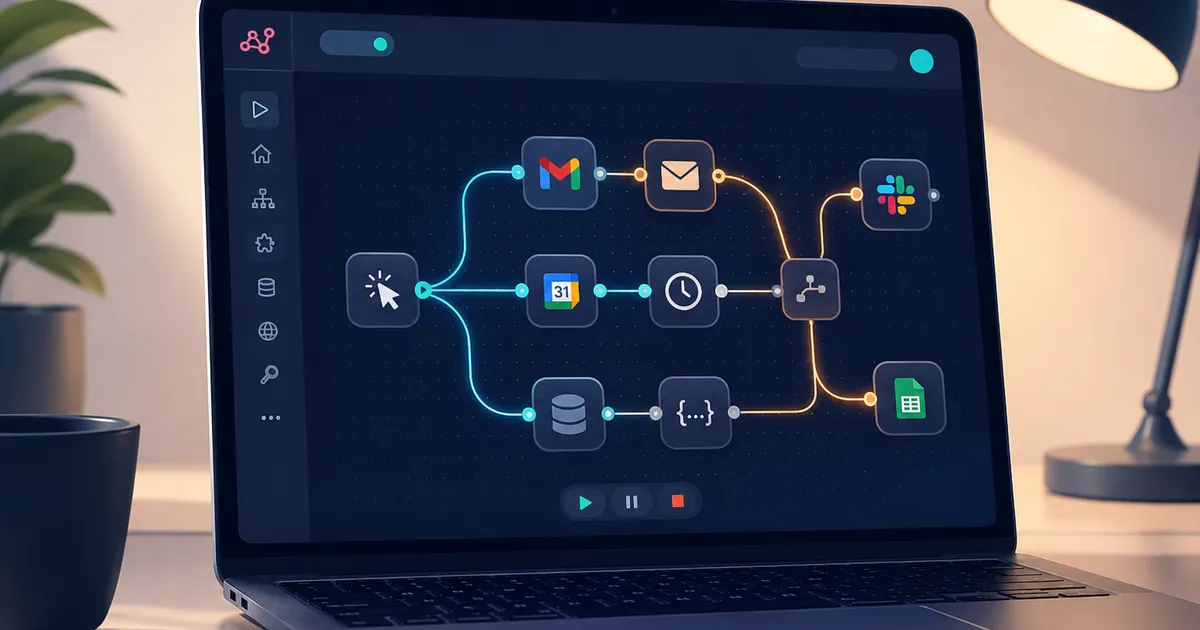
Think of it like building with Lego blocks. Each block is a "node" — one does something small, like "get new rows from a Google Sheet" or "send a Slack message" or "call an API." You drag these blocks onto a canvas, connect them with lines, and data flows from one to the next. That chain is called a workflow.
If you've used Zapier or Make before, you already get the idea. But n8n has two things that made me switch and never look back:
One — it's open source and you can self-host it. That means you can run it on your own server, and your data never leaves your control. For anything involving customer info or client data, that's a big deal.
Two — the pricing model is sane. More on that below, because it's the thing nobody explains properly.
The moment it clicked for me
My first real workflow was stupidly simple, and that's why I recommend it. Here's what I built:
Every time someone filled out a contact form on my site, n8n would grab the details, drop them into a Google Sheet, send me a Slack ping, and fire off a welcome email — all in about two seconds, with me doing nothing.
I built it in maybe twenty minutes. The first time I submitted a test form and watched the Slack notification pop up on its own, I actually laughed out loud. That little dopamine hit is what gets you hooked. Suddenly every repetitive task in your day looks like a workflow waiting to happen.
How n8n actually works (the 3 pieces you need to know)
You don't need to understand everything. You need to understand three things.
1. The trigger. This is what kicks off the workflow. It could be a schedule ("run every morning at 8am"), a webhook (something happens on another app and it pokes n8n), or an event like "a new email arrived." Every workflow starts with a trigger node.
2. The nodes in the middle. These do the actual work — fetch data, filter it, transform it, make decisions. This is where you connect Slack, Gmail, Google Sheets, Airtable, Notion, your database, or literally any service that has an API.
3. The connections. You draw lines between nodes to control the order things happen. Data flows down the line, and you can branch it, loop it, or add "if this, then that" logic.
That's the whole mental model. Trigger → do stuff → done.
The part I love is the visual editor. When you run a workflow, you can click on any node and see the exact data that passed through it. So when something breaks — and it will — you're not staring at a black box wondering what went wrong. You can literally watch where the data got stuck. That transparency saved me hours of debugging compared to other tools.
Let's build your first workflow (step by step)
Here's a genuinely useful one you can copy: get a daily Slack summary of your Google Calendar for the day. Simple, and you'll use it every morning.
Step 1 — Get n8n running. The fastest way to just try it is n8n Cloud's free tier. Sign up, and you're in the editor in two minutes. If you'd rather self-host (free, unlimited runs), you can install it with Docker or a quick npm command on a cheap server — but honestly, start with the cloud version to learn. Migrate later.
Step 2 — Add a Schedule Trigger. Click the "+" to add your first node, search for "Schedule," and set it to run every day at, say, 7:30am.
Step 3 — Add the Google Calendar node. Connect your Google account (n8n walks you through it), and set it to fetch today's events.
Step 4 — Add a Slack node. Connect Slack, pick the channel or your own DM, and write a message that pulls in the event data from the previous node.
Step 5 — Test it. Hit "Execute Workflow" and watch it run. Fix anything that looks off by clicking the node and checking the data. Once it works, flip it to "Active."
That's it. You now wake up to your day laid out in Slack, and you never touched a line of code.
Where n8n really earns its keep
The calendar thing is cute. Here's where it gets serious.
- Syncing data between systems. New Shopify order → update your inventory sheet → notify the warehouse → tag the customer in your CRM. All automatic.
- Lead handling. A form fill or ad lead gets enriched, scored, dropped into your pipeline, and assigned to someone — before it goes cold.
- Reporting. Pull numbers from three tools every Monday, format them, and email a clean report to your team. No more manual copy-paste into a doc.
- AI-powered stuff. This is the big 2026 shift. n8n now has native AI nodes for OpenAI, Anthropic (Claude), Google, and even local models via Ollama. There's an AI Agent node that can reason through a task, decide which tool to use, call it, look at the result, and try again — all inside your workflow, where you can watch every step.
That last one is a genuine game-changer. Instead of an AI that just spits out text, you get an AI that can actually do things — read an email, decide what it's about, look up the customer, and draft a reply. And because it runs inside n8n, you keep human approval steps and guardrails wherever you want them.
The pricing thing nobody explains clearly
This is the part that made me actually happy, so pay attention.
Zapier and Make charge you per task — basically per step. A workflow with fifteen steps burns fifteen tasks every single time it runs. That's why complex automations get expensive fast.
n8n charges per execution — per whole workflow run. A twenty-node monster workflow counts as one execution. So the more complex your automation, the more n8n saves you compared to the others. As of 2026, they even removed the old active-workflow limits, so you're only paying based on how often things run.
And if you self-host? Executions are unlimited and free under their fair-code license. You just pay for the small server it runs on — realistically $5 to $20 a month for a modest VPS, plus a bit of your time to set it up and keep it patched.
For context on how seriously the market's taking this: n8n took a big SAP investment in 2026 that pushed its valuation past $5 billion. It's not a hobby project anymore.
Mistakes I made so you don't have to
I self-hosted way too early. I wanted the "free unlimited" version immediately and spent a weekend fighting Docker instead of learning the actual tool. Start on the cloud free tier. Learn how workflows think. Self-host later when you have a real reason.
I stuck with the default database. Self-hosted n8n ships with SQLite by default, which is fine for playing around but falls over under real traffic. If you're going to run anything serious, switch to PostgreSQL from day one. Learned that one the hard way when a workflow started silently dropping data.
I didn't add error handling. My early workflows had no "what if this fails" path. So when an API was down for ten minutes, leads just vanished into the void with no alert. Add error branches and a notification when something breaks. Future you will be grateful.
I over-automated. Not everything needs a workflow. I once spent an hour automating a task I did twice a month. The math never math'd. Automate the stuff that's frequent and annoying, not the stuff that's rare and quick.
I ignored the AI Agent's cost and speed. Agent nodes are powerful but slow and token-hungry. A task that takes under a second as plain logic can take 10–30 seconds as an AI agent, and the model costs stack up. Use AI where you need judgment, and use plain nodes where you just need speed.
Is n8n right for you?
If you're a marketer or founder who just needs two apps to talk and wants zero fuss, honestly, a simpler tool might get you there faster on day one. n8n rewards you for being a little bit technical.
But if you're someone who keeps hitting the ceiling of "nice" automation tools — the ones that get pricey and boxed-in right when things get interesting — n8n is where you graduate to. You can start fully visual and never write code, then drop into a JavaScript or Python block the day you actually need custom logic. That flexibility is the whole point.
I went in expecting a cheaper Zapier. I came out with a tool that quietly runs a dozen things in the background of my work that I no longer even think about. That's the real win — not the automations you notice, but the ones you forget you ever set up.
If you've been putting off trying it like I did, don't. Spin up the free tier, build the calendar-to-Slack workflow above, and watch that first message arrive on its own. That little moment is usually all it takes.
Need help building this?
I offer full-stack development services for startups and product teams.
If you want a faster path from idea to shipped product, I can help with architecture, frontend systems, backend APIs, and launch-ready builds.
View ServicesShare this post
Related posts
More practical reading from the blog to keep your momentum going.
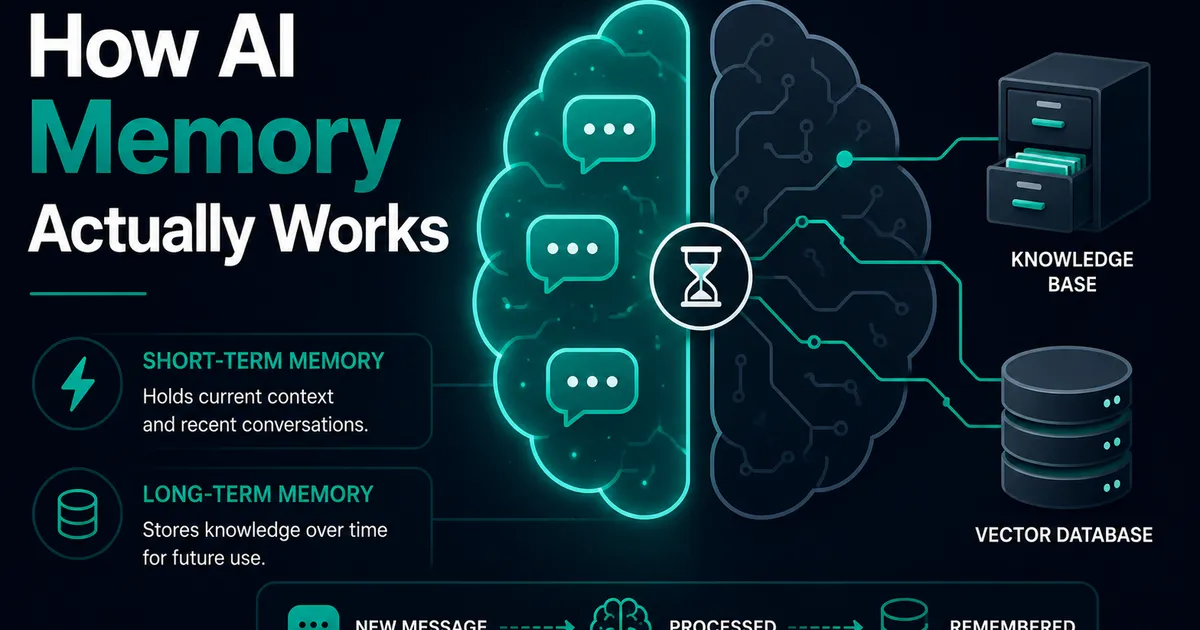
AI Memory Systems: Short-Term vs Long-Term Memory
Every API call meets a total stranger — LLMs remember nothing. How AI memory systems actually work: short-term, long-term, and forgetting.
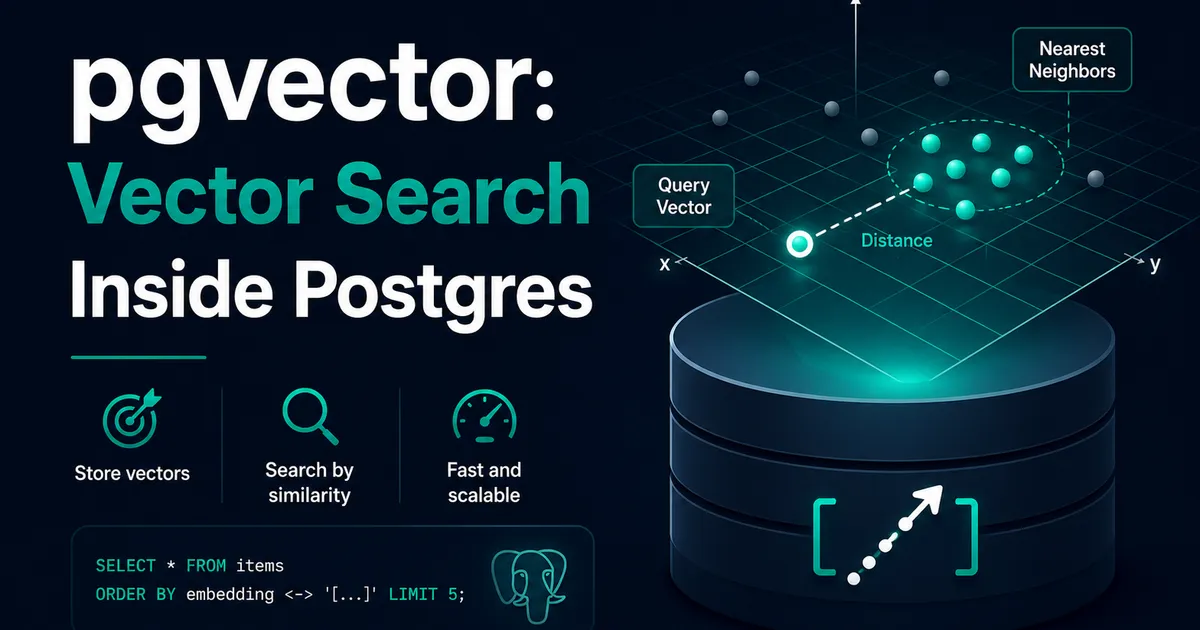
Vector Databases Explained with Supabase pgvector
I almost paid for a dedicated vector database. Turns out Postgres does it. A practical pgvector tutorial with Supabase — setup to indexes.
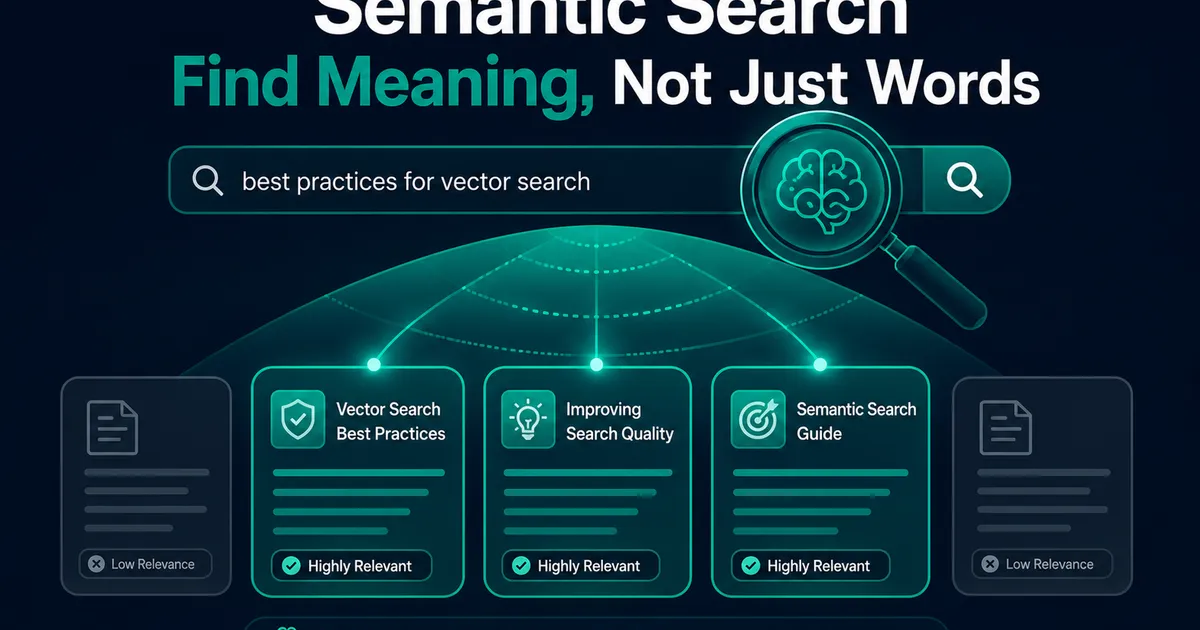
How I Added AI Search to My Next.js Website
Users searched "remove account," my docs said "delete account," search returned nothing. So I added AI semantic search to my Next.js site.