
What Is TypeScript? Why Every JavaScript Developer Should Learn It in 2026
JavaScript lets you ship a bug and only find out when a user hits it. TypeScript catches that same bug in your editor, before it ever runs. Here's what TypeScript actually is, why it took over, and why it's worth learning in 2026.
Zeeshan Zakir
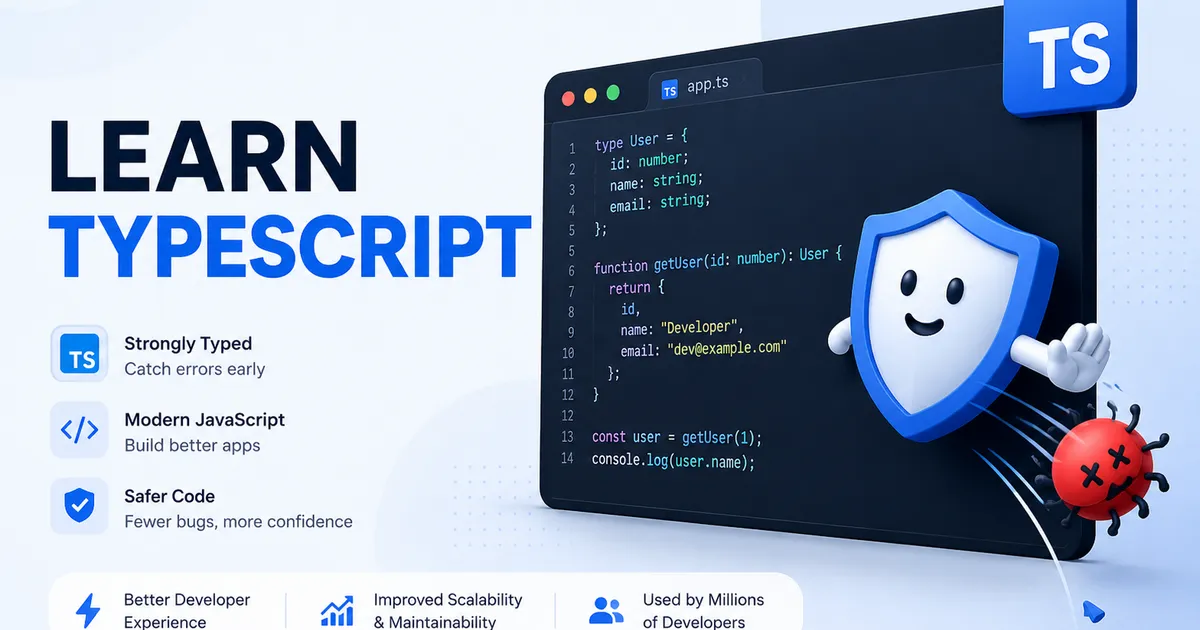
Here is a scenario every JavaScript developer knows. You write a function, it works, you ship it. Weeks later a user does something you did not expect — passes a number where you assumed a string, or reads a property that does not exist — and the app breaks in production. You spend an afternoon hunting a bug that a computer could have caught in a second.
That is the problem TypeScript was built to solve. And in 2026 it is no longer a niche preference. It is the default for professional JavaScript work, the most-used language on GitHub, and a skill that shows up in nearly every serious frontend and full-stack job posting. Let us unpack what it actually is.
TypeScript in one sentence
TypeScript is JavaScript with types added. That is genuinely the whole idea. It is a "superset" of JavaScript, which means every valid JavaScript file is already valid TypeScript. You are not throwing away what you know — you are adding a layer on top of it.
The key addition is the ability to describe the shape of your data. You can say "this variable is a number," "this function returns a string," or "this object always has an id and an email." A type checker then verifies, as you type, that your code respects those rules.
Because browsers and Node do not run TypeScript directly, it gets compiled (or, increasingly, its type annotations get stripped) down to plain JavaScript before it runs.
A quick before-and-after
Imagine a function that greets a user. In plain JavaScript, nothing stops you from calling it with the wrong kind of value, and the mistake only surfaces at runtime. In TypeScript, you declare that the function expects a string. The moment you try to pass a number, your editor underlines it in red and tells you exactly what is wrong — before you ever run the code.
That is the entire value proposition in miniature: mistakes move from runtime to write-time. A bug you catch while typing costs seconds. The same bug caught by a user costs hours.
Why TypeScript took over
TypeScript is not popular by accident. It solves real, expensive problems:
- Fewer runtime errors. A large share of common JavaScript bugs — undefined values, typos in property names, wrong argument types — are caught before the code runs.
- Better tooling. Because your editor understands your types, autocomplete becomes genuinely smart. It knows what methods exist on an object and warns you when you misuse them.
- Self-documenting code. Types describe intent. A new developer reading a typed function immediately knows what goes in and what comes out, without digging through the implementation.
- Confidence when refactoring. Change a data structure and the type checker instantly flags every place that needs updating. On large codebases this is transformative.
- Team scalability. Types are a contract. On a team, they stop one person's assumptions from silently breaking another person's code.
JavaScript vs TypeScript at a glance
| Aspect | JavaScript | TypeScript |
|---|---|---|
| Type system | Dynamic (checked at runtime) | Static (checked before running) |
| Error detection | When the code runs | While you type |
| Editor autocomplete | Limited | Rich and context-aware |
| Learning curve | Lower | Slightly higher (worth it) |
| Runs directly in browser/Node | Yes | Compiled/stripped to JS first |
| Best for | Quick scripts, tiny projects | Anything you will maintain or scale |
The state of TypeScript in 2026
TypeScript is moving fast right now. TypeScript 6.0 shipped in early 2026 as the final release built on the original JavaScript-based compiler. The big story is TypeScript 7.0, a ground-up rewrite of the compiler in the Go language (internally nicknamed "Corsa") that reached release-candidate stage in mid-2026. The payoff is dramatic: the team reports the new compiler is often around ten times faster than before, with large projects type-checking in a fraction of the time.
At the same time, running TypeScript has gotten easier. Modern Node.js can execute TypeScript files directly by stripping the type annotations, and runtimes like Deno and Bun treat TypeScript as a first-class citizen with no separate build step. The friction that once made people hesitate is disappearing.
How to start learning TypeScript
You do not need to overhaul everything at once:
- Learn JavaScript first. TypeScript assumes solid JavaScript fundamentals. If you are still building those, start there (our Learn Web Dev Free guide can help).
- Add TypeScript to a small project. Rename a
.jsfile to.tsand let the type checker start pointing things out. You will learn by fixing what it flags. - Learn the core types.
string,number,boolean, arrays, objects,interface, andtype. That covers the vast majority of daily work. - Turn on
strictmode. It is stricter, but it teaches good habits early and catches far more. - Use it in React or Next.js. Both have excellent TypeScript support, and typing your components makes them dramatically easier to work with. (See React vs Next.js.)
Common mistakes beginners make
- Overusing
any. Theanytype turns off checking and defeats the purpose. Use it as a last resort, not a default. - Fighting the compiler instead of listening to it. When TypeScript complains, it is usually right. Read the error rather than silencing it.
- Trying to type everything perfectly on day one. Start loose, tighten gradually. Perfect types are a journey, not an entry requirement.
- Skipping JavaScript fundamentals. You cannot shortcut past JS. TypeScript sits on top of it.
Expert tips
- Let inference do the work. You do not need to annotate everything. TypeScript can often figure out types on its own — annotate function signatures and data shapes, and let it infer the rest.
- Define shared data shapes as
interfaceortype. One source of truth for your data models keeps a whole codebase consistent. - Enable strict mode from the start on new projects. Retrofitting strictness later is harder than living with it from day one.
- Treat red squiggles as a gift. Every one is a bug you did not ship.
Frequently asked questions
Is TypeScript hard to learn? If you already know JavaScript, no. TypeScript adds a layer rather than replacing what you know. Most developers are productive within days.
Is TypeScript replacing JavaScript? Not exactly. TypeScript compiles down to JavaScript, which still runs everywhere. Think of TypeScript as the way many developers now write JavaScript, not a replacement for it.
Do I need TypeScript for small projects? Not always. For a throwaway script, plain JavaScript is fine. For anything you will maintain, share, or scale, TypeScript pays for itself quickly.
Does TypeScript slow down my app? No. Types are checked during development and removed before the code runs. The JavaScript that ships to users is just as fast.
Is TypeScript worth learning in 2026? Absolutely. It is the most-used language on GitHub, the default for serious web work, and a near-universal requirement in professional job listings.
Need help building this?
I offer full-stack development services for startups and product teams.
If you want a faster path from idea to shipped product, I can help with architecture, frontend systems, backend APIs, and launch-ready builds.
View ServicesShare this post
Related posts
More practical reading from the blog to keep your momentum going.
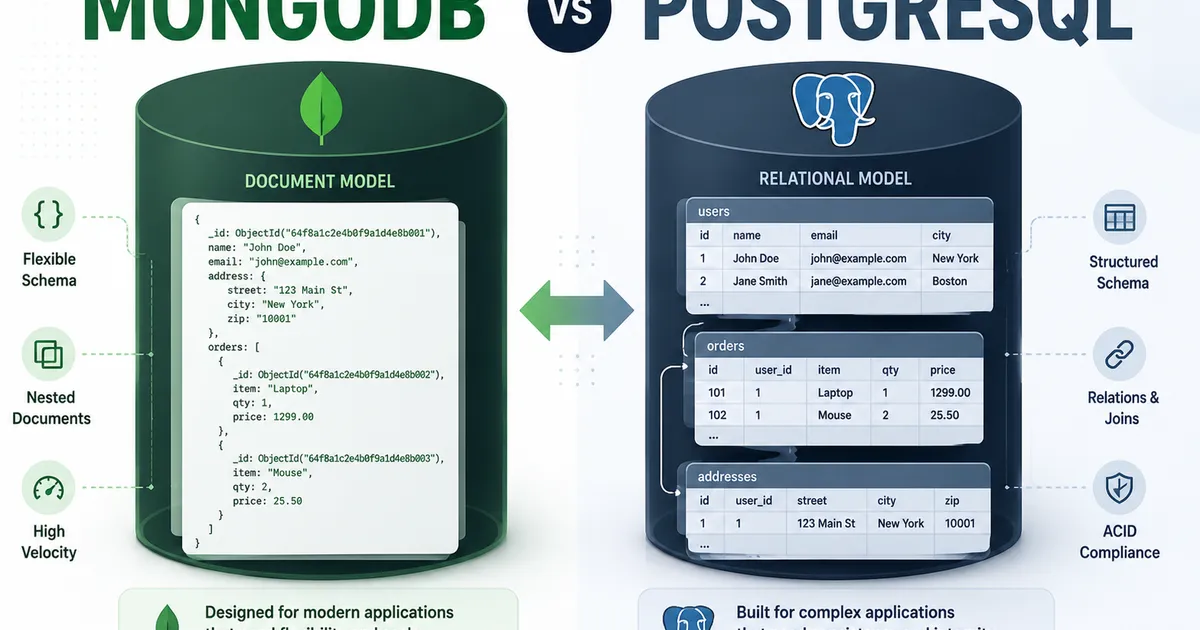
MongoDB vs PostgreSQL: Which Database Should You Choose in 2026?
Choosing a database feels like a permanent decision, so it paralyzes people. Here's the truth: MongoDB and PostgreSQL are both excellent, and the "right" one depends on your data's shape, not on hype. Here's how to decide with confidence.
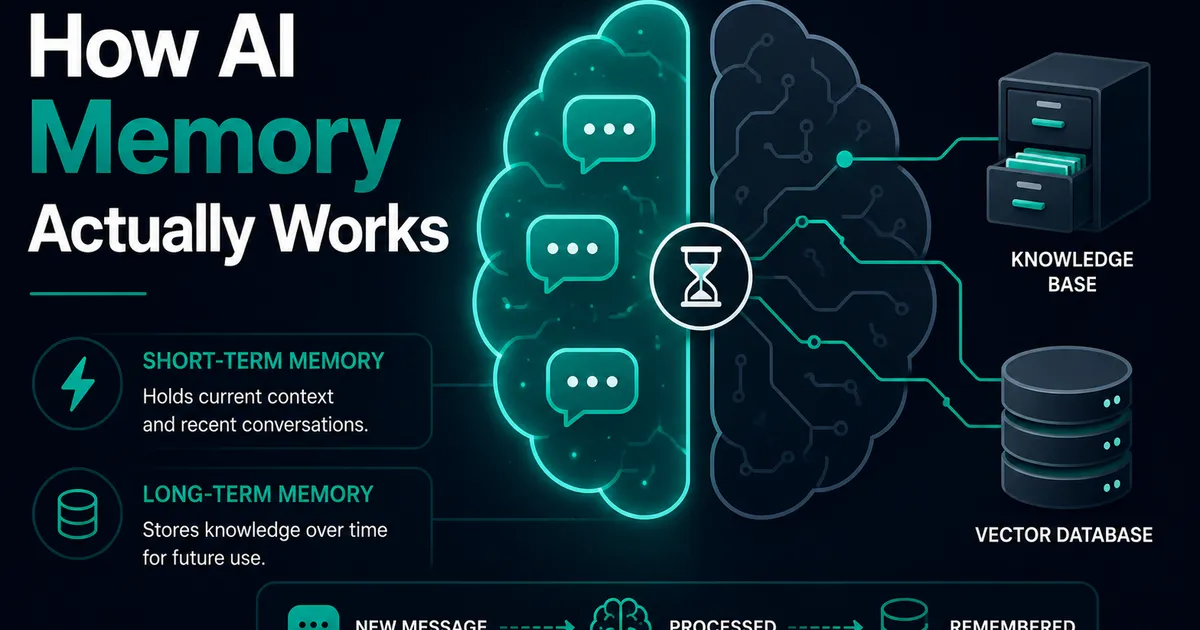
AI Memory Systems: Short-Term vs Long-Term Memory
Every API call meets a total stranger — LLMs remember nothing. How AI memory systems actually work: short-term, long-term, and forgetting.
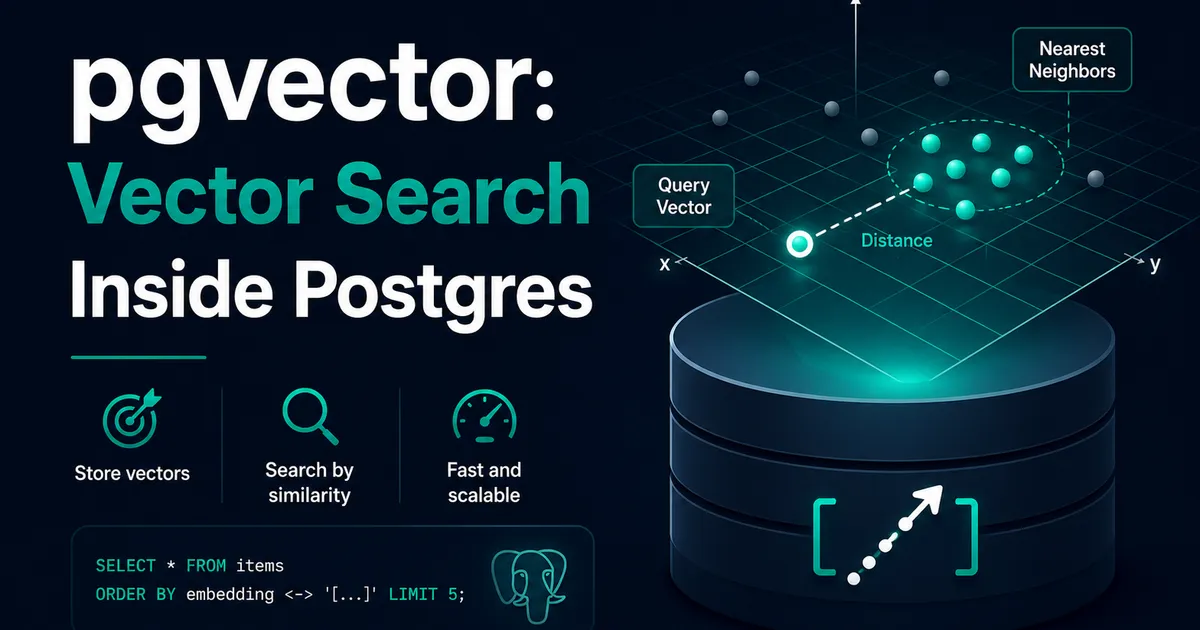
Vector Databases Explained with Supabase pgvector
I almost paid for a dedicated vector database. Turns out Postgres does it. A practical pgvector tutorial with Supabase — setup to indexes.