
React vs Next.js in 2026: Which One Should You Actually Use?
Should I learn React or Next.js?" is the wrong question — Next.js is React. The real question is when the framework earns its extra complexity, and when a plain React app is the smarter call. Here's how I decide.
Zeeshan Zakir
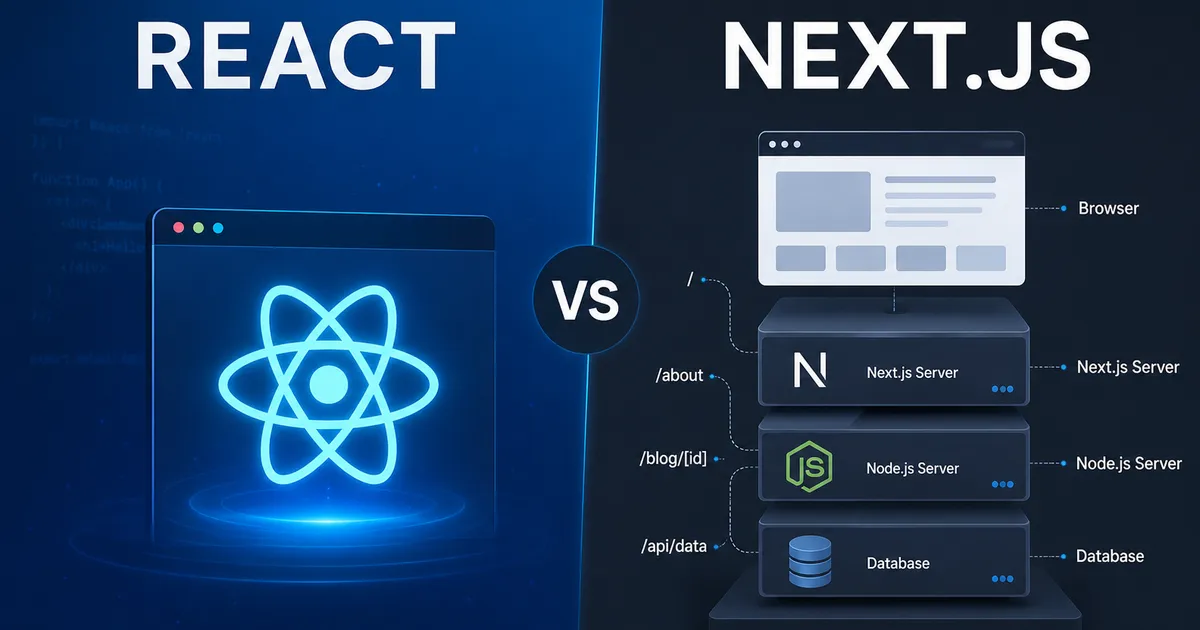
If you have spent any time in developer communities, you have seen the question a hundred times: "Should I learn React or Next.js?" It sounds reasonable, but it contains a hidden mistake. Next.js is not a competitor to React. It is a framework built on top of React. Asking whether to use React or Next.js is a bit like asking whether to use an engine or a car.
The useful question is different: do you need the framework, or just the library? That is what this guide answers. By the end you will have a clear rule for choosing between a plain React application and a full Next.js project, grounded in how both actually work in 2026.
What React actually is
React is a JavaScript library for building user interfaces out of components. That is its entire job. It gives you a way to describe what the screen should look like for a given piece of state, and it efficiently updates the DOM when that state changes.
What React deliberately does not give you is opinions about the rest of your application. Routing, data fetching, server rendering, bundling, folder structure — React leaves all of that to you or to tools you bolt on. When people say "a React app," they usually mean a single-page application (SPA) built with a tool like Vite, where everything renders in the browser after the JavaScript loads.
That freedom is a strength and a weakness. You get total control, but you also have to assemble and maintain a lot of moving parts yourself.
What Next.js adds on top
Next.js takes React and wraps it in a batteries-included framework. It answers the questions React leaves open, and it does so with production defaults. The current line is Next.js 16 (16.2.x as of mid-2026), which ships with Turbopack as the default bundler, React 19.2 under the hood, and a caching model you opt into explicitly.
The headline features Next.js gives you out of the box:
- File-based routing. Create a file in the
appdirectory and you have a route. No router config. - Server-side rendering (SSR) and static generation (SSG). Pages can be rendered on the server or pre-built at deploy time, which is huge for SEO and first-load speed.
- React Server Components. Components that run on the server and send zero JavaScript to the browser by default, shrinking your bundle.
- API routes and Server Actions. Backend logic lives in the same project as your frontend.
- Image, font, and script optimization. Built in, not bolted on. In short, Next.js trades some of React's freedom for a paved road. For most production websites, that trade is worth it.
The core difference: where your code runs
Everything comes back to one idea. A plain React SPA runs almost entirely in the browser. The server sends a near-empty HTML shell, and JavaScript builds the page after it loads. Next.js can render on the server first, sending real HTML that is visible immediately — to users and, critically, to search engine crawlers and social media preview bots.
That single difference drives most of the practical decisions below. If a page needs to be indexed by Google, shared with rich link previews, or shown instantly on a slow connection, server rendering matters. If it is a private dashboard behind a login where SEO is irrelevant, it usually does not.
React vs Next.js: side-by-side
| Factor | Plain React (SPA) | Next.js |
|---|---|---|
| What it is | UI library | Full framework built on React |
| Rendering | Client-side by default | Server, static, or client |
| Routing | You add it (React Router) | Built-in, file-based |
| SEO | Weak out of the box | Strong (server-rendered HTML) |
| Setup | Minimal, very flexible | More conventions, less config |
| Backend | Separate project needed | API routes + Server Actions included |
| Best for | Dashboards, internal tools, embedded widgets | Marketing sites, blogs, e-commerce, SaaS |
| Learning curve | Gentler to start | Steeper (server concepts) |
| Hosting | Any static host | Vercel or a Node-capable host |
When a plain React app is the right call
Reach for a plain React SPA (usually via Vite) when:
- You are building an internal tool or admin dashboard that lives behind authentication. SEO does not matter, so server rendering earns you little.
- You are embedding a widget into an existing site or a non-JavaScript backend.
- You want the simplest possible mental model while learning React fundamentals, without server concepts muddying the water.
- Your app is highly interactive and app-like rather than content-like — think a drawing tool or a spreadsheet.
When Next.js wins
Choose Next.js when:
- The project has public, indexable content: a marketing site, a blog, a documentation portal, an e-commerce storefront. Server rendering is a direct SEO advantage. (If you are weighing content structure, our guide on what an API is pairs well here.)
- You want one codebase for frontend and backend logic instead of standing up a separate server.
- Performance on first load is a priority and you want image, font, and route optimizations handled for you.
- You are building a SaaS product and want a scalable structure from day one. (We walk through exactly this in How to Build a SaaS with Next.js.)
Common mistakes developers make
- Treating them as rivals. You do not "graduate" from React to Next.js. You learn React, then decide per project whether you also want the framework.
- Using Next.js for a private dashboard and fighting the server model. If nothing needs SEO or SSR, the extra concepts can slow you down.
- Building a plain SPA for a content site, then bolting on SEO hacks. Prerendering after the fact is painful. Start with Next.js if content discovery matters.
- Skipping React fundamentals. Next.js assumes you understand components, props, state, and hooks. Learn React first. Our Full Stack Roadmap sequences this properly.
Expert tips
- Learn React deeply before Next.js. Every Next.js concept sits on a React foundation. Solid fundamentals make the framework feel obvious rather than magical.
- Default to the App Router on new Next.js projects, not the older Pages Router. It is where the ecosystem and new features are going.
- Do not over-engineer. A small portfolio or landing page does not need a heavy setup. Next.js scales down gracefully, but so does a simple Vite + React app.
- Watch your caching. Next.js 16 makes caching explicit — understand when data is cached versus fresh so you do not ship stale pages.
Need help building this?
I offer full-stack development services for startups and product teams.
If you want a faster path from idea to shipped product, I can help with architecture, frontend systems, backend APIs, and launch-ready builds.
View ServicesShare this post
Related posts
More practical reading from the blog to keep your momentum going.
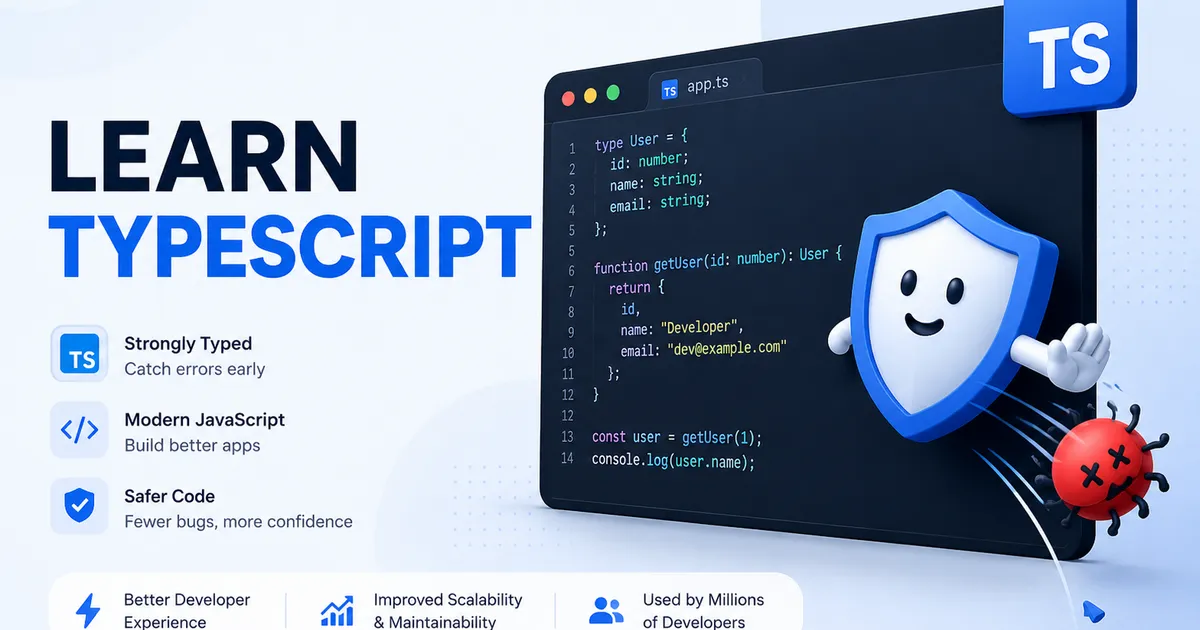
What Is TypeScript? Why Every JavaScript Developer Should Learn It in 2026
JavaScript lets you ship a bug and only find out when a user hits it. TypeScript catches that same bug in your editor, before it ever runs. Here's what TypeScript actually is, why it took over, and why it's worth learning in 2026.

MongoDB vs PostgreSQL: Which Database Should You Choose in 2026?
Choosing a database feels like a permanent decision, so it paralyzes people. Here's the truth: MongoDB and PostgreSQL are both excellent, and the "right" one depends on your data's shape, not on hype. Here's how to decide with confidence.

Supabase Row Level Security Explained with Real Examples (Copy These Policies)
Row Level Security finally clicked for me after one scary near-miss. Real policies you can copy — todos, blogs, teams, and admin roles.