
TypeScript for Beginners — Why You Should Learn It Now (And How to Start)
I ignored TypeScript for 18 months because it looked complicated. Then I was forced to use it on a client project. Here's what I learned in the first week.
Zeeshan Zakir
For the first two years of my JavaScript career I actively avoided TypeScript. Every time I saw TypeScript code in a tutorial I would close the tab and find a plain JavaScript version instead. It looked like JavaScript with extra bureaucratic syntax that slowed everything down for no obvious reason.
Then a client handed me an existing Next.js codebase that was fully TypeScript. I didn't have the option to opt out. I had a deadline. I had to figure it out fast.
By the end of that first week I understood why TypeScript exists. By the end of the project I was angry at myself for avoiding it so long. It had been solving problems I was experiencing every single day in plain JavaScript — I just didn't know it yet.
What TypeScript Actually Is
TypeScript is JavaScript with types. That's the honest one-line explanation.
In plain JavaScript, you can write this and it will run without any error until someone uses your code wrong:
function addNumbers(a, b) {
  return a + b
}

addNumbers("5", 10) // Returns "510" instead of 15
JavaScript doesn't know that a and b should be numbers. It accepts anything you pass in and tries to figure out what to do. In this case it concatenates a string and a number instead of adding them.
TypeScript solves this by letting you tell JavaScript exactly what type each value should be:
function addNumbers(a: number, b: number): number {
  return a + b
}

addNumbers("5", 10) // TypeScript shows an error BEFORE you run this
Now TypeScript tells you immediately — before you run the code, before you deploy, before a user hits the bug — that you're passing the wrong type. The error lives in your editor as a red squiggle rather than in production as a bug report.
That's the core value proposition. TypeScript catches type-related bugs at write time instead of runtime.
Why JavaScript Developers Resist TypeScript
The resistance usually comes from one of two places.
The first is that TypeScript code looks more verbose. You're adding : string, : number, interface, and type everywhere, and if you just want to write a quick function that adds two numbers, the extra syntax feels like overhead for no benefit.
The second is that setting up TypeScript feels complicated. Configuring tsconfig.json, understanding strict mode, dealing with red squiggles you don't understand — all of this creates friction that makes plain JavaScript feel much easier.
Both of these feelings are real and valid. TypeScript does have a learning curve. The question is whether the investment pays off. For any project larger than a weekend experiment, the answer is decisively yes.
The Moment TypeScript Saves You
Let me give you a real scenario from that client project I mentioned.
The codebase had a function that fetched a user object from the database and returned it. In about six different places across the codebase, other functions called that user object and accessed its properties.
Partway through the project the schema changed — the username field was renamed to userName (capital N). In plain JavaScript, finding every place that used the old property name would mean either a manual search-and-replace, hoping you didn't miss any, or running the app and clicking through every screen hoping each one fails loudly.
With TypeScript, the moment the interface for the user object was updated, every single file that used the old username property showed a red error immediately. The editor found all six places before I ran a single line of code. The refactor that would have taken an hour of hunting took four minutes.
That's when I stopped thinking of TypeScript as a syntax tax and started thinking of it as a debugging tool built into my editor.
The Three TypeScript Concepts You Need First
You don't need to understand all of TypeScript to start getting value from it. These three concepts cover 80% of what you'll write day to day.
Basic type annotations. Adding : string, : number, : boolean, : string[], and similar annotations to your function parameters and variables. This is the entry point and immediately makes your functions self-documenting.
Interfaces and types. Defining the shape of objects you work with repeatedly — user objects, API responses, form data. Once you define the shape, TypeScript enforces it everywhere that shape is used.
interface User {
  id: string
  name: string
  email: string
  createdAt: Date
}
Now anywhere in your code that expects a User, TypeScript will make sure you're providing all the required fields with the right types.
The any escape hatch. When you encounter something TypeScript is yelling about and you genuinely don't know how to type it correctly yet, any temporarily tells TypeScript to stop checking that value. It's a crutch to avoid in production code, but it's a useful learning tool when you're starting out. Use it to get things working, then gradually replace it with proper types as you understand more.
How to Actually Start Learning TypeScript Today
The most effective path I know is to start with a new Next.js project. When you run npx create-next-app@latest, one of the questions is whether to use TypeScript. Say yes.
You don't need to understand TypeScript fully before you start. Start the project, and when TypeScript shows a red squiggle under something, hover over it and read the error message. Most TypeScript errors are actually very readable. "Argument of type 'string' is not assignable to parameter of type 'number'" is plain English telling you exactly what's wrong.
The TypeScript documentation has an excellent "TypeScript for JavaScript Programmers" page that covers the fundamentals without assuming you have a computer science background.
The key mindset shift is to treat TypeScript errors as your friend rather than your opponent. Every red squiggle is the editor catching something that would have become a runtime bug. That's free debugging.
Common Beginner Mistakes With TypeScript
The biggest mistake is over-typing everything immediately. New TypeScript developers sometimes add explicit types to every single variable, including ones TypeScript can infer automatically. This makes code verbose and harder to read without adding safety.
TypeScript is good at inference. If you write const name = "Zeeshan", TypeScript already knows name is a string without you writing const name: string = "Zeeshan". Add explicit types where they matter — function parameters, return types, and complex objects — and let inference handle the simple stuff.
The second mistake is using any everywhere permanently. Using any disables TypeScript's checking for that value and defeats the purpose. Use it as a temporary crutch while learning, but make a habit of replacing it with proper types over time.
The third mistake is not reading error messages. TypeScript errors can look intimidating, especially with generic types. But most of the time if you read the message slowly it tells you exactly what it expected and what it received. Reading errors carefully is a skill that pays off quickly.
Is TypeScript Worth It for Solo Projects and Freelance Work
For personal side projects under a few hundred lines — probably not worth the setup overhead. Plain JavaScript moves faster for quick experiments.
For any project a client will maintain after you hand it off — absolutely worth it. TypeScript makes codebases dramatically more navigable for the next person who opens them.
For any project you'll work on for more than a few weeks — worth it. The type errors you catch in week two are bugs you don't chase in week six.
Most job postings for React and Node.js positions now expect TypeScript familiarity. If you're job hunting or building a freelance profile, TypeScript is not optional anymore in 2026 — it's a baseline expectation.
Need help building this?
I offer full-stack development services for startups and product teams.
If you want a faster path from idea to shipped product, I can help with architecture, frontend systems, backend APIs, and launch-ready builds.
View ServicesShare this post
Related posts
More practical reading from the blog to keep your momentum going.
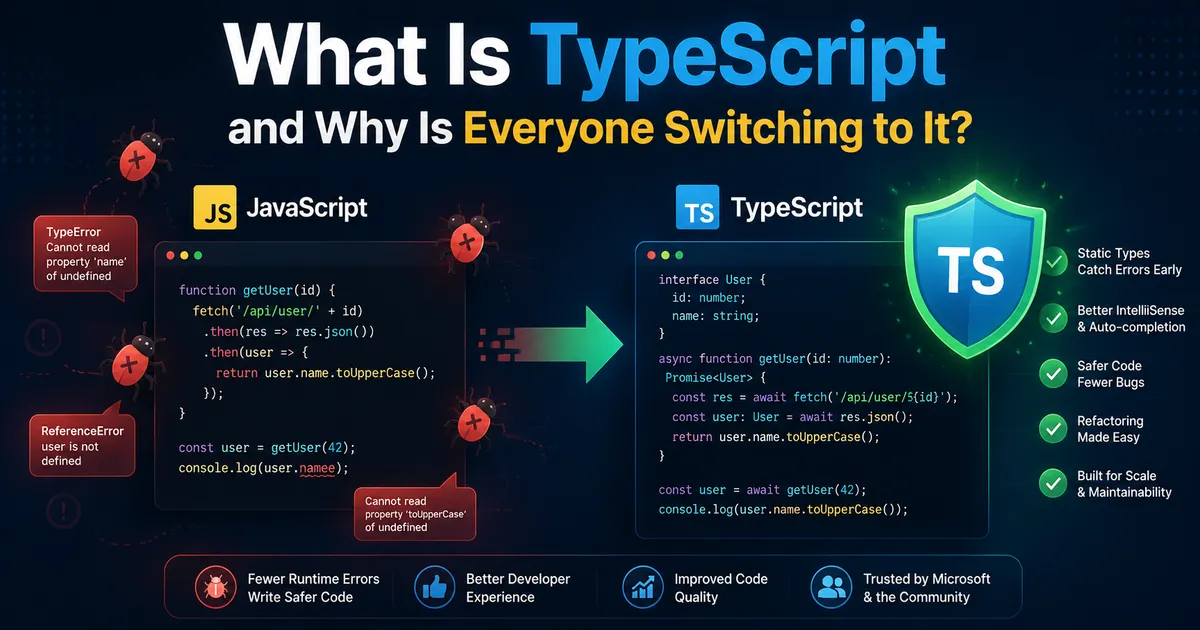
What Is TypeScript and Why Every Developer Is Switching to It in 2026
TypeScript went from optional to expected in just a few years. Here's a plain-English explanation of what it is, why it exists, and whether you need to learn it.
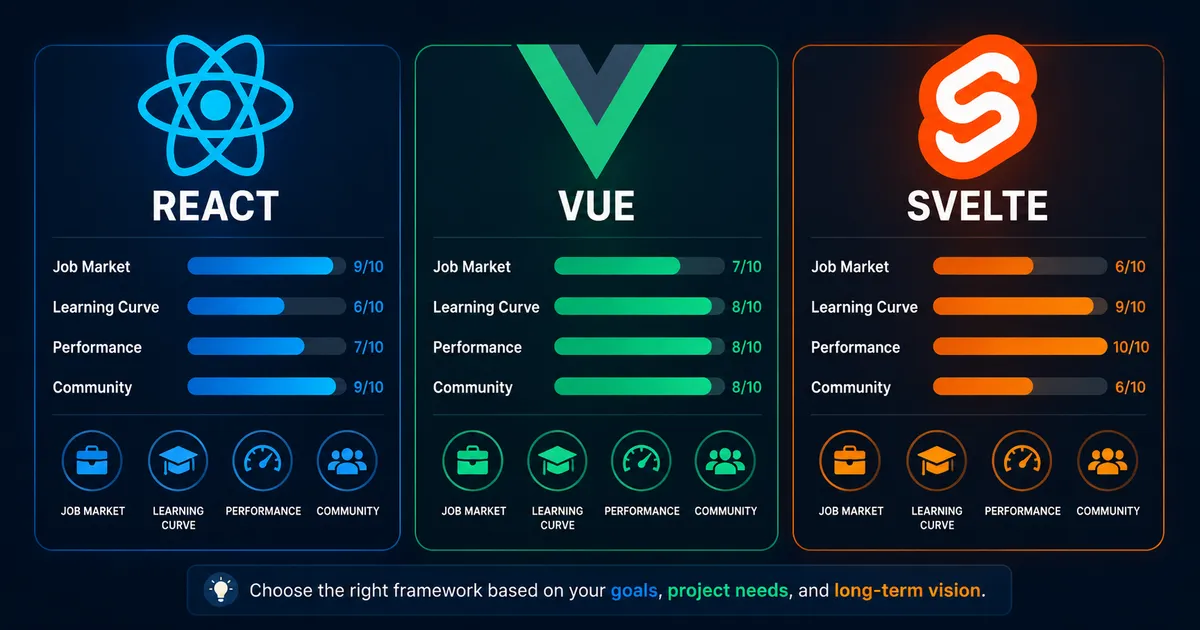
React vs Vue vs Svelte — Which JavaScript Framework Should You Learn in 2026?
I've built real projects with all three. Here's an honest comparison — not based on benchmarks, but on what it actually feels like to use them day to day.
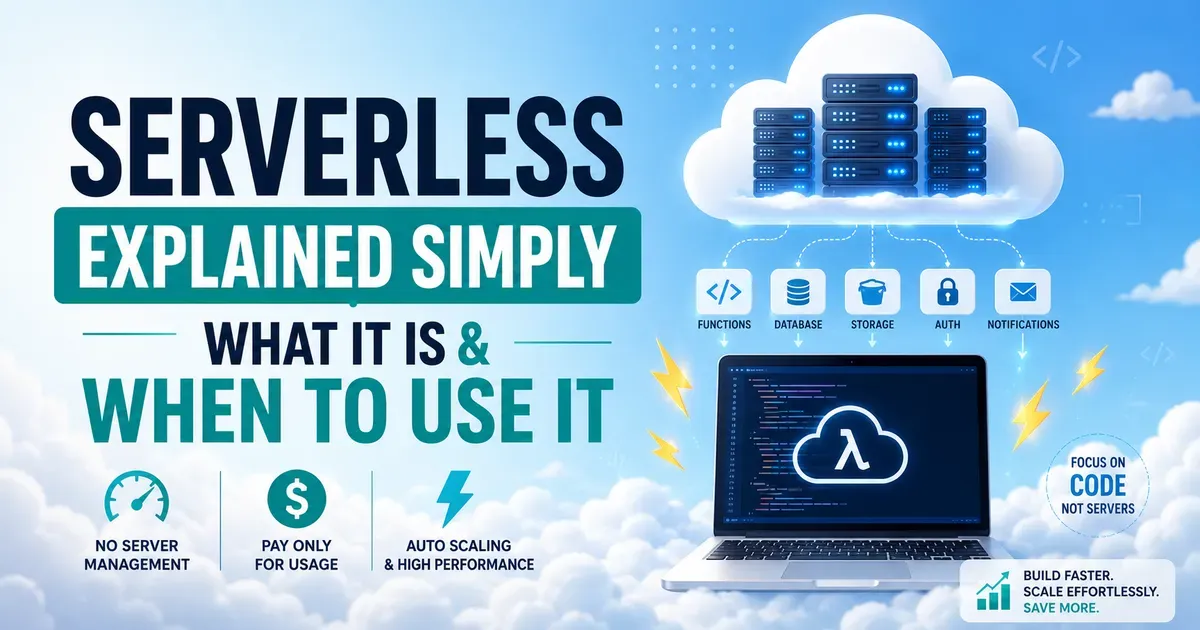
What Is Serverless Computing and Should You Actually Use It? (2026 Guide)
Serverless" has one of the worst names in tech. Here's what it actually means, why developers use it, and when it makes sense for your project.