
Claude Code vs GitHub Copilot: Real Developer Review
I used both daily for months. My honest Claude Code vs GitHub Copilot review — where each wins, real costs, and which one I'd keep.
Zeeshan Zakir
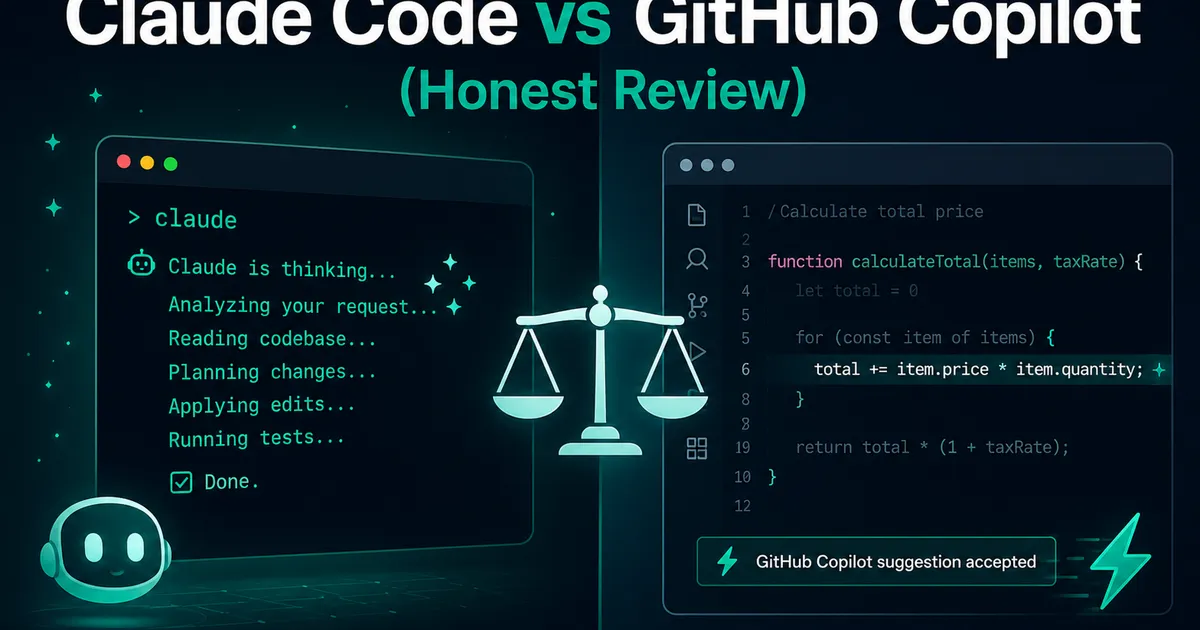
The question lands in my DMs about once a week now, usually from someone deciding where to put their tool budget: Claude Code or GitHub Copilot? I've been running both daily for months on real client work — the same projects you've read about on this blog — so this is the review I keep half-writing in reply, finished properly. No sponsorship, no affiliate anything, just what my invoices and my git history say.
The most useful thing I can tell you comes first: this is not actually a versus. These tools occupy different seats, and the comparison only makes sense once you see which seat is which.
Two different animals
GitHub Copilot lives inside your editor and works while you type. Ghost-text completions appear mid-keystroke; a chat panel answers questions; newer agent-style features can apply multi-file edits. Its unit of work is seconds. It makes the typing you were already doing faster.
Claude Code lives in your terminal and works instead of you typing. You describe a task — "migrate these API routes to the new auth pattern and update the tests" — and it explores the repo, reads the relevant files, makes the changes, runs the commands, and reports back. Its unit of work is minutes. It takes tasks off your plate rather than accelerating your hands.
One is a faster pen. The other is a junior developer who never sleeps. Different seats.
Living with Copilot
Copilot's genius is friction — specifically, the absence of it. Write a function signature and a comment, and the body materializes. Start the third test case and it has learned the pattern from the first two. For boilerplate, tests, and the thousand small predictable moments of coding, it's genuinely delightful, and the free tier plus a modest Pro price makes it the easiest yes in dev tooling.
Its danger is the same as its charm: speed. The suggestions are plausible at a rate that trains you to stop reading them. My humbling moment: a Copilot-completed date calculation that handled month boundaries almost correctly — accepted at typing speed, shipped, and caught by a user two weeks later. The bug was mine; I pressed Tab. But the tool's entire design optimizes for Tab getting pressed. Copilot makes you faster at everything, including mistakes.
Living with Claude Code
Claude Code took a day to stop feeling strange — delegating to a terminal instead of typing in an editor is a genuine workflow shift. Then came the task that converted me: remember the row level security audit across my tables? The follow-up work — finding every table missing an update policy and drafting consistent fixes — was an afternoon of careful, boring work. I described it in two sentences. It read the schema, found the gaps (including one I'd missed), wrote the policies in my existing style, and summarized what it did. Twenty minutes, most of which I spent reviewing.
That's the pattern: cross-file refactors, dependency migrations, "why is this test flaky" investigations, README updates that require actually reading the code. Work with scope. A CLAUDE.md file in the repo root — conventions, commands, warnings — makes it dramatically better, and its MCP support means it can reach tools beyond the repo.
Its failure mode is enthusiasm. Early on, loosely-specified tasks came back with changes I hadn't asked for — helpful-ish, but review burden. I learned to write task descriptions like tickets: goal, boundaries, what not to touch. Scoped tightly, it's excellent; scoped lazily, you're code-reviewing a very confident intern.
The money conversation
Honest numbers, as of my writing (prices shift — check current pages): Copilot has a free tier with limited completions, and the paid individual tier costs about what two coffees do monthly. Claude Code's usage comes bundled with Claude's subscription plans, where the entry plan covers moderate daily use with limits, and heavy agentic work wants the pricier tiers or API billing. On my heaviest month of Claude Code the subscription math still beat what the same hours of my time bill at — but it is unambiguously the more expensive tool, and if budget is the constraint, that fact alone decides this review.
Head to head, task by task
| Task | Winner | Why |
|---|---|---|
| Writing a function you can already picture | Copilot | Zero friction beats everything at small scale |
| Tests and boilerplate while coding | Copilot | Pattern-completion is its native sport |
| Multi-file refactor | Claude Code | One prompt vs an afternoon |
| Debugging across logs + code | Claude Code | It reads, runs, and hypothesizes |
| Learning an unfamiliar codebase | Claude Code | "Explain how auth flows here" with receipts |
| Staying in flow | Copilot | Never leaves the editor |
| Budget of exactly one coffee | Copilot | The free tier exists |
So which one?
I kept both, and that's a real answer, not a cop-out: Copilot runs all day as ambient acceleration; Claude Code gets invoked several times a day as delegation. They overlap maybe 20%.
Forced to choose one? It depends on what your week looks like. If you're learning, budget-constrained, or your work is mostly writing new code — Copilot, without hesitation; it's the better deal and the gentler habit. If your week is maintaining real codebases — refactoring, debugging, migrations, the archaeology of existing systems — Claude Code changed my output in a way autocomplete never did, and I'd pay its bill first.
The meta-lesson after months with both: the skill that transfers is neither tool. It's specifying work clearly and reviewing it skeptically — the same two skills that make delegating to humans work. The tools are getting better at their halves. Ours is still ours.
Need help building this?
I offer full-stack development services for startups and product teams.
If you want a faster path from idea to shipped product, I can help with architecture, frontend systems, backend APIs, and launch-ready builds.
View ServicesShare this post
Related posts
More practical reading from the blog to keep your momentum going.

AI Memory Systems: Short-Term vs Long-Term Memory
Every API call meets a total stranger — LLMs remember nothing. How AI memory systems actually work: short-term, long-term, and forgetting.
Vector Databases Explained with Supabase pgvector
I almost paid for a dedicated vector database. Turns out Postgres does it. A practical pgvector tutorial with Supabase — setup to indexes.

How I Added AI Search to My Next.js Website
Users searched "remove account," my docs said "delete account," search returned nothing. So I added AI semantic search to my Next.js site.